Editing & Software 89/100
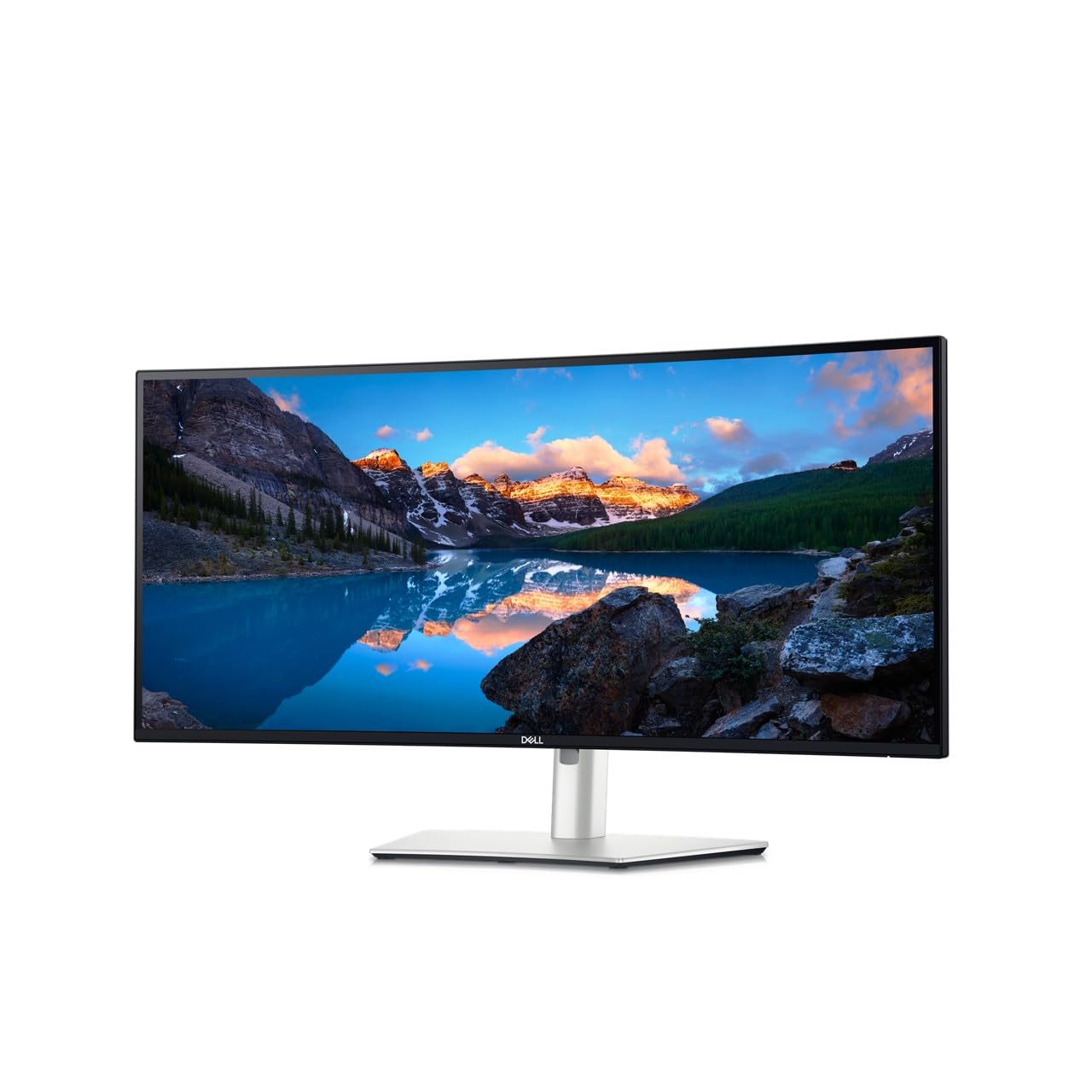
7 Best Ultrawide Monitor for Photo Editing 2026: Pick Color First
Find the best ultrawide monitor for photo editing by matching panel type, USB-C power, and resolution to your actual workflow.
We compare product specifications, buyer ratings, review volume, and recurring customer feedback to identify strong editing & software options and explain their trade-offs.
Find the best ultrawide monitor for photo editing by matching panel type, USB-C power, and resolution to your actual workflow.
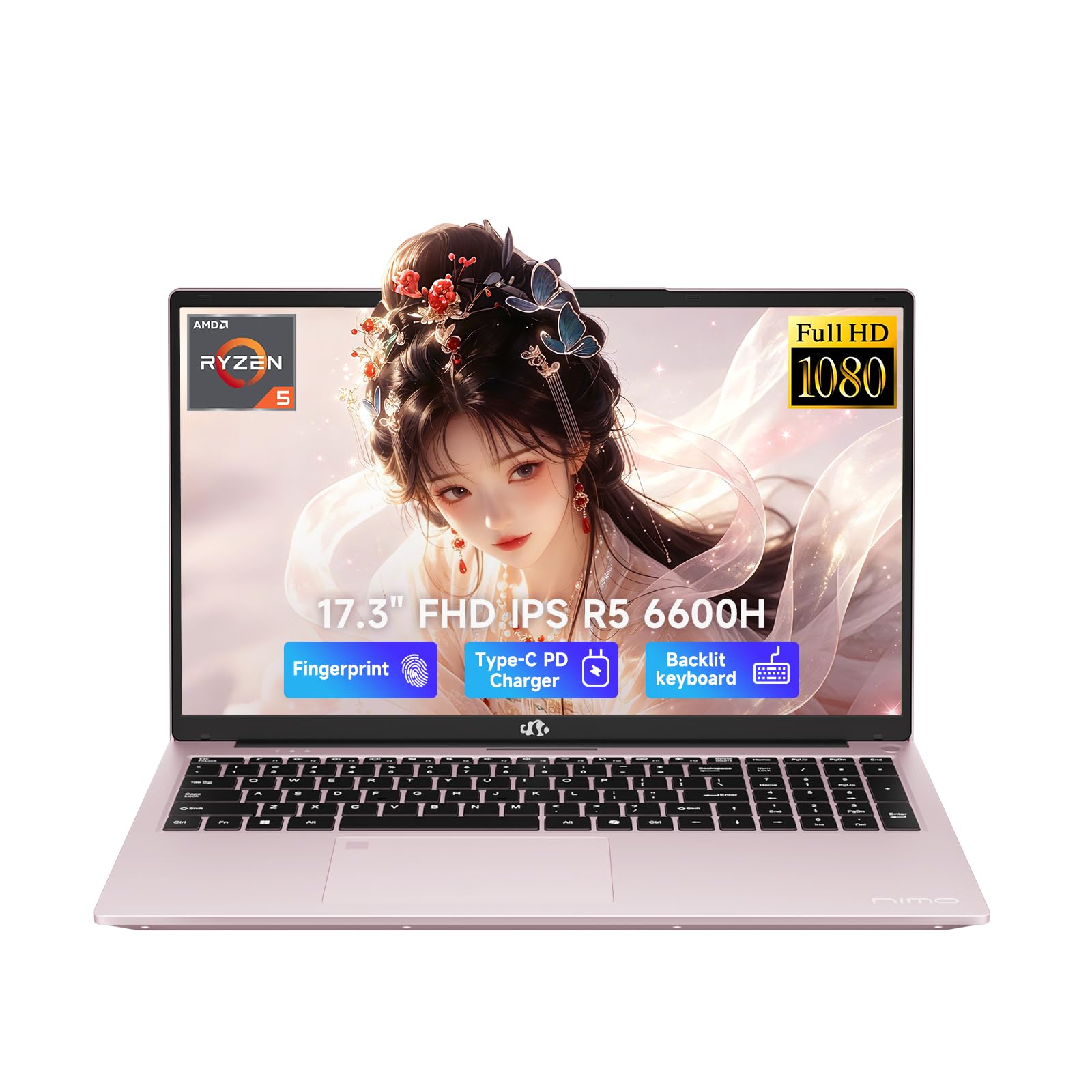
Choose a laptop for photo editing by display gamut, not CPU hype — with practical guidance on RAM, storage, and GPU for Lightroom and Photoshop.
Which monitors for video editing stay accurate after months of use — and why USB-C behavior matters more than headline color specs.
Find a laptop for photography that pairs enough RAM, storage, and display quality with a track record of staying dependable through real editing sessions.
Which monitor calibrator keeps its profile and your colors accurate across OLED, mini-LED, and multi-display setups — without the software headaches.
Find the best monitor for photography by matching color gamut, pixel density, and connectivity to the way you actually edit.
The best mouse for photo and video editing depends on wheel feel, button layout, and grip angle — not just DPI numbers. Match the tool to how you work.
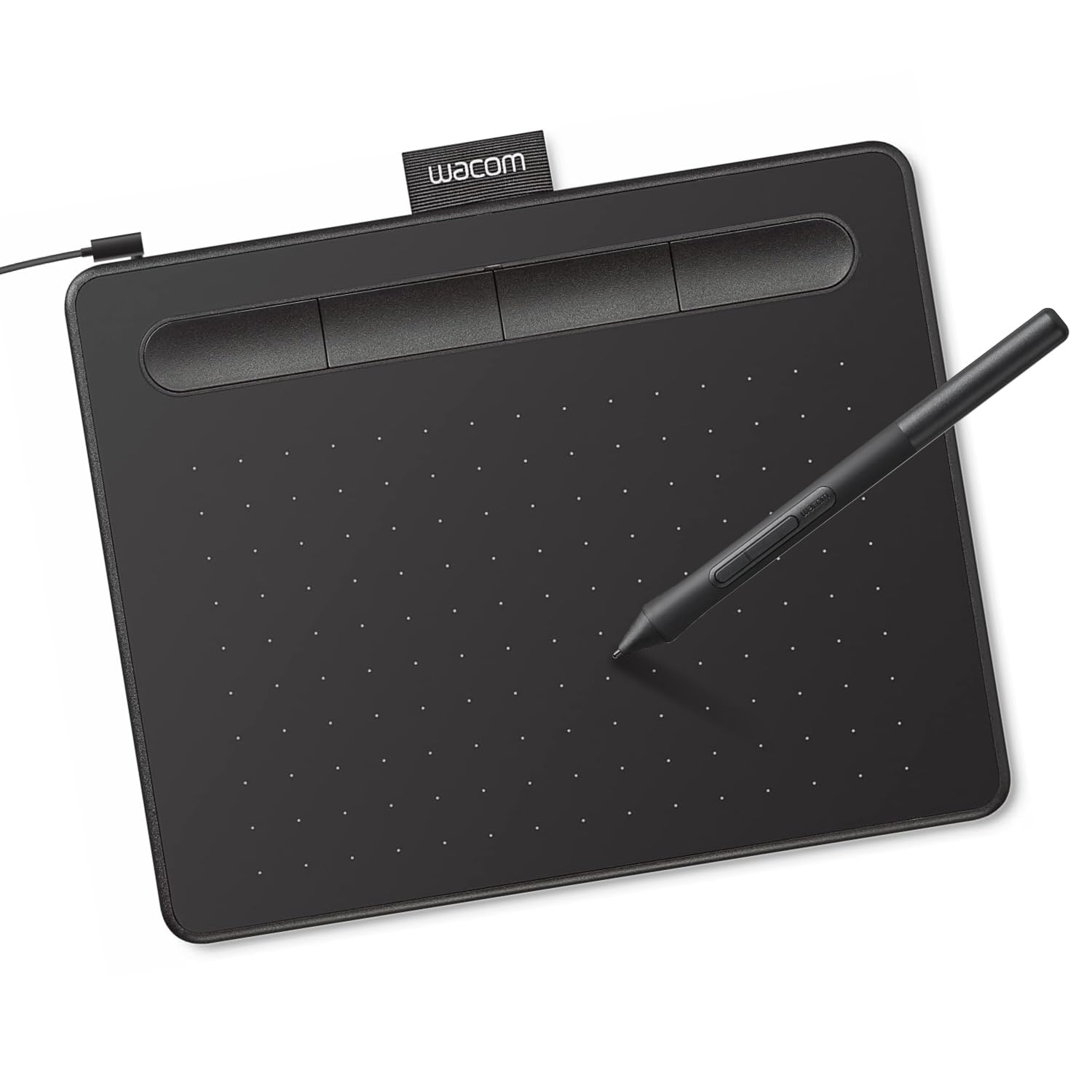
Choosing the best tablet for photo editing comes down to real performance, display quality, and pen support — not headline specs.
Pick the best 4K monitor for photo editing with color that survives real cables, ports, and Mac connections.
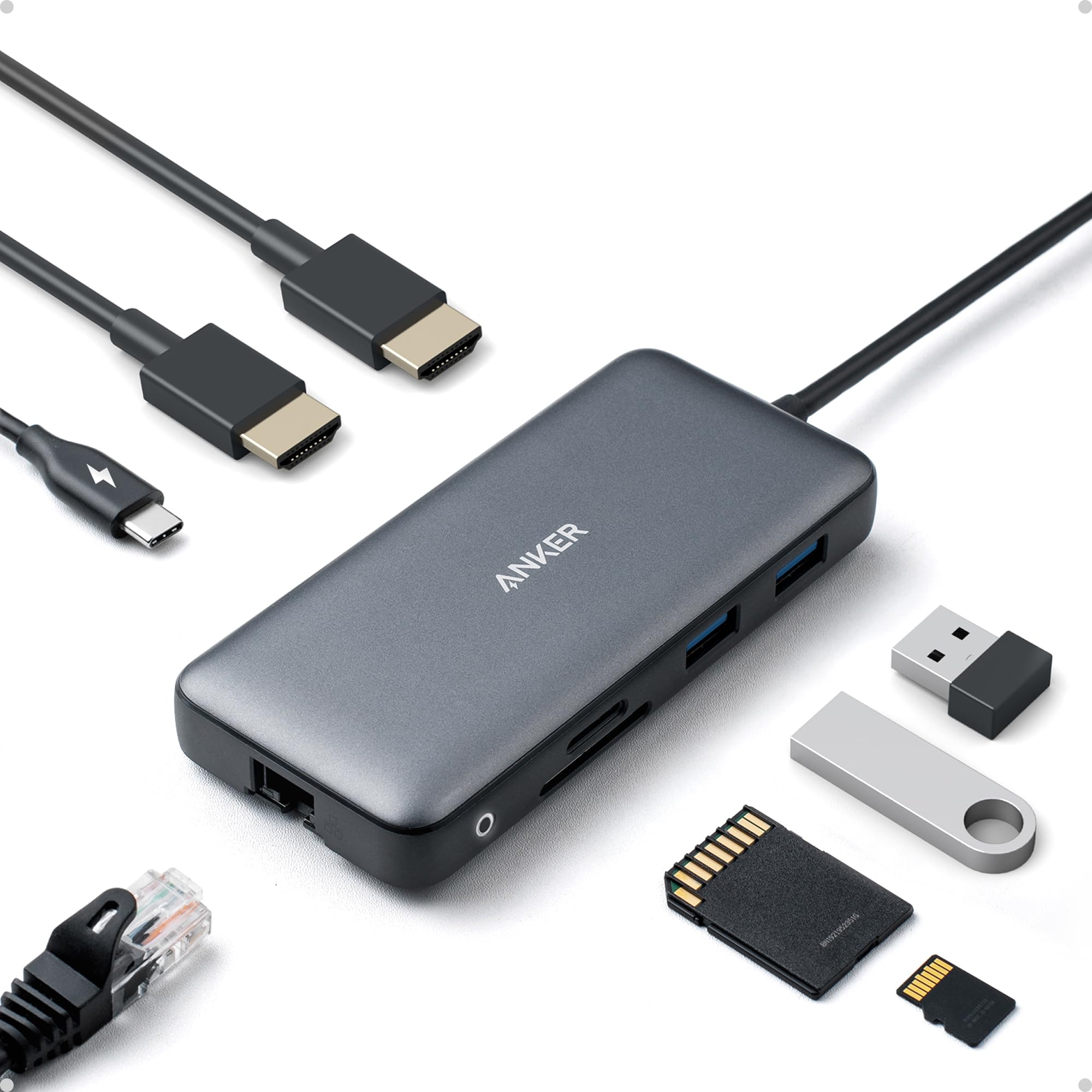
The best docking station for photographers depends on your laptop's USB-C video path, SD card needs, and monitor setup - get the right one without paying for ports you won't use.
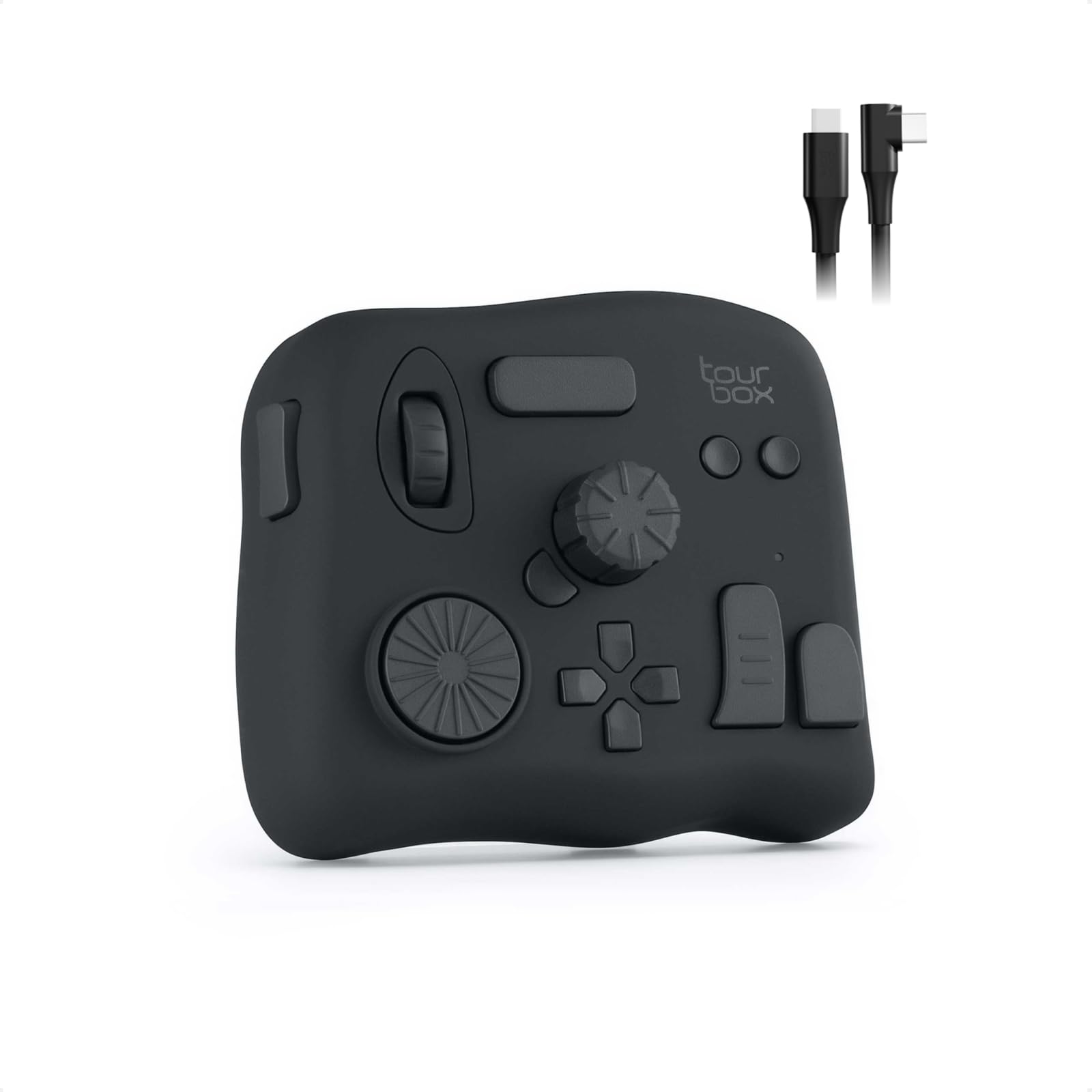
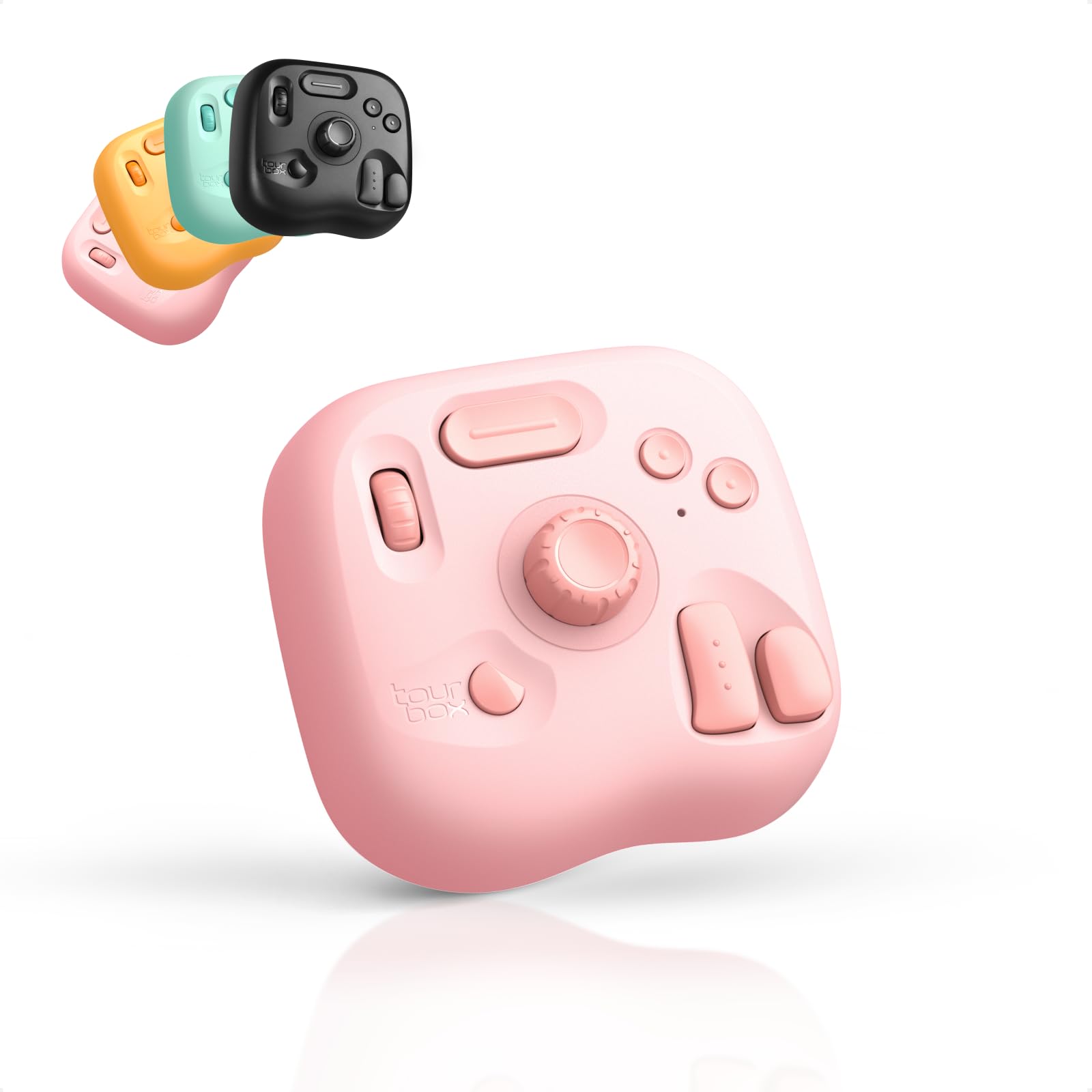
Find an editing console for Lightroom that matches Classic or CC and keeps working after Adobe updates without wasting money on unstable software.
Find the best graphics cards for video editing by matching VRAM, encoder support, and CUDA or RDNA compatibility to your actual timeline.
The right graphics tablets for drawing, photo editing, and teaching—chosen for driver stability, pen feel, and honest software bundles.
The best keyboard for video editing depends on your NLE; this guide explains which shortcut pads, dials, and Bluetooth trade-offs actually matter.