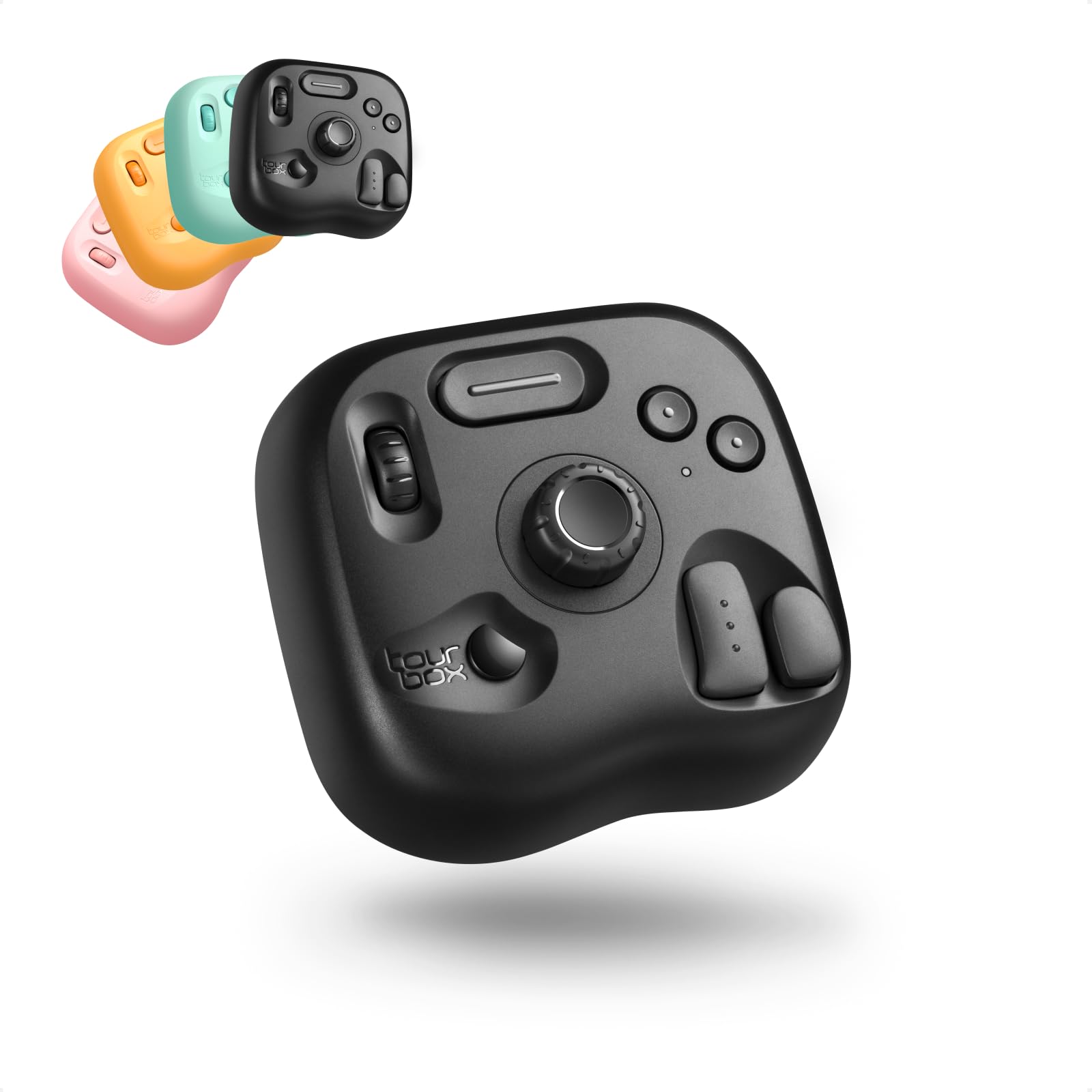
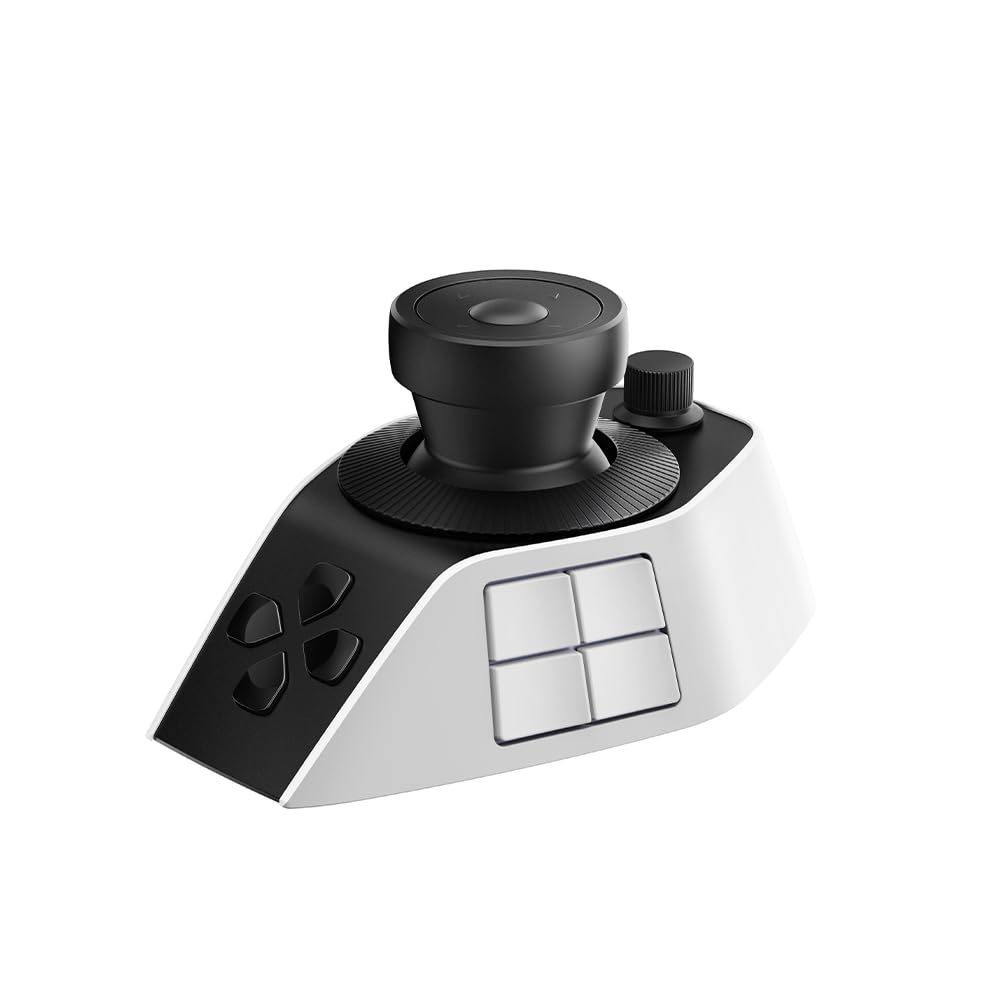
Best Overall
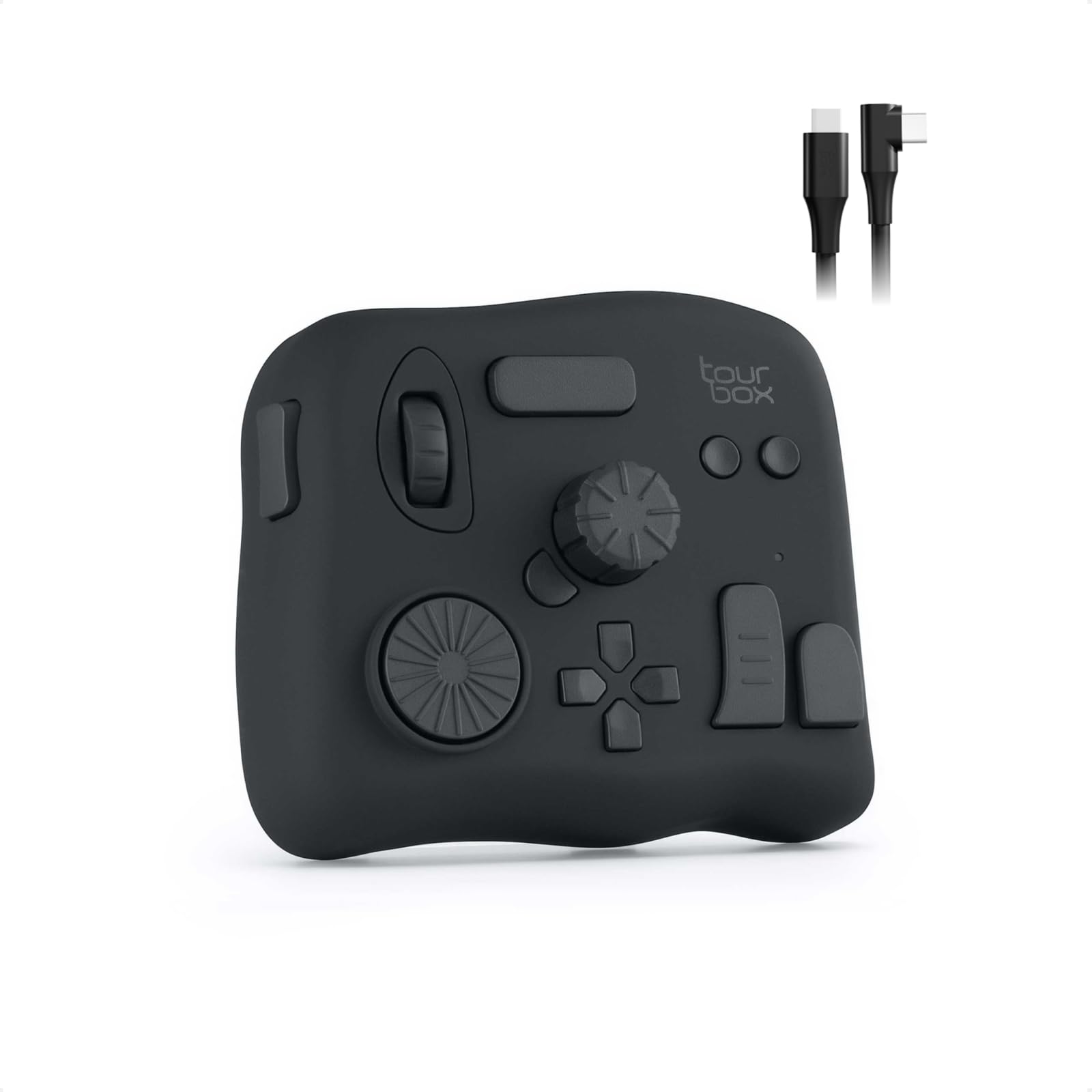
TourBox NEO
Key details
- Controls
- 14 keys, dial, knobs
- OS Support
- macOS, Windows
- Customization
- Programmable keys, macros, presets
- Connection Type
- Wired USB-C
TourBox NEO pairs a wired USB-C connection with a 14-key ergonomic layout, and its Lightroom Classic preset library is mature enough to make bulk culling feel direct. Photo editors who rate, flag, and adjust in batches can keep one hand on the console and the other on the mouse, with no battery charging or wireless dropouts in the middle of a session. The TourBox Console software exposes more than 150 actions and macros, so the default mapping can be reshaped for Capture One, Photoshop, Premiere, or DaVinci Resolve.
The controls respond without perceptible lag in Photoshop, Premiere, and Capture One, and the console earns its desk space during long edits. The dial, knobs, and scroll wheel sit close enough that a hand can move between them without hunting, which is where the time savings show up in real sessions. Preloaded presets cover multiple creative apps, and editing or duplicating a template is simple enough for someone who has never owned a macro pad.
This is a Mac/PC console for Lightroom Classic editors who cull and adjust in bulk, not for iPad/tablet-only editors or anyone expecting Bluetooth freedom. New users should expect a learning curve, and a few controls remain pre-assigned rather than fully remappable; both are boundaries that fade once the button layout becomes familiar.
💡 Spend the first session mapping your rating and flagging commands, then let muscle memory do the rest.
Pros
- Accelerates batch culling and adjustment in Lightroom Classic, turning repeated mouse work into quick key presses.
- Deep customizability via editable templates, so the console can be reshaped for Photoshop, Premiere, or Capture One.
- Strong editing performance with no perceptible lag, making it a genuine time-saver in Photoshop, Premiere, and Lightroom.
- Good value at its price tier for what it delivers on a Mac/PC desk.
Cons
- The pre-assigned dial and scroll wheel can't be remapped, so some workflows need to adapt around their fixed roles.
- The NEO asks for a learning period before the button layout becomes muscle memory.
For Lightroom Classic-first photo editors, the TourBox NEO delivers a focused, wired control surface that turns bulk culling into a tactile workflow.