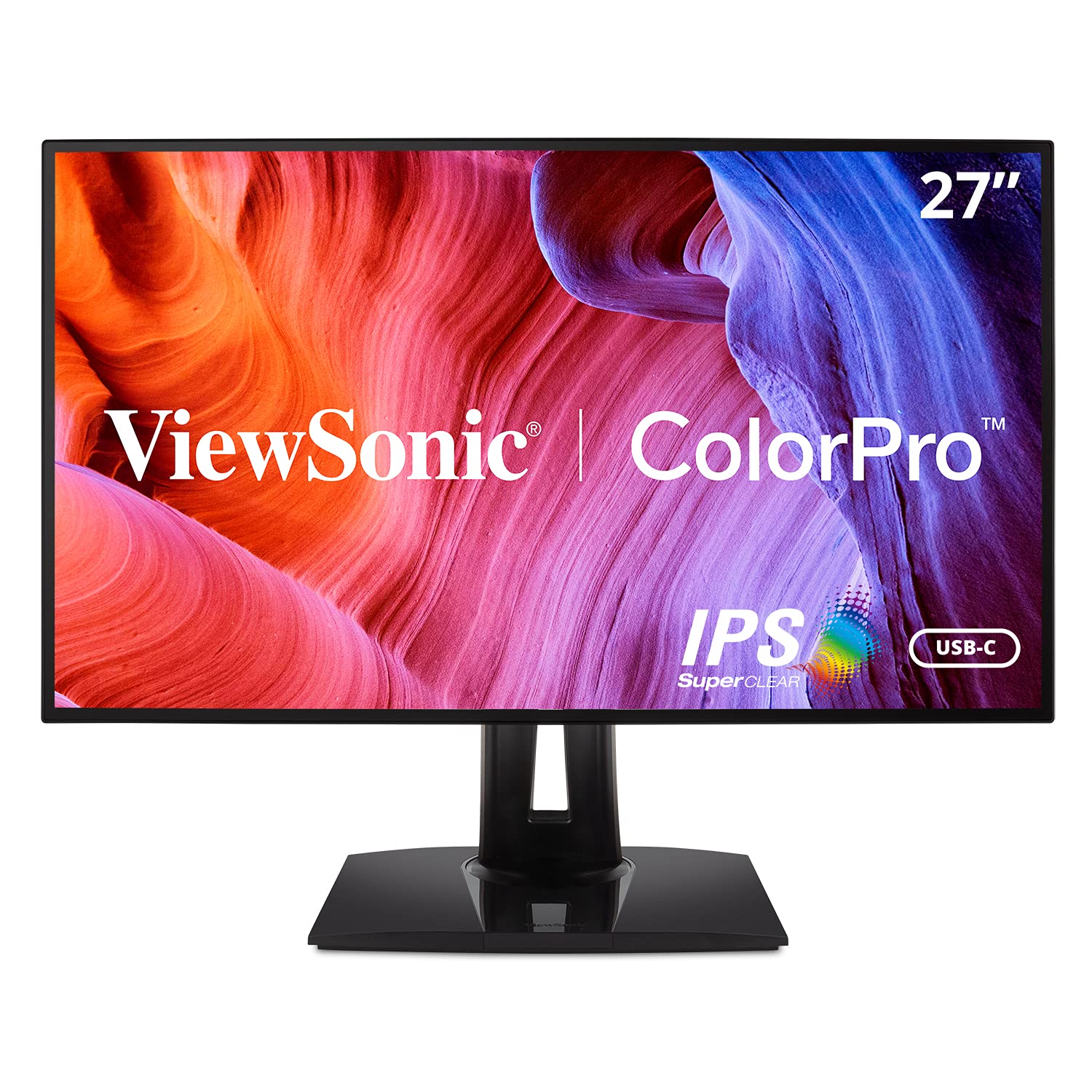
Best Overall

ASUS ProArt PA278QV
Key details
- Panel Type
- IPS
- Resolution
- QHD 2560 x 1440
- Calibration
- Calman Verified, Delta E <2
- Color Gamut
- 100% sRGB, Rec.709
The PA278QV pairs a 27-inch 1440p IPS panel with Calman Verified calibration targeting Delta E <2 and full sRGB/Rec.709 coverage, which aligns it directly with the color spaces used for web, social, and client-review photo work. Whites stay neutral and color transitions remain clean in the default modes, so the first edit does not start with a profile-chasing session. The calibrated sRGB/Rec.709 setting is a practical match for color-managed output destined for standard displays and print proofs. The factory calibration also means an editor can trust the initial image preview before bringing up a calibration tool.
Tilt, swivel, pivot, and height adjustments come from a stand that feels solid without swallowing a desk. The 1440p panel keeps fine texture, editing panels, and image preview readable at normal seating distance, and the brightness range covers bright offices and darker rooms without forcing a single lighting setup. Off-center viewing remains stable enough for a second person to eyeball an edit without a distracting color shift. For an editing workstation that moves between day and evening sessions, the adjustability is not an afterthought.
This is the budget-friendly ProArt for photographers whose delivery target is sRGB/Rec.709. If final files leave the desktop for 4K or Adobe RGB/DCI-P3 work, the 4K wide-gamut ProArt in the same lineup is the boundary to watch. Screen and port consistency can vary between units, so buying through a return-friendly channel is part of a smart purchase. For sRGB/Rec.709-only workflows, this model covers the essentials without paying for a larger color-gamut or 4K pipeline you will not use.
The input set includes DisplayPort, HDMI, DVI-D, Mini DP, and a 4-port USB 3.2 hub, which gives desktop towers and older workstations a practical connection path without extra adapters. The QHD canvas also suits hybrid office/photo use: spreadsheets have room, palettes do not crowd the image, and the adjustable stand makes a split editing/viewing position easier. The unassuming gray finish and uncluttered design keep attention on the panel rather than the housing.
The on-screen menu includes calibrated presets and a quick way to reset the panel to a neutral starting point, reducing guesswork during color review. The 1440p resolution is also lighter on GPUs than 4K, a useful edge when Lightroom, Photoshop, and a browser are running at the same time.
💡 Mac users can connect through a USB-C-to-DisplayPort or USB-C-to-HDMI cable; this model does not provide power over USB-C.
Pros
- Calman Verified color targeting Delta E <2 covers the sRGB/Rec.709 spaces photo editors export to.
- 27-inch 1440p IPS panel keeps image detail and editing palettes readable in one view.
- Tilt, swivel, pivot, and height adjustments support a comfortable editing position.
- Brightness range is usable in both bright offices and darker rooms.
- Understated design fits a studio or shared workspace without drawing attention.
Cons
- Individual panels can show dead pixels, so a hassle-free exchange policy matters when buying this display.
- DisplayPort black-screen dropouts may appear after months of use; the HDMI input provides a fallback.
For sRGB/Rec.709 photo editing, this is the budget-friendly 27-inch panel to start with.