8 Best Stream Deck of 2026: Match Key Count to Workflow

Which stream deck fits your desk, streaming app, and photo workflow when key count and software decide whether the shortcut actually works.

A macro-key controller only pays for itself when the key count and software ecosystem match the way you actually work. Photographers and video editors often shop by key count alone, then find that plugin support decides whether the deck controls Photoshop, camera capture, or OBS scenes.

The practical middle ground is a 15-key deck with mature software, but scene-heavy streamers may need 32 dedicated keys to avoid folder digging. Desk-only users can often get by with fewer keys and a dial or two. Budget models now match premium hardware, so the remaining difference is software stability and integration.

For camera and photo workflows, that means choosing between broad shortcuts and deep per-app control. The right deck is the one you stop noticing: press a key, it works, and you get back to shooting or editing.

1

Best Overall

Elgato Stream Deck MK.2

96 /100
Studio Score High Confidence

Key details

Key Feel
LCD keys
Key Count
15 keys
OS Compatibility
Windows, macOS 10.15+
Physical Controls
No dials
Check Price on Amazon

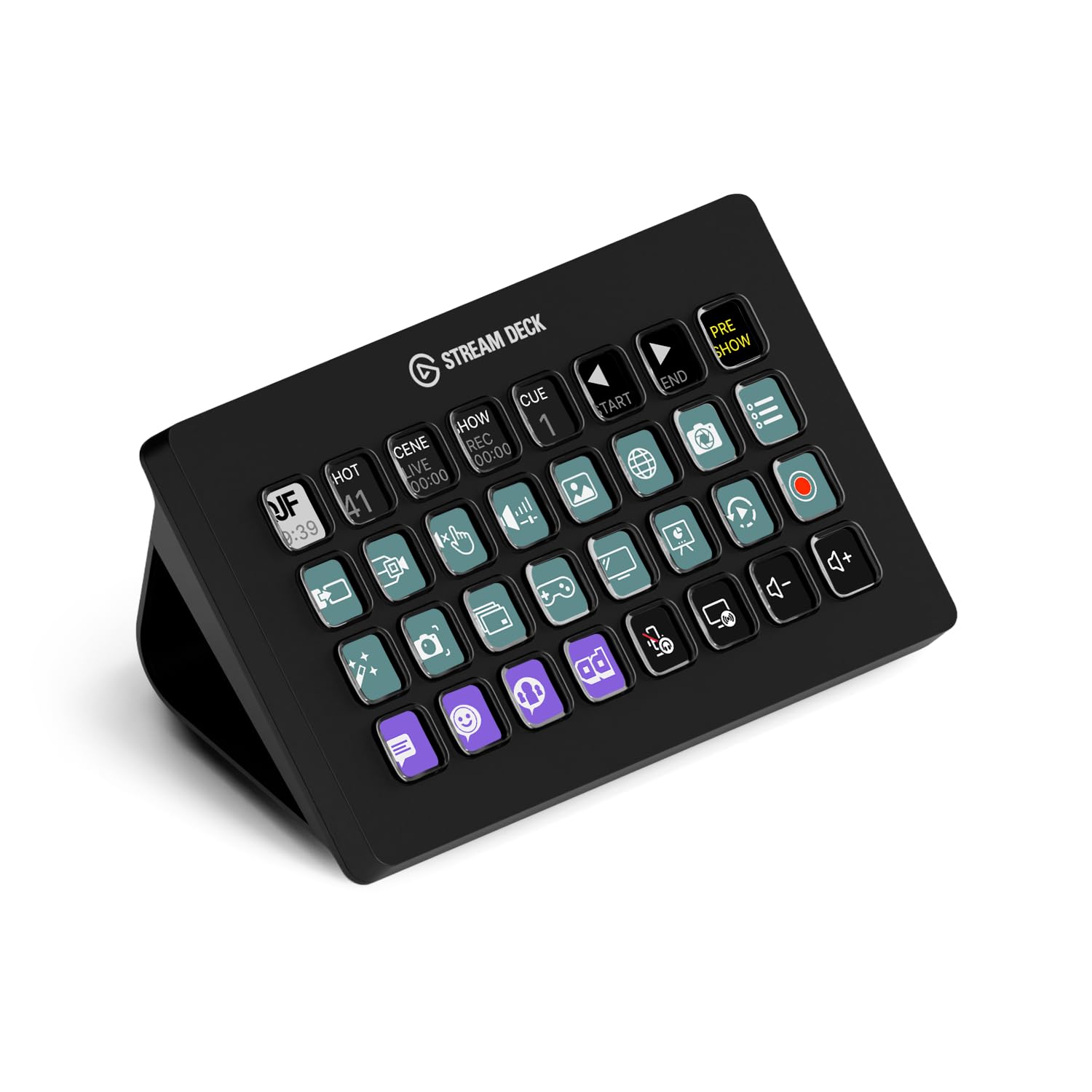
The Stream Deck MK.2 offers the deepest software ecosystem in this controller class, pairing 15 tactile LCD keys with a plugin library that covers OBS, Twitch, Photoshop, Lightroom, Hue, and audio tools. The key count is enough to keep a compact live stream layout, a photo editing palette, and a meeting toggles row all within reach.

Setup works the way the category should: install the app, drag a command onto a key, and the LCD label updates instantly. The plugin catalog covers the main integrations, and users who need deeper control can build multi-action sequences, folders, and profiles that switch with the active app. The drag-and-drop flow means no script editing for the common cases. The included stand positions the deck at a comfortable angle, and the USB-C cable keeps the connection tidy.

Pressing a key produces an immediate tactile click, and the screen feedback arrives in the same beat, so scene switches, mute toggles, and edit steps feel direct. The USB-C connection keeps the deck responsive in long sessions. The mechanical keys have a short, quiet throw that suits repeated tapping; the LCD brightness is readable in normal room lighting. After months of use, the software can develop occasional hiccups - a key may ignore a press or the app may need a restart - but the physical buttons and enclosure hold up under normal desk wear.

Three groups are the primary fit: streamers who switch scenes without hunting for mouse shortcuts, photographers and editors who park Lightroom/Photoshop actions on keys, and hybrid-office workers who live in meetings and productivity apps. Scene-heavy streamers may outgrow 15 keys and need folder navigation; if every scene must be visible at once, the 32-key XL is the direction to go. It is not the lowest entry price in the category, so buyers who only need a handful of keys can save money with a smaller deck.

Elgato continues to update the Stream Deck app, and the plugin catalog grows as more tools add native actions. That ongoing support matters more than the hardware itself, because the deck becomes more useful over time.

๐Ÿ’ก Keep the Stream Deck app updated to pull in new plugin integrations and software improvements.

Pros

  • Strong all-around performance for streaming and productivity; users describe it as high-quality and use it daily.
  • Simple drag-and-drop setup in the Stream Deck app; no scripting required to start.
  • Deep plugin support covers OBS, Photoshop, lighting, audio, and more.
  • Keys respond instantly with immediate visual feedback on the LCD panels.
  • Useful beyond streaming for photo editing, office work, and everyday productivity tasks.

Cons

  • Scene-heavy streamers may outgrow 15 keys and will need folders or the 32-key XL.
  • After extended use, the software can occasionally crash or leave a key unresponsive until the app restarts.
Our verdict

The MK.2 is the default pick for streamers, editors, and meeting-heavy desk workers who want a compact control surface with an ecosystem that keeps growing.
Check Latest Price
2

Best for Big Productions

Elgato Stream Deck XL

96 /100
Studio Score High Confidence

Key details

Key Feel
LCD keys
Key Count
32 keys
OS Compatibility
Windows, macOS 10.13+
Physical Controls
No dials
Check Price on Amazon

The Stream Deck XL puts 32 dedicated LCD keys on the desk, so multi-scene streams and dense editing timelines stay fully visible without folder navigation. That key count is the main reason to choose it over the 15-key top pick: live scene switching and macro execution happen in a single press, and the magnetic stand holds the deck at a stable angle during long sessions. For streamers who have already outgrown a smaller deck, the jump to 32 keys removes the constant page-turning that breaks flow.

The plugin list covers OBS, Twitch, YouTube, Discord, and vMix, so streamers can build their layout without leaving the app. In live streaming, the deck responds immediately when moving between camera angles and overlays, and the software feels polished from the first setup session. Streamers with multi-camera shows can assign each camera angle, overlay, and chat action to its own key, which reduces mouse travel during live blocks. The 32-key layout also shortens editing work for programmers and video editors who rely on long macro sequences.

This is a production workhorse for streamers running complex multi-scene shows, editors who want 32 dedicated commands, and camera operators managing multiple capture and streaming tools. The large footprint and premium price make it overkill for simple setups.

๐Ÿ’ก When arranging icon grids, inspect the key preview at high zoom so off-center LCD alignment is easier to spot before you finalize the layout.

Pros

  • Live streaming performance holds up during multi-scene productions.
  • Useful for gaming, programming, and editing workflows beyond streaming.
  • Each key can launch macros, scenes, or processes with custom icons.

Cons

  • LCD screen alignment can be off-center on some units, visible when arranging precise icon grids.
Our verdict

For streamers and editors who have already outgrown 15 keys, this is the deck that keeps every command one press away.

Check Latest Price
3

Best Budget 15-Key for OBS

FIFINE AmpliGame D6

88 /100
Studio Score Strong Evidence

Key details

Key Feel
LCD keys
Key Count
15 keys
OS Compatibility
โ€”
Physical Controls
No dials
Check Price on Amazon

The AmpliGame D6 puts 15 LCD macro keys, nine RGB modes, and OBS-focused software into a package priced well below the top pick's 15-key deck. The hardware backs up the value: a sturdy base, tactile keys, and USB-C connectivity make it feel like a pricier controller. USB-C works with both USB-A and USB-C hosts, so older desktops and modern laptops can use it.

OBS Studio integration is the core strength here. Scene switches, source toggles, and hotkey actions map cleanly through the included software, and each key displays a custom LCD icon so you can read the layout at a glance. The nine RGB modes add color options for matching a streaming setup. Setup with OBS is quick.

This deck suits budget streamers who run OBS Studio, gamers who want an RGB macro pad, and content creators who need 15 programmable keys without premium pricing. Streamlabs support is present on the box but not dependable in the same way OBS is, so buyers who use Streamlabs as their primary broadcaster should treat that as a boundary rather than a surprise.

The 15-key count sits between entry-level six-key decks and 32-key production boards, giving streamers enough actions for a multi-scene broadcast without overtaking the desk.

Pros

  • 15 LCD keys, nine RGB modes, and OBS-focused software at a budget-friendly price.
  • Sturdy hardware with tactile keys and USB-C connectivity.
  • Each key accepts a custom LCD icon and maps directly to OBS actions.
  • OBS Studio setup goes smoothly through the included software.

Cons

  • Plugin library is smaller than the top pick's, so niche app integrations may be missing.
  • Individual keys can require a firmer press and may slow fast scene switching.
Our verdict

Strong value for OBS-first streamers who want 15 backlit macro keys without top-shelf pricing.

Check Latest Price
4

Best Budget 18-Key Macro Pad

VSDINSIDE M18 Macro Keypad

86 /100
Studio Score Strong Evidence

Key details

Key Feel
LCD keys
Key Count
18 keys
OS Compatibility
Windows 11, macOS 11
Physical Controls
No dials
Check Price on Amazon

The VSDINSIDE M18 brings 18 programmable keys and animated GIF icons to the budget tier, with a tactile button feel that holds up well against pricier macro pads. It leaves the knobs and touch bar to the mid-range surface in this roundup, but the 18-key grid and GIF icons make it a more direct macro pad. The 15 LCD keys handle the visual workload, three physical buttons extend the layout, and the surrounding RGB light ring adds subtle desk presence without becoming distracting.

Setup takes little time: the deck connects over USB-C, the app identifies it quickly, and key assignments stay intact across Windows and macOS. Dragging a JPG, PNG, or GIF into a key slot refreshes the icon instantly, which makes OBS scene switching, gaming macros, and productivity shortcuts easier to identify at a glance. The 18-key count is enough to keep primary actions on the main grid rather than buried in folders.

This M18 is for budget-conscious streamers and gamers who want a physical macro pad without paying for the top pick. It is not for users who rely on Bitfocus Companion or expect Elgato's plugin polish; the native app is the integration path. If that boundary fits your workflow, the key count and icon flexibility cover most live-stream and desktop tasks without the premium price.

๐Ÿ’ก If a profile does not respond, a quick app relaunch is the first step before checking cables.

Pros

  • Solid hardware feel at a budget price.
  • Works on Windows and macOS, so one deck can move between work and streaming rigs.
  • Setup is quick, and the app makes key assignment and icon import direct.
  • 18-key layout with GIF icon support covers OBS, gaming, and productivity without constant folder switching.

Cons

  • Plugin ecosystem is narrower than Elgato's, so custom integrations stay inside the native app.
  • Native software can be uneven in some setups, so occasional troubleshooting is part of the process.
Our verdict

The M18 is the right budget deck for anyone who wants 18 tactile keys and animated icons and is comfortable working inside one app.

Check Latest Price
5

Best Compact with Dials

ActionRing N3 V3 Stream Deck

87 /100
Studio Score Strong Evidence

Key details

Key Feel
LCD keys
Key Count
6 keys
OS Compatibility
Windows, macOS
Physical Controls
3 dials
Check Price on Amazon

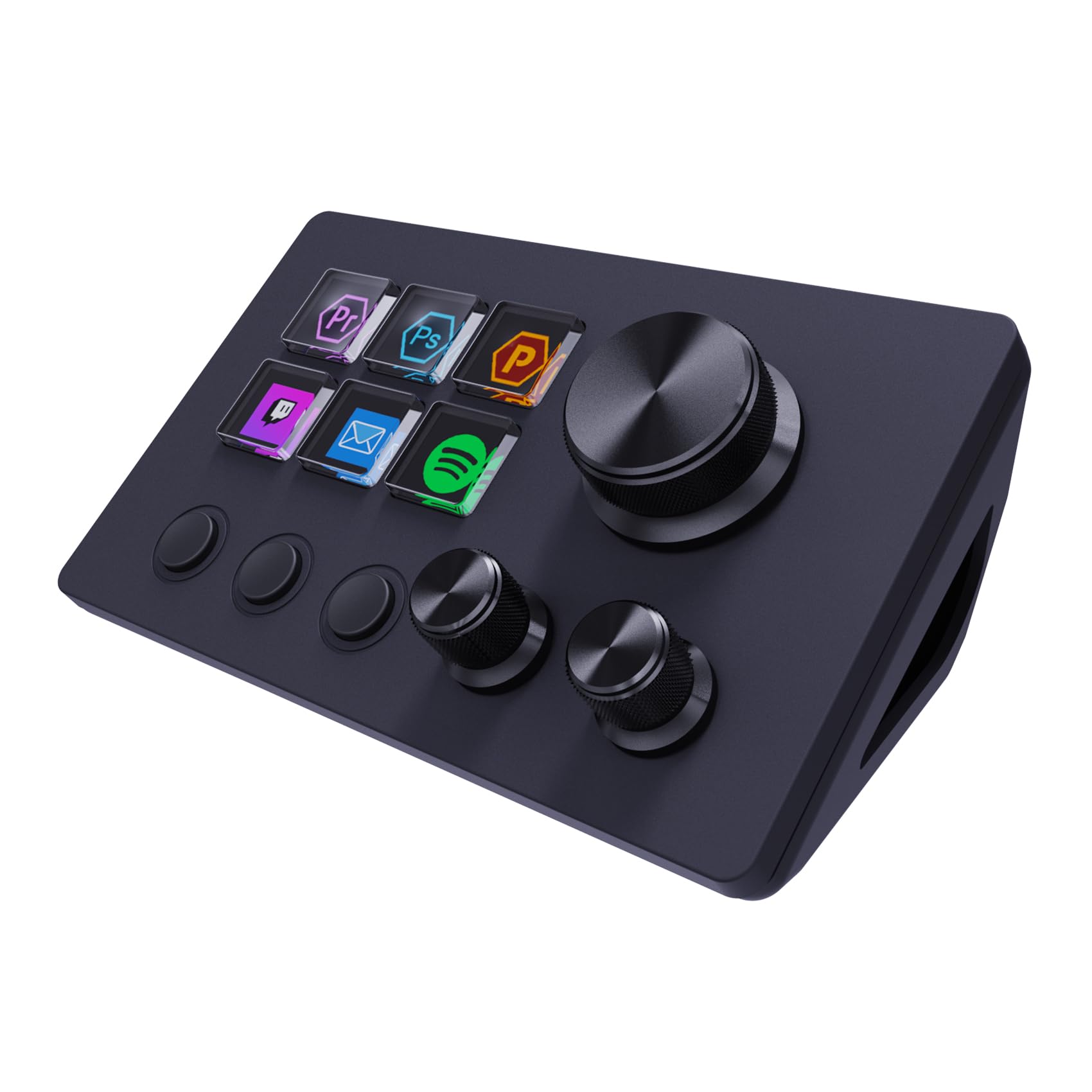
The ActionRing N3 V3 puts three rotary dials and six LCD keys together in a deck that fits beside a laptop keyboard. The dials handle volume and app-specific controls, which makes it more useful than a key-only pad for everyday shortcuts. OBS scene switching and common commands respond without noticeable delay.

Setup takes a few minutes, and the software supports OBS, PowerPoint, YouTube, Photoshop, and Premiere. Each key and dial can be remapped, so the deck can be tuned to the task at hand.

This is for entry-level streamers and office workers who want dial-based control without a large desk footprint. The key and knob feel is slightly less premium than Elgato's, but the controls register as intended and the six keys cover everyday shortcuts.

Pros

  • Three dials deliver tactile volume and app control that key-only decks at this price don't offer.
  • OBS scene switching and everyday shortcuts respond without noticeable delay.
  • Setup is quick, with the software supporting OBS, PowerPoint, YouTube, Photoshop, and Premiere.
  • Every key and dial can be remapped to a different command.

Cons

  • Those wanting mechanical-style buttons won't find that click here.
  • Complex macro workflows need page switching because the deck has six keys.
Our verdict

A compact, budget-friendly deck that earns its place with three physical dials. Grab it for small desk setups that prioritize volume and app shortcuts over button quantity.

Check Latest Price
6

Power Users

VSDINSIDE N4 Pro Macro Pad

85 /100
Studio Score Strong Evidence

Key details

Key Feel
LCD keys
Key Count
10 keys
OS Compatibility
Windows 10, macOS 11
Physical Controls
4 knobs, touchbar
Check Price on Amazon

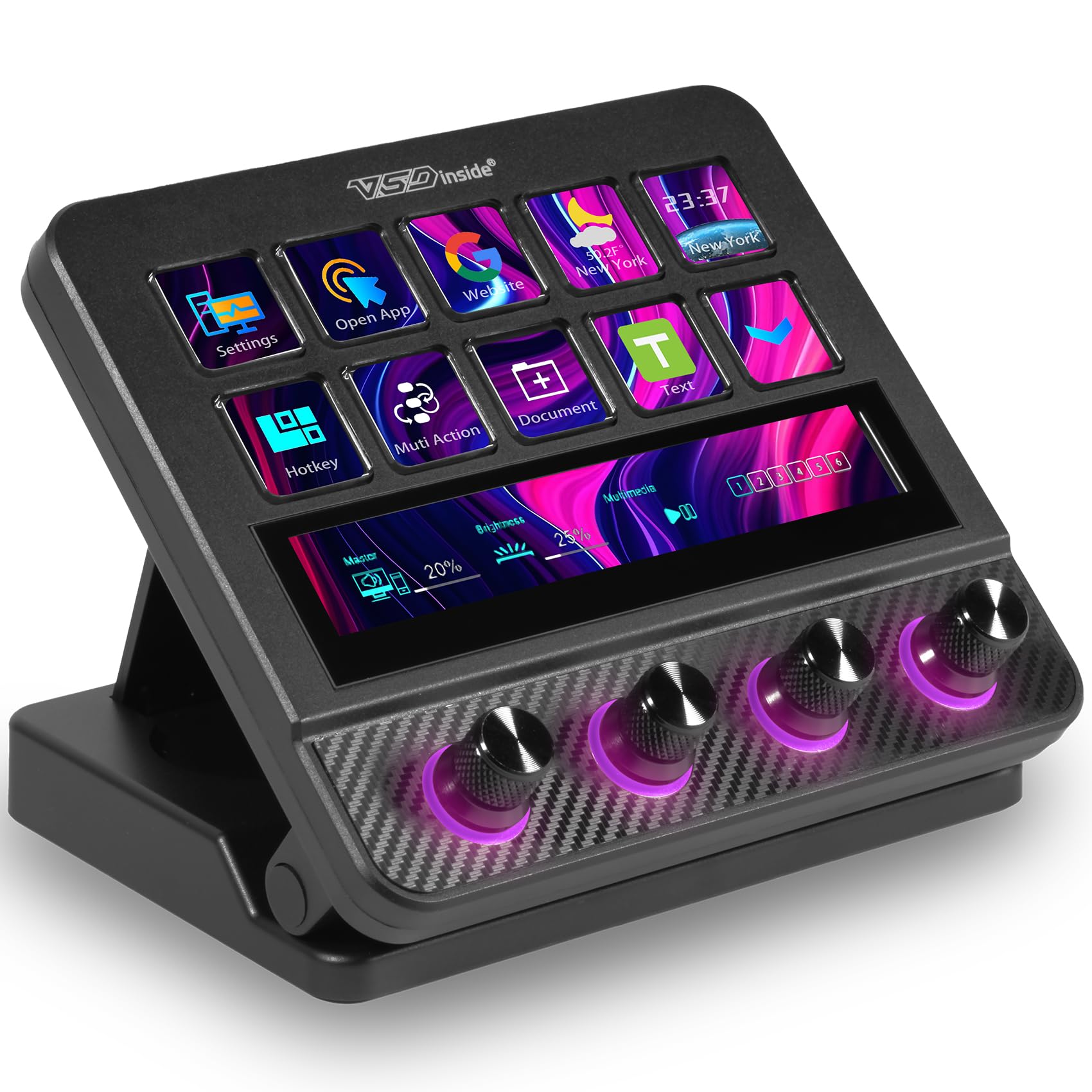
VSDINSIDE's N4 Pro packs four knobs, a touch bar, ten LCD keys, and a USB-C dock into a mid-range control surface that feels denser than its price suggests. OBS users get broad customization through the companion software, and the build holds up well. It falls short of the top runner-ups for two reasons: the configuration software takes patience, and Streamlabs scene changes are absent. For OBS-first streamers and macro tinkerers who accept the setup time, the feature density is a strong value; for beginners or Streamlabs-only workflows, it is a mismatch.

Pros

  • Four knobs, touch bar, and USB-C dock add hands-on controls without Elgato pricing.
  • Strong customization options in companion software for audio and productivity workflows.
  • Build quality feels solid enough for daily desk use.

Cons

  • Configuration software has a learning curve, so first-time setup can be slower than with a plug-and-play deck.
  • Streamlabs scene changes are not offered, so Streamlabs-only streamers should look elsewhere.
Our verdict

This deck earns its place for OBS-first users who want knobs and a touch bar without paying Elgato-level prices. Streamlabs-only streamers should pass.

Check Latest Price
7

System Monitoring

Streonor S15 Stream Controller

89 /100
Studio Score Strong Evidence

Key details

Key Feel
LCD keys
Key Count
15 keys
OS Compatibility
Windows 10, macOS Big Sur
Physical Controls
No dials
Check Price on Amazon

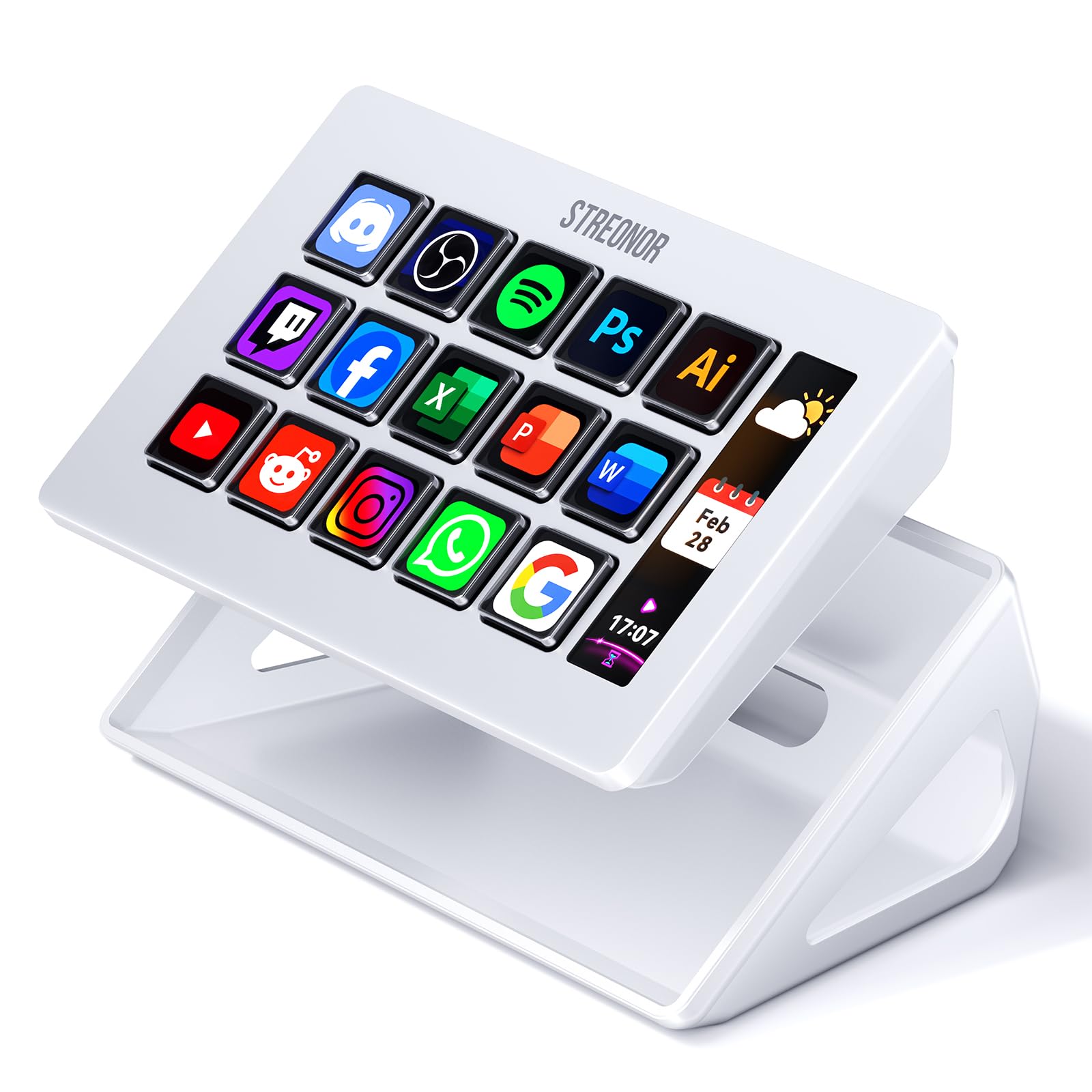
Three live system-status readouts โ€” CPU, GPU, and time โ€” sit beside 15 programmable LCD keys, giving the Streonor S15 an identity in the budget macro-deck market. Those panels let streamers and hybrid-office users monitor resource load without extra desktop widgets. The core package includes 100+ supported plugins and USB-C connectivity, so the hardware feature set lines up with pricier 15-key controllers. The S15 stands apart from the budget OBS-oriented RGB deck specifically because of those readouts. The software side is where it trails the category-leading 15-key deck, which keeps it in the also-consider lane for early adopters who want status visibility.

Pros

  • Three live status readouts keep CPU, GPU, and time visible without extra widgets.
  • 15 LCD keys can be mapped to stream scenes, shortcuts, and productivity actions.
  • 100+ plugin support and USB-C give the hardware a competitive feature set.

Cons

  • The three built-in readouts are fixed to CPU, GPU, and time; other metrics aren't shown.
  • The plugin catalog is thinner than the leading 15-key deck's, so niche integrations may be missing.
Our verdict

Choose the S15 when live CPU/GPU readouts are the priority for your streaming or productivity desk.

Check Latest Price
8

Numpad Combo

TreasLin VSDinside N1

80 /100
Studio Score Strong Evidence

Key details

Key Feel
LCD keys
Key Count
18 keys
OS Compatibility
Windows, macOS
Physical Controls
1 knob, 2 buttons
Check Price on Amazon

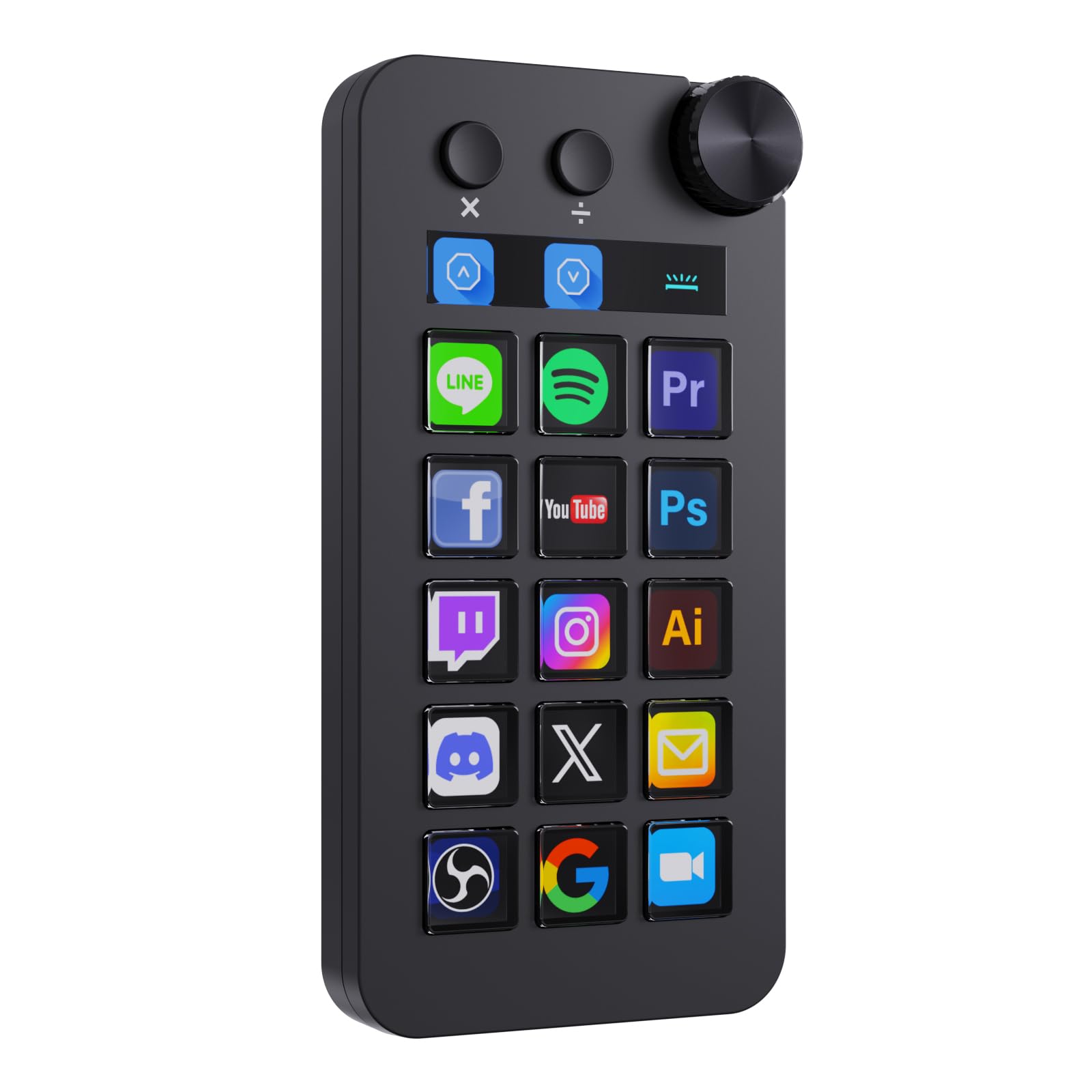
The N1's numpad mode sets it apart: switch the 15 LCD keys into number entry or calculator mode, then back to macro keys for OBS scenes and app shortcuts. The bundled setup app takes more patience than Elgato's when building complex profiles, and that friction is why this deck sits behind the main picks for streamers who lean on deep software integration. First-time streamers with compact keyboards can get basic shortcuts and animated icons running without much trouble, making it a smart budget option.

Pros

  • Numpad mode turns the 15 LCD keys into a left-hand number pad for spreadsheet and data-entry work.
  • Windows and macOS operation stays smooth for daily OBS scenes and office shortcuts.
  • Beginner-friendly setup gives first-time streamers a low barrier to basic shortcuts and animated icons.

Cons

  • Elgato's plugin ecosystem won't carry over, so loyalists would start from scratch.
  • Top buttons and volume knob are pre-assigned and cannot be rebound for custom actions.
Our verdict

Buy it for a compact keyboard setup where a left-hand numpad and basic OBS shortcuts share one device.

Check Latest Price

How to Choose

Key Count

Key count determines how many actions stay one press away. Six keys work for a handful of shortcuts, 15 suits most streamers and photo editors, and 32 keeps complex OBS scenes from requiring folder navigation.

The trade-off is desk space and price. A 32-key deck is wide and premium-priced; a 6-key deck is small but forces constant page switching once your workflow grows. Photo editors often pick 15 so Lightroom, Photoshop, and capture software can each have dedicated keys.

Software Ecosystem

Software ecosystem is the real compatibility layer. Elgato's plugin store maps shortcuts into OBS, Twitch, Photoshop, Lightroom, and camera capture apps, while budget decks rely on smaller proprietary stores.

The hidden trade-off is integration depth. A budget deck can send a keystroke, but it may not read scene state or trigger a plugin's custom action. Check whether your streaming app and editing tools have a dedicated plugin before buying.

Physical Controls

Dials, touch strips, and knobs matter for audio and production. A dial can adjust microphone gain or volume without tabbing to another window; a touch strip can work as a slider for camera exposure or stream audio.

The hidden trade-off is software reliance. Dials only earn their cost when the deck's app can map them to the programs you use, so confirm per-app mapping before paying extra for hardware you cannot control.

OS Compatibility

macOS and Windows compatibility is not equal across decks. Some budget controllers support both, but advanced integrations like app-volume control or smart-home actions can drop out on Apple silicon Macs.

Connectivity also matters. Several decks need a direct USB connection and misbehave on hubs or extension cables, so test placement and cable length before settling on a spot.

Key Feel and Display

Key feel determines whether a deck becomes a reflex or a chore. LCD keys with a clear press and bright icons are easy to hit without looking; mushy or quiet keys can make off-center presses miss.

The hidden trade-off is consistency. A deck that feels fine on day one may develop sticking buttons over time, and budget models show more variance in long-term key quality. Physical feel should be tested if possible.

Frequently Asked Questions