9 Best PTZ Camera of 2026: Match Outputs to Your Production Workflow

Find the PTZ camera that fits your room size, streaming outputs, and budget without paying for features you won't use.

A PTZ camera listing that says 4K can still stream 1080p over IP or NDI, and a 20x zoom number means little if the autofocus hunts when you punch in. Most buyers discover this after the camera is mounted and the first service is live.

The practical question is not which camera has the longest spec sheet. It is which combination of optical reach, output connectors, and control behavior fits your room, your production software, and the person who will operate it.

This guide sorts the options by those real-world boundaries: multi-output production cameras for church and streaming teams, simpler 1080p workhorses for conference rooms, and PTZ webcams for creators who need AI tracking on a desk.

1

Best Overall

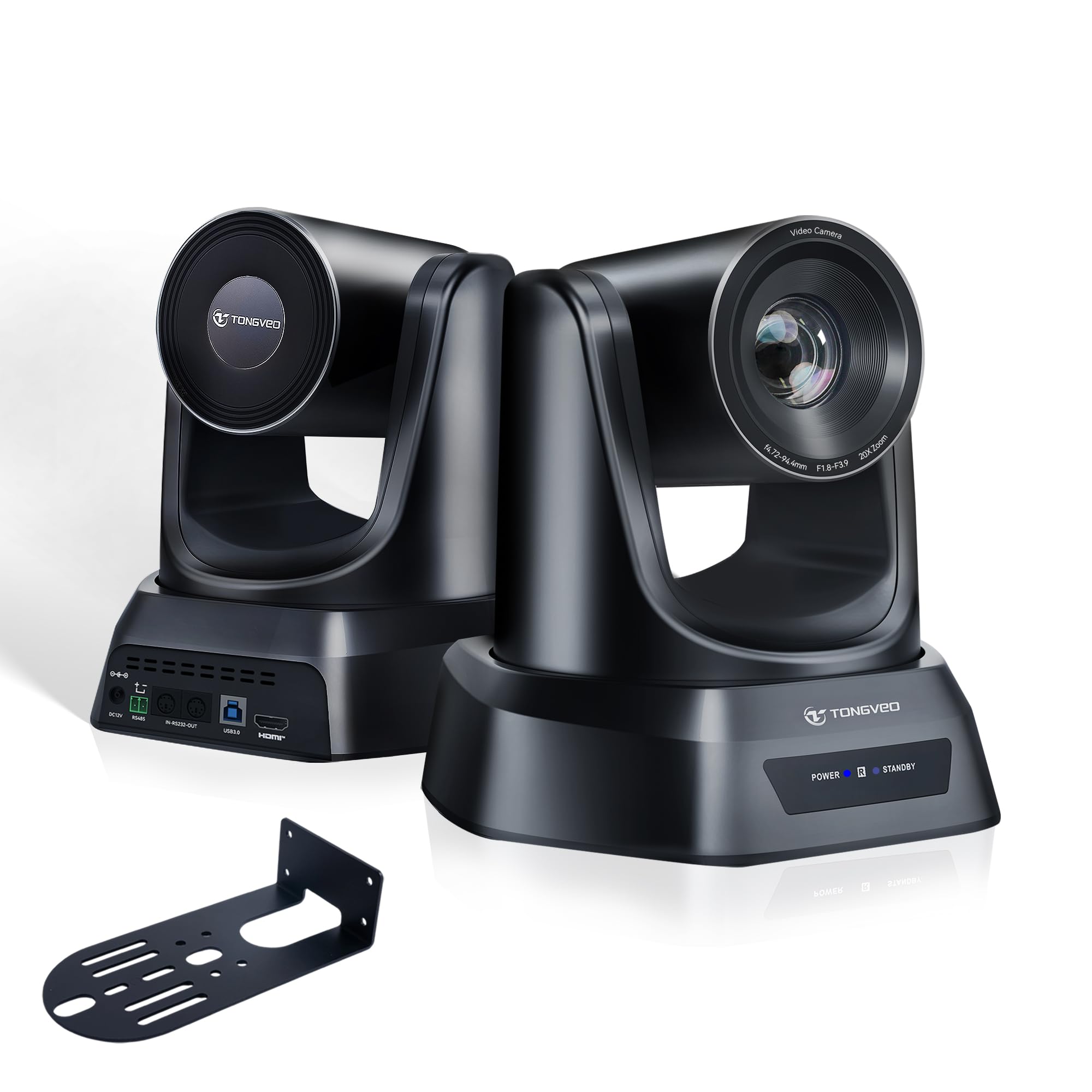
TONGVEO 4K NDI 20X

90 /100
Studio Score High Confidence

Key details

Outputs
HDMI, SDI, USB, IP
AI Tracking
Single-person
Optical Zoom
20x
Check Price on Amazon

The TONGVEO 4K NDI 20X is a mid-range PTZ that puts official NDI, 3G-SDI, PoE, and 4K over HDMI/USB into one camera body. The 20x optical zoom reaches across a sanctuary or lecture hall while holding fine detail, and the lens output is noticeably sharper than a typical webcam at the same price. That combination makes it a candidate for a main camera, not just a backup angle. The body feels substantial enough for a fixed install, which matters when a camera is going to hang above a stage or classroom for years.

In a streaming setup, the same unit can deliver a clean feed to a laptop over USB, to a vision mixer over HDMI or SDI, and to a network encoder over IP/NDI. It also behaves as a standard USB camera in Zoom and Teams, so a meeting-room install does not need extra capture software. The multi-output design separates it from cheaper PTZs: one camera can feed a live stream and a room display without splitting a signal. For smaller shows, the USB path doubles as a high-end webcam when the full production rig is not needed.

This is for church/worship teams, live streamers, and AV installers who need NDI or SDI outputs without buying an encoder or converter. It is not a casual USB webcam replacement: the 4K label applies to HDMI/USB, while NDI/IP streams are 1080p. That is a workable production format, but it rules out using this camera as a 4K-over-IP source. Teams that already run PTZ cameras from a software dashboard or hardware controller will get the full value from this unit.

A large part of the value is the included NDI license. A LAN connection carries NDI video directly, and PoE simplifies power, so a single network cable can handle both video and power. At this price, that output set is rare. Compared with the HDMI/USB-only PTZ in this set, the TONGVEO is the stronger pick when native NDI and SDI are part of the plan.

The AI tracking is set up for a single presenter, so sermons, lectures, and keynote-style presentations fit it well; a multi-person panel is better handled with presets or a second operator. The single-presenter focus matches the typical worship or education use case, where the camera is aimed at a pulpit or lectern.

Pros

  • Build quality and lens output compare well with more expensive webcams, so the camera feels ready for permanent mounting.
  • 4K image quality is sharp and clean, with fine detail that holds up on large displays.
  • Works as a USB camera for Zoom and Teams without extra capture software, while also offering HDMI/SDI/IP outputs.
  • Feature set is hard to match at this price: official NDI, 3G-SDI, PoE, and 20x optical zoom in one unit.

Cons

  • Pan/tilt speed from the included IR remote is coarse; a software dashboard or external controller is needed for smooth moves.
  • Some host setups may lose USB/HDMI recognition after standby until the camera is reset.
Our verdict

Native NDI, SDI, and 4K over HDMI/USB make this the practical pick for a church or classroom that wants a single camera to feed multiple systems.

Check Latest Price
2

Best 1080P SDI Workhorse

FoMaKo 20X SDI PTZ

89 /100
Studio Score Strong Evidence

Key details

Outputs
SDI, HDMI, USB, IP
AI Tracking
Gen 3
Optical Zoom
20x
Check Price on Amazon

For a 1080p PTZ, the FoMaKo 20X packs the output set production teams actually use: 3G-SDI, HDMI, USB3.0, IP, and PoE, all wrapped around a gear-drive pan/tilt mechanism. In a church or live AV room, that means the camera can sit far from the switcher and still send a clean SDI feed while PoE handles power and network control over a single cable.

The gear-drive pans smoothly at normal speeds, and the 1080p image holds true-to-life color in typical worship lighting. The preset system responds well to external controllers, including stream-deck integration, which makes it a natural fit for multi-camera rooms where operators are already working a switcher rather than reaching for an IR remote.

This is for AV teams building a 1080p SDI workflow. NDI is an upgrade path rather than included, and autofocus can hunt at full telephoto on distant subjects — at typical shot distances and moderate zoom, it keeps up and presets handle the rest. The premium build and output flexibility are best used in a fixed multi-camera installation, not a budget-limited single-camera rig.

The 20x optical zoom covers sanctuary-to-podium distance without losing detail, and the SDI/HDMI outputs drop cleanly into a vMix or OBS setup with an appropriate capture interface.

Pros

  • Solid build quality with consistent performance for church and live production.
  • Crisp 1080p picture with true-to-life color.
  • Dependable for weekly worship streams.
  • Control and preset options work well with stream-deck or dedicated controllers.

Cons

  • PTZ motor noise becomes audible when panning or tilting at maximum speed; normal-speed movement stays quiet.
  • No native 4K output; resolution tops out at 1080p.
Our verdict

A 1080p SDI PTZ built around gear-drive motion and a full output set, with the control flexibility to drop into an existing multi-camera workflow.

Check Latest Price
3

Best Long-Zoom Auditorium Camera

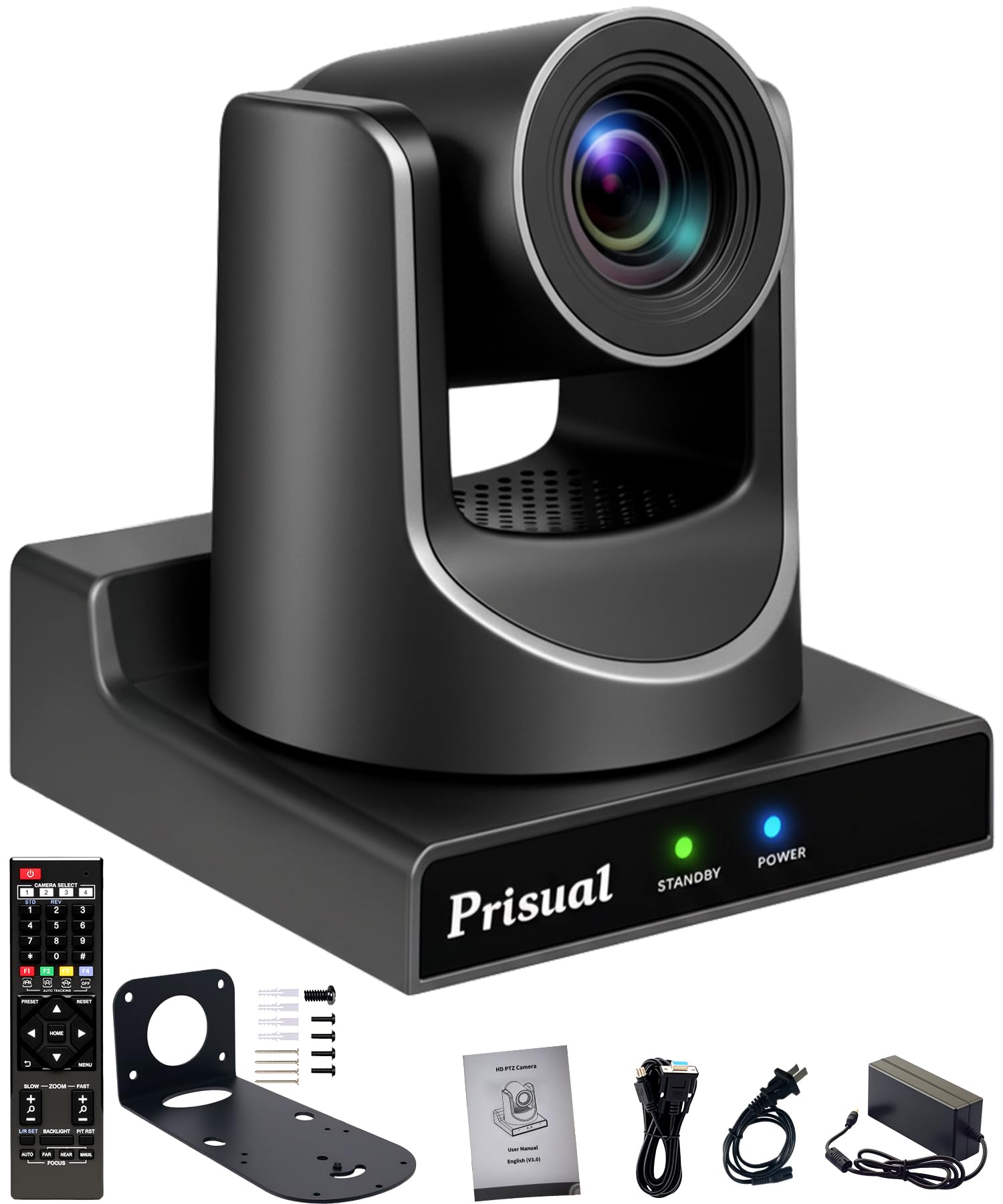
Prisual 30X PTZ

90 /100
Studio Score High Confidence

Key details

Outputs
SDI, HDMI, USB, IP
AI Tracking
Gen 5
Optical Zoom
30x
Check Price on Amazon

The Prisual Gen 5 pairs a 30x optical zoom with an 8x digital zoom and puts SDI, HDMI, USB, and IP outputs on the same back panel. That lets one camera sit at the rear of a sanctuary, cover a stage or podium from distance, and feed a live stream, house display, and recorder simultaneously.

Gen-5 AI tracking follows a speaker using defined zones, so a moving presenter stays framed without an operator riding the head. The pan/tilt mechanism is quiet enough for a live service or presentation, which matters when the camera is mounted close to the congregation.

Image clarity holds up in dimly lit venues, where long telephoto lenses can go soft. The camera also operates consistently through normal installation use. Technical support responds promptly to setup questions, a practical advantage for volunteers handling an install without a dedicated AV integrator.

This is a fixed-install camera for churches, school auditoriums, and event venues that need one unit to reach a distant stage. The Zoom app's preset workflow is not intuitive and the printed manual is thin, but direct control methods—hardware controller, web UI, IP commands—respond well. That makes it a better fit for teams that already have a control path than for buyers expecting a polished software experience from the first boot.

Pros

  • Housing and pan-tilt assembly feel built for fixed installs and repeated repositioning.
  • Image stays clear in dimly lit venues, where long telephoto lenses can soften.
  • Operates consistently in normal service, with no recurring setup or motion hiccups.
  • Strong value among 30x PTZs with SDI, HDMI, USB, and IP connectivity.

Cons

  • Desktop and small meeting rooms pay for 30x reach they won't use; a shorter-throw PTZ costs less.
  • All video outputs cap at 1080p, leaving no 4K acquisition or deliverable path.
Our verdict

The right call for a fixed install where the camera sits far from the action and operators already have a control path.

Check Latest Price
4

Best PTZ Webcam for Creators

Insta360 Link 2 Pro

87 /100
Studio Score Strong Evidence

Key details

Outputs
USB only
AI Tracking
Gimbal PTZ
Optical Zoom
4x digital
Check Price on Amazon

The Insta360 Link 2 Pro brings a 1/1.3-inch sensor and 4K output to a desk-mounted PTZ webcam, with an AI gimbal that keeps a speaker centered while panning and tilting. It costs more than the budget creator PTZ webcam in this roundup, but the larger sensor and smoother gimbal motion show up in the image. The picture stays crisp in normal office light and holds up better than typical webcams when the room dims. Dual beamforming mics keep voice clear, and the gimbal can transition from a wide desk view to a close-up without touching the lens.

Its webcam workflow fits into a laptop setup without extra capture hardware. The AI tracking holds the subject centered through natural shifts in position, and the gimbal's pan range covers a typical desk or small room. Low-light performance is strong enough for evening streams under practical room lighting, where lower-end PTZ webcams start to soften.

This is for streamers, YouTubers, and hybrid professionals who want 4K and AI tracking on a laptop without building a broadcast rig. There is no optical zoom, and some third-party apps may not recognize or control the camera well, so the Insta360 software is part of the workflow. AV teams with broadcast workflows should look at the top pick in this lineup instead.

Pros

  • Webcam image quality holds up against older conference cameras that cost more and take up more desk space.
  • Crisp 4K picture with strong low-light performance keeps presenters looking natural in dim home-office lighting.
  • AI PTZ tracking stays smooth and keeps the subject centered while moving around the frame.
  • Zoom and gimbal adjustability allow close-up framing from a fixed camera position.

Cons

  • Switching between desk view and regular mode can cause audio desync in some setups, so recordings need a sync check.
  • No HDMI/SDI/IP outputs, so hardware-level multi-output workflows are outside its reach.
Our verdict

The Link 2 Pro is a creator-grade desk camera for solo streams and hybrid work, not a substitute for a production PTZ.

Check Latest Price
5

Best Budget 1080P Multi-Purpose PTZ

TONGVEO 1080p 20X

84 /100
Studio Score Strong Evidence

Key details

Outputs
HDMI, USB
AI Tracking
Single-person
Optical Zoom
20x
Check Price on Amazon

A 20x optical zoom and 1080p60 output make the TONGVEO a direct HDMI/USB option for church streams and meeting rooms that do not need 4K or NDI. It skips IP control, SDI, and multi-output extras, which keeps the setup simple and the cost below the all-interface top pick.

The camera holds crisp detail in normal room light, and the 20x zoom reaches the front of a sanctuary or classroom from the back wall. OBS and ATEM users get a stable UVC feed over USB3.0, while HDMI covers direct runs into a switcher without extra gear.

This is for budget-minded teams with volunteer operators who want a long-reach 1080p camera without learning IP networking. The HDMI/USB-only output is the main boundary: 4K, NDI, and SDI workflows should look at the top pick in this category.

💡 Program the 255 presets before the event so live adjustments stay minimal.

Pros

  • Sharp 1080p60 image with good color in normal lighting conditions.
  • Works cleanly with OBS, ATEM switchers, and USB capture setups.
  • Volunteer crews can set it up and operate it without much training.
  • 20x optical zoom gives real room-length reach at a cost-effective price.

Cons

  • The IR remote can lag and needs to be pointed at the front of the camera.
  • Auto white balance and exposure may drift when lighting changes, so manual correction can be needed.
Our verdict

For 1080p HDMI/USB production on a budget, the TONGVEO offers the zoom reach and switcher compatibility that matter; 4K/NDI buyers should look elsewhere.

Check Latest Price
6

Best-Reviewed 4K NDI Alternative

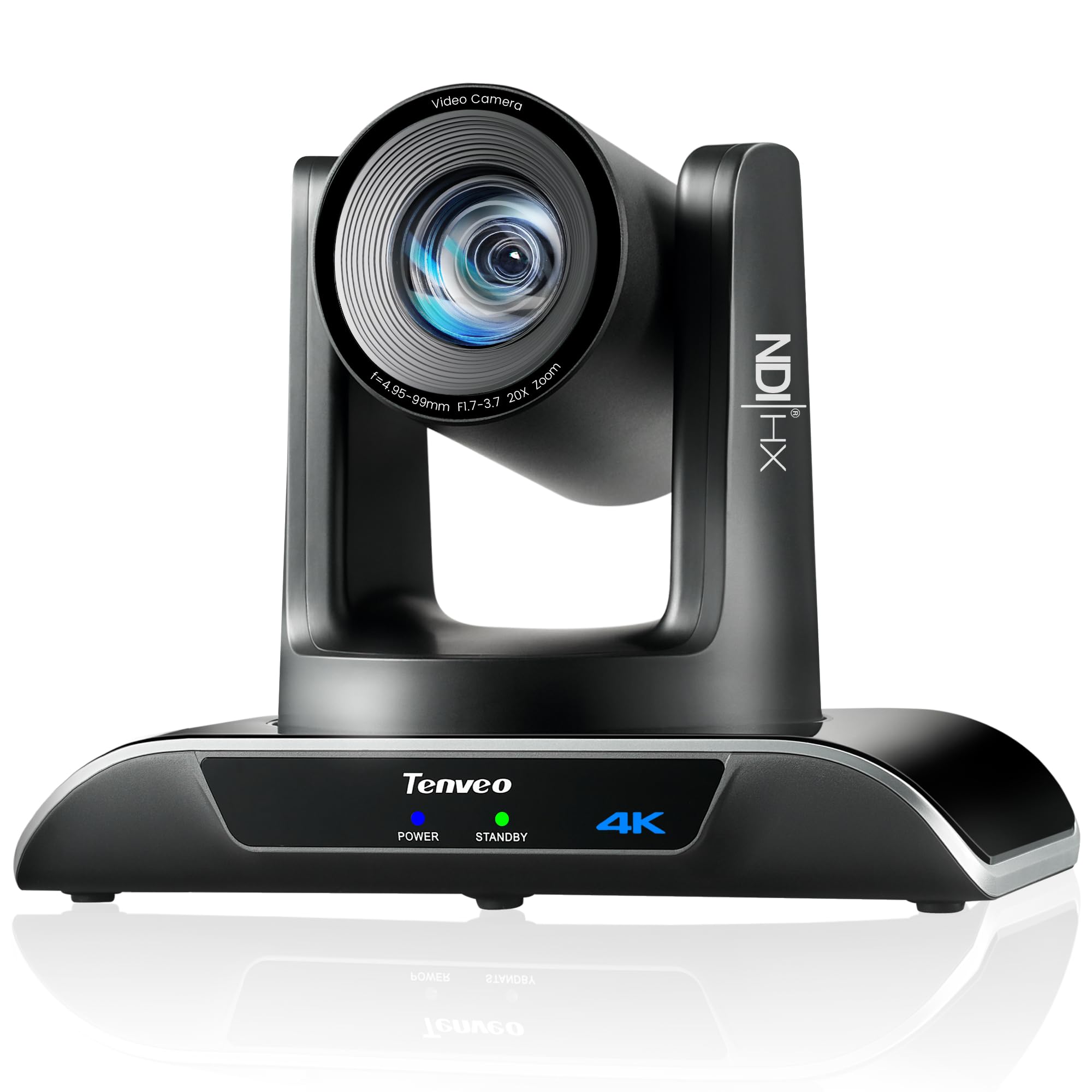
Tenveo 4K NDI 20X

86 /100
Studio Score Strong Evidence

Key details

Outputs
NDI, HDMI, USB, IP
AI Tracking
Face + humanoid
Optical Zoom
20x
Check Price on Amazon

Official NDI output removes the need for a separate encoder in an IP-based video workflow, while 4K30 over HDMI/USB, 20x optical zoom, PoE, and face/humanoid AI tracking combine into a single-camera package for NDI-centric church and education production.

Live streams hold clarity at 1080p60, the more practical frame rate for moving worship and classroom content. The 20x lens keeps a lectern or stage presentable from the back of a room, and AI tracking holds a person during normal movement instead of drifting mid-shot.

NDI-centric church and education teams are the right fit; the polished 12x conference model in this set is the better small-room choice. PTZ speed control is coarse, and network setup is complicated by static IP behavior and partial VISCA/ONVIF support, so plan for an AV volunteer or technician who can manage IP addressing and external PTZ presets.

The IP output set also covers RTMP, RTSP, and SRT, so the same camera can feed a production switcher and stream directly to an online platform. USB3.0 and HDMI add local monitoring or recording options without extra converters. At a premium price, the output list is one of the more complete 4K NDI packages in the category.

💡 Program presets and movement ramps through a dedicated PTZ controller or control software rather than relying on OBS sliders for fine speed changes.

Pros

  • Strong overall camera quality for church use, with a clean image in typical worship lighting.
  • Clear 1080p60 live video keeps movement defined during services and lectures.
  • Good value for a 4K NDI PTZ when the full interface set is needed.
  • 20x optical zoom reaches a lecturer or stage from the rear of a room.

Cons

  • During a live worship service, fine framing is difficult because pan/tilt speed stays quick even at low software settings.
  • AV installs expecting flexible DHCP/ONVIF control can hit static IP behavior and partial protocol support that add setup time.
  • Power-on behavior can become intermittent after extended service, which matters for unattended live installs.
Our verdict

NDI-first church and education production is the clear home for this 4K PTZ; the output set and image quality make the interface work worth doing.

Check Latest Price
7

4K Conference Rooms

Tenveo 4K 12X PTZ

89 /100
Studio Score Strong Evidence

Key details

Outputs
HDMI, USB, PoE
AI Tracking
Face + humanoid
Optical Zoom
12x
Check Price on Amazon

The Tenveo 4K 12X PTZ pairs sharp 4K30 output with PoE simplicity, a 78-degree wide-angle lens, and AI auto-tracking in a compact body built for meeting-room and classroom ceilings. In dim rooms, autofocus can hunt, and browser or OBS plugin control lacks the immediacy of a physical controller; both are manageable if your workflow expects them. The 12x optical zoom and HDMI/USB/PoE output set fit 4K conference rooms and classrooms, not large venues that need 20x+ reach or NDI/SDI production chains. For a room within 12x reach, the image quality, tracking, and platform compatibility make this a polished mid-range option.

Pros

  • Works with major video conferencing platforms without extra capture hardware.
  • Offers strong value for a 4K PTZ with a 78-degree wide-angle lens.

Cons

  • Autofocus can hunt in low light or with vibration; manual focus is the practical fallback.
  • Browser and OBS plugin control can feel slow; a physical controller is the better live-event option.
Our verdict

For a conference or classroom that needs wide 4K coverage and PoE, this is the right fit when long-throw production reach isn't on the table.

Check Latest Price
8

Budget Creators, Portable

EMEET PIXY 4K

87 /100
Studio Score Strong Evidence

Key details

Outputs
USB only
AI Tracking
Dual-camera AI
Optical Zoom
Digital
Check Price on Amazon

At entry-level pricing, the PIXY pairs sharp 4K with dual-camera AI tracking that follows a presenter across 310 degrees of pan, and its three-mic array keeps desk audio useful without extra gear. The EMEET Studio app can be buggy, and AI tracking may lose a fast-moving subject, so the camera rewards controlled movement. A digital-only zoom is the third boundary, and together these limits explain why it sits below the creator-grade option in the set; for a first-time streamer working at a desk, they are easy to live with.

Pros

  • Sharp 4K image quality with solid exposure in normal room lighting.
  • Dual-camera AI tracking follows a solo presenter across 310 degrees of pan.
  • Easy setup with mainstream meeting and streaming apps, plus a three-mic array that captures voice clearly.

Cons

  • Digital-only zoom means a distant subject is framed through cropping, not glass, so detail drops off.
  • Advanced controls live inside EMEET Studio, which can complicate setup for users who avoid vendor software.
Our verdict

With a budget-friendly price and capable desk-creator tools, this fits first-time streamers and portable meeting use; production buyers should step up to the creator-grade option in this set.

Check Latest Price
9

Budget 4K Streaming

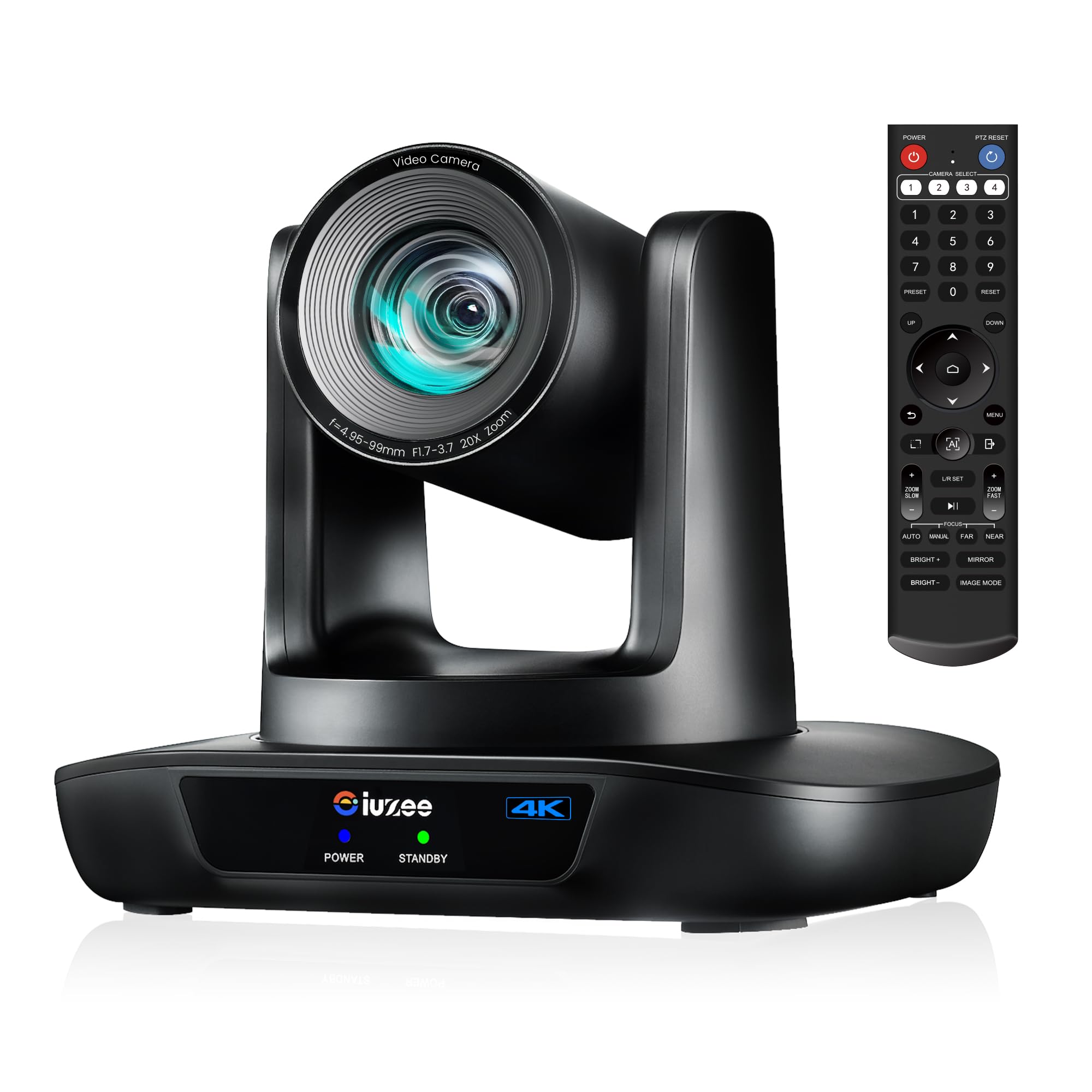
iuZee 4K 20X PTZ

84 /100
Studio Score Strong Evidence

Key details

Outputs
HDMI, USB, PoE
AI Tracking
Face + body
Optical Zoom
20x
Check Price on Amazon

The iuZee 4K PTZ delivers clear 4K, 20x optical zoom, and PoE in a budget-friendly package that several long-term church streaming installs have kept in service. USB, HDMI, and IP outputs cover OBS and capture workflows, and pan/tilt/zoom control is generally responsive for the price. The smaller interface set plus a line-of-sight IR remote and the loss of optical zoom while AI tracking is active put a ceiling on production use. For churches and classrooms streaming over USB/HDMI/PoE, those boundaries are workable rather than disqualifying.

Pros

  • Build quality has held up in long-term church streaming installations.
  • 4K output is clear and detailed on capable displays.
  • Feature set delivers 4K, 20x zoom, and PoE at a strong mid-range value.

Cons

  • For broadcast-style production, missing NDI/SDI outputs are a hard stop; USB/HDMI/PoE setups won't notice.
  • Under sustained weekly use, long-term durability can vary between units.
Our verdict

For a church or classroom on a 4K PoE budget, this is the cost-effective alternative to all-interface production PTZs.

Check Latest Price

How to Choose

Optical Zoom Range

Optical zoom determines how close your subject appears without cropping into the sensor. A 3x lens covers a huddle room or desk; a 12x lens handles a classroom or small sanctuary; a 20x lens is the practical starting point for most churches and event spaces; 30x covers a large auditorium from a rear wall.

The trade-off appears at full telephoto. Long zooms magnify camera shake, and autofocus systems often hunt when the subject is far away and contrast is low. If your operator regularly punches in on a speaker, test the autofocus behavior at maximum zoom before committing.

Output Connectivity

Outputs determine how the camera connects to your switcher, computer, or network. HDMI and USB are the baseline for conference rooms and single-camera streaming. SDI adds professional video routing over long BNC cable runs, which is why live production teams favor it. IP and NDI send video and control over the network, which simplifies cabling but adds configuration requirements.

Multiple outputs let one camera feed a switcher, a recording device, and a computer simultaneously. That flexibility is useful for churches that stream and record the same service, but it raises the price. Buy the outputs your current workflow needs, not the ones that sound future-proof.

AI Tracking Quality

AI tracking uses face, body, or humanoid detection to keep a presenter framed as they move. Single-person tracking is the most common behavior in this price range: the camera follows one person and may struggle with fast movement, occlusion, or two people crossing paths.

Auto-framing modes that adjust the shot to include a group are less common and less predictable. Think of AI tracking as a convenience that reduces the need for a dedicated operator, not a replacement for one. If your presenter moves across a wide stage, a camera operator or a preset-based control surface remains the dependable choice.

Resolution and Frame Rate

The central trade-off in this category is 4K30 versus 1080p60. 4K gives you extra detail and cropping room, but 30fps looks less smooth for fast motion. 1080p60 looks smoother and is easier on your computer or switcher, but it does not offer the same headroom for zooming in post.

Also check the resolution on each output interface. Several cameras advertised as 4K only deliver 4K over HDMI or USB; their IP or NDI streams are capped at 1080p. Verify the per-interface spec before relying on a camera for a network-based 4K workflow.

Control Ecosystem

The included IR remote is fine for setting presets and basic adjustment, but it is not a live-production tool. Line-of-sight issues, lag, and imprecise speed control show up quickly during a service or meeting.

Software control through OBS, a web UI, or a dedicated PTZ controller gives you smoother pan and tilt behavior. Before buying, check whether the camera supports VISCA over IP or USB, whether the OBS plugin is maintained, and whether a third-party controller can recall presets. A camera with good image quality but awkward software control will frustrate your volunteers every week.

Frequently Asked Questions