4 Best Hybrid Instant Camera of 2026: Print Only the Frames Worth Keeping

Find a hybrid instant camera that earns its film: preview, pick, and print from your phone without paying for bad shots.

Hybrid instant cameras promise the best of both worlds: the physical keepsake of film and the freedom of a digital preview. In practice, that promise hinges on one thing: whether the preview screen and phone-printing tools help you burn less film, not more.

The catch is that the camera you choose changes how that workflow feels. Some hybrids give you creative controls and microSD storage so you can curate frames before they hit film. Others lean on smartphone printing, letting your phone do the image-capturing heavy lifting while the camera just handles the paper. Both approaches save money on film, but they demand different habits.

This guide sorts through the trade-offs that matter after the first few prints: battery life, print size, effect controls, and the per-shot cost of keeping only the good frames.

1

Best Overall

Fujifilm Instax Mini EVO

92 /100
Studio Score High Confidence

Key details

Print Size
Instax Mini 2x3
Battery Life
~100 prints
Digital Capture
1MP sensor, microSD
Creative Controls
100 effect combos
Check Price on Amazon

The Mini EVO is a complete hybrid control room: a 2-inch LCD, dual shutter buttons, microSD storage, and 100 lens/film effect combinations sit behind the same 2x3 Instax Mini prints you expect from a standard instant camera. Before any film is spent, you can see how the shot will look and cycle through effects until the frame matches the moment. That front-end control is what separates it from simpler hybrids that only add a print-from-phone mode.

Phone printing plugs into the same workflow. Smartphone images arrive over Bluetooth, appear on the LCD for a final check, and print without a memory-card detour. The remote shutter trigger lets you capture a frame from across the room, which is useful for group shots, and the solid body has none of the hollow feel that can show up in budget instant cameras.

This is a premium-priced hybrid for buyers who want creative control before committing to film and a phone-print workflow that keeps a digital copy. The built-in camera's 1MP sensor is a deliberate tradeoff: fine for 2x3 prints and phone sharing, not for high-res editing. Strict budget shoppers or anyone who prioritizes high-resolution digital files should look elsewhere; the EVO's value lives in the print-and-share loop.

The effect engine turns an event into an activity. Pass the same camera around a table and the same scene can be printed as a warm portrait, a black-and-white frame, or a vignette-heavy snap without any editing app. The 2x3 film size keeps each print low-cost, so the experimentation feels informal rather than precious.

๐Ÿ’ก Treat the camera's digital captures as share-ready copies and keep phone photos for high-resolution editing or enlargements.

Pros

  • Preview the shot on a 2-inch LCD and dial in one of 100 lens/film effects before any film is wasted.
  • Bluetooth phone printing and remote shutter control are built in, so the camera works as its own 2x3 phone printer.
  • microSD storage saves a digital copy of every selected frame, so prints and shareable files come from the same shot.
  • The body is solid and the dual shutter buttons make portrait and landscape framing feel natural.

Cons

  • Occasional cartridge recognition and power quirks can show up on some units.
  • Digital captures from the built-in camera can look soft or pixelated next to a modern phone photo.
Our verdict

For groups, event hosts, and anyone who likes to shape a shot with effects before printing, the EVO is the hybrid worth carrying.

Check Latest Price
2

Best for Sound & Compact Carry

Fujifilm Instax LiPlay

84 /100
Studio Score Strong Evidence

Key details

Print Size
Instax Mini 2x3
Battery Life
Moderate
Digital Capture
Built-in digital capture
Creative Controls
Sound-on-print
Check Price on Amazon

The LiPlay is the lighter, lower-priced Fujifilm hybrid in this lineup, and it carries the sound-on-print QR mode that lets a voice memo or song ride along with a 2x3 print. It still works as a proper hybrid camera โ€” preview on the LCD, pick the keeper, then commit it to Instax Mini film โ€” and it doubles as a Bluetooth printer for photos already on your phone. That combination makes it the most social option for anyone who wants instant prints without shooting blind.

The right buyer is the person who cares more about the story behind a print than about squeezing maximum sharpness out of Mini film. This is a selective party tool, not an all-day event camera: at Instax Mini prices, print quality depends on getting the lighting and focus right, and battery life suits shorter gatherings better than continuous coverage. Buyers who accept those boundaries get a compact, mid-range hybrid that turns ordinary group shots into something guests can play back.

The LiPlay is not the effects powerhouse in this lineup; that role belongs to the top pick. What the LiPlay offers instead is the most direct path to a personalized keepsake: pick a phone image, attach audio to it, and print on the spot. That matters for owners who treat instant photos as conversation pieces rather than technical exercises.

๐Ÿ’ก Attach the audio clip in the app before printing; playback is triggered by scanning the print's QR code with a phone.

Pros

  • Sound-on-print QR mode turns a physical photo into a voice-memo keepsake no other hybrid in this lineup offers.
  • Bluetooth phone printing lets you choose images from your camera roll and print without pulling out a computer.
  • Compact 9.12-ounce body is easy to carry to a party or gathering.
  • Good output quality for casual social prints when lighting is handled with care.

Cons

  • Battery life is limited for heavy event use, so a day-long shoot may exceed one charge.
  • At the per-shot price of Instax Mini film, print quality can disappoint when lighting or focus is off.
Our verdict

Choose the LiPlay when the physical photo's audio backstory matters more than creative effects. The top pick handles effects better; the LiPlay handles the keepsake moment better.

Check Latest Price
3

Best Budget 3X3 Printer-Camera

Kodak Mini Shot 3 Retro

84 /100
Studio Score Strong Evidence

Key details

Print Size
3x3 square
Battery Life
Rechargeable
Digital Capture
10MP sensor
Creative Controls
Film-style presets
Check Price on Amazon

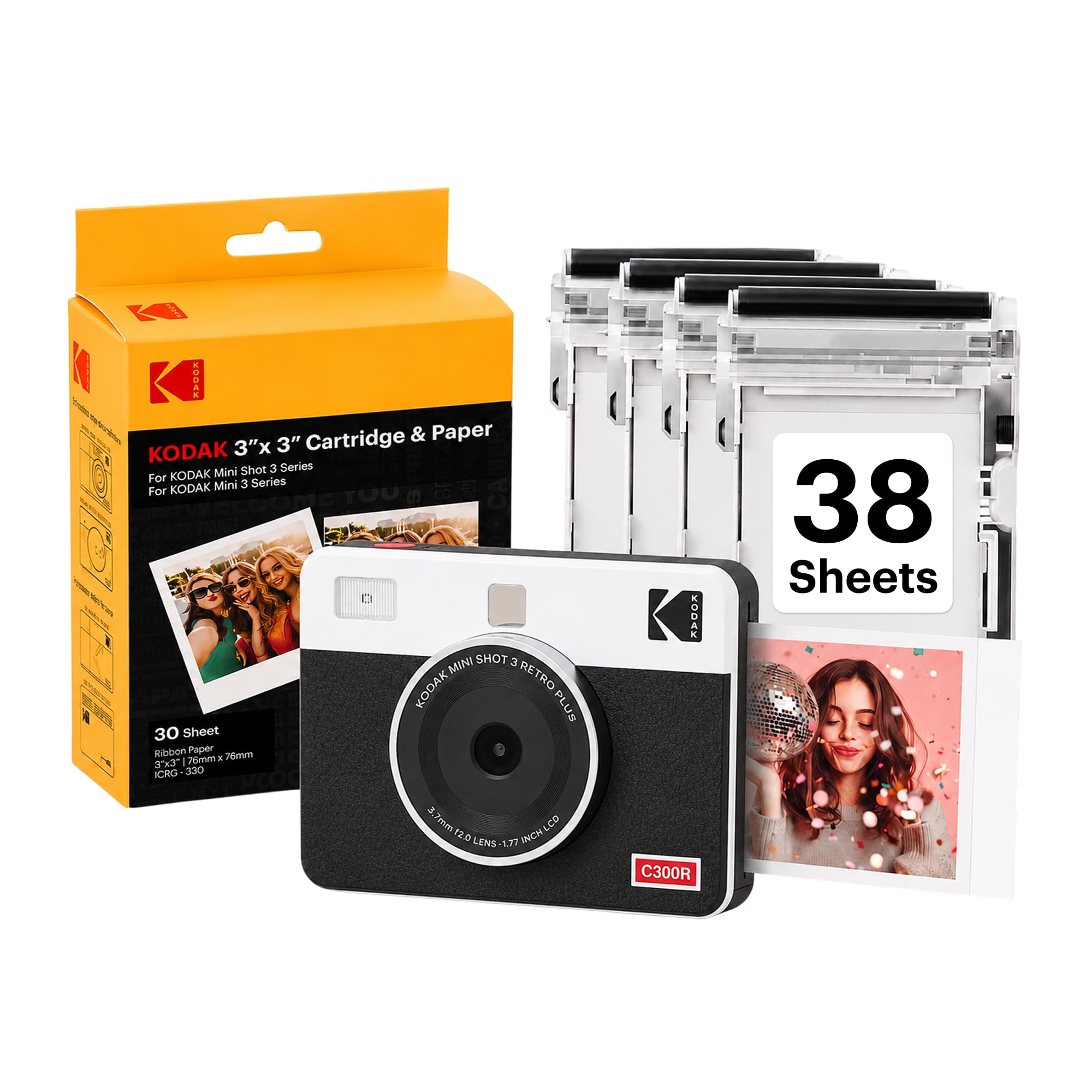
The Kodak Mini Shot 3 Retro offers a 3x3 print size that the pocket 2x3 hybrid in this set cannot match, while keeping the entry cost low with a 10MP sensor, Bluetooth phone printing, and a 38-sheet starter kit. Its 4PASS dye-sublimation process adds a protective lamination to each square, so prints stay smudge-resistant in a way bare instant-film prints are not. That combination gives first-time hybrid buyers a complete kit out of the box, so they can shoot, print, and decide whether the format fits before buying more media.

The 3-inch LCD and KODAK Photo Printer app make the hybrid workflow easy to follow: shoot, preview, edit, then send only the frames you want printed. The self-timer helps with group shots, and phone photos bypass the camera entirely, so the Mini Shot works just as well as a dedicated printer for images already on your phone.

This is the right fit for budget-conscious beginners, teens, and casual social groups who want a larger square print without moving up to the wide-format model. Dye-sublimation takes about 55 seconds per photo, making it slower and less spontaneous than direct-film hybrids, so it rewards deliberate frame selection over party-style instant hand-offs.

Pros

  • The bigger 3x3 format avoids the tiny 2x3 compromise without jumping to wide-format costs.
  • The 38-sheet starter bundle means no separate media order before your first print session.
  • Laminated 4PASS output resists smudging from fingers and light moisture.
  • The 3-inch LCD plus self-timer turns the camera into a usable group snapshot tool.

Cons

  • The glossy laminated finish differs from the matte, slightly random texture of Fujifilm-style instant film.
  • For close-up detail, the 10MP camera won't keep pace with phone photos.
Our verdict

The Mini Shot 3 Retro is the economical 3x3 route for hybrid printing: preview on screen, print from camera or phone, and let the bundled sheets introduce you to the workflow.

Check Latest Price
4

Pocket-Size Budget Hybrid

Kodak Mini Shot 2 Retro

87 /100
Studio Score Strong Evidence

Key details

Print Size
2x3 prints
Battery Life
5-10 prints
Digital Capture
10MP sensor
Creative Controls
Retro styling
Check Price on Amazon

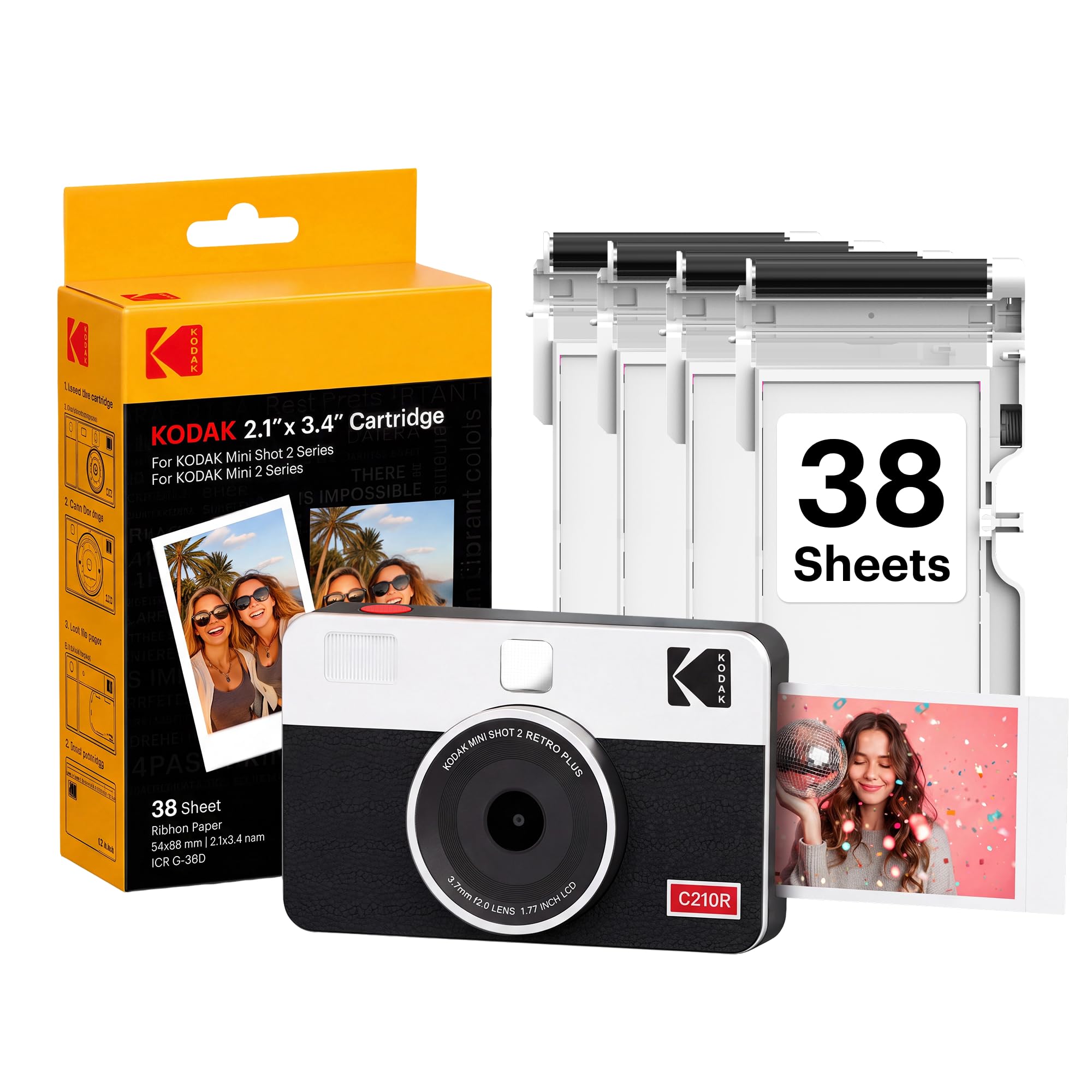
The Kodak Mini Shot 2 Retro is the lowest-priced route into a two-in-one hybrid: a pocket camera that prints 2x3 photos from its own sensor or from your phone over Bluetooth. It is the smallest-bodied option in this comparison, and its 4PASS prints arrive with a laminated layer that resists fingerprints better than bare instant film.

The built-in 10MP sensor and 1.7-inch LCD let you preview a shot before spending a sheet of paper, and the self-timer makes casual group shots easier. At about 700g, it is light enough to toss in a bag. Phone printing through the KODAK Photo Printer app is where it earns its keep for print-from-phone buyers; you can compose a batch on your phone rather than relying on the small LCD.

The biggest trade-off is battery: a full charge covers only about five to ten prints, so event-length use is not realistic. The built-in camera can also produce blurry or disappointing images if you rely on it instead of your phone. For teens, kids, and budget shoppers who want a compact creative gadget for small batches, the cute retro design and low entry price make those limits acceptable.

๐Ÿ’ก Charge it before an outing and treat a full battery as a five-to-ten-print session.

Pros

  • Lowest-cost entry into a two-in-one hybrid, printing from the built-in camera or your phone.
  • Compact, pocket-friendly body that is easy to carry and easy to gift.
  • Laminated 4PASS prints resist smudges and fingerprints better than bare instant film.
  • Simple Bluetooth phone printing through the KODAK Photo Printer app.

Cons

  • The built-in 10MP camera is best for snapshots; low-light or motion shots can come out soft.
  • A unit can arrive unable to power on or print, so an early trial run is worthwhile.
  • A full charge covers roughly five to ten 2x3 prints, so long events will need a power source.
Our verdict

A budget-friendly phone-first hybrid for short, social printing sessions; skip it if you expect all-day events or a serious built-in camera.

Check Latest Price

How to Choose

Print Size and Film Format

Print size determines both the physical keepsake and the per-print cost. Instax Mini 2x3 prints are the most affordable and portable, but the smaller frame shows softness or pixelation more readily. Instax Wide 3x5 prints offer more room for detail and a more substantial feel, but the film costs more and the camera body is bulkier.

Kodak's 4PASS dye-sub options use 2x3 or 3x3 paper instead of instant film, which changes the look: prints are smoother, laminated, and smudge-resistant, but the printing process takes about 50 seconds per photo, so there's no peel-and-wait reveal.

Digital Capture Resolution

The built-in sensor is the most commonly overestimated spec. Fujifilm's Mini EVO captures at 1MP, which is intentionally low: the camera is designed for instant prints, not for producing large digital files. When you save a frame to microSD, you're getting a memory that's fine for social sharing but not for high-resolution editing.

Kodak's 10MP sensors sound stronger on paper, but reviewers consistently find on-camera image quality trails modern smartphone photos, so the sensor is best treated as a secondary capture method rather than a reason to leave your phone behind.

Lens and Film Effects

Creative controls are what justify the hybrid price premium for many buyers. Fujifilm's Mini EVO offers 10 lens effects multiplied by 10 film effects, giving you 100 combinations that can be previewed on the LCD before you print. That preview step is the real money-saver because it lets you experiment with stylistic looks without wasting film.

The Instax Wide Evo adds even more control with five creative film styles, but its flash cannot be fully disabled, which limits some low-light and fill-flash situations. If you want the widest creative latitude, the Mini EVO is the safer bet.

Smartphone Printing

Phone printing is the feature that most hybrid owners actually use, and it shifts the entire value proposition: your phone becomes the image source, and the device becomes a dedicated printer. Bluetooth connectivity is standard across all picks, but app reliability and workflow vary.

Fujifilm's app integration with the Mini EVO and LiPlay allows direct printing and remote shutter control, while Kodak's app is functional but less polished. The practical lesson is to treat the camera half as a convenience, not the main event: the phone-print path is what delivers the best image quality.

Battery Life

Battery life is the spec buyers underestimate most. Kodak Mini Shot 2 owners report as few as five to ten prints per charge, which is enough for a casual afternoon but falls apart at weddings or events. Fujifilm's Mini EVO fares better, with most owners getting through a multi-hour session, but heavy continuous use still demands a charging break.

Battery chemistry and print mechanism explain the gap: dye-sublimation printers require more energy for the heating cycle, and smaller batteries in budget models are the trade-off that keeps prices low. If you plan to shoot and print for hours, prioritize models with higher capacity or a USB charging option.

Frequently Asked Questions