8 Best Hard Drive for Video Editing 2026: Stable 4K Workhorses

Find an external hard drive for video editing that sustains 4K timelines without dropouts, plus the right backup HDD for archived footage.

The advertised speed of an external drive tells only part of the editing story. A portable SSD can hit 1,050MB/s in a benchmark and still drop the connection after twenty minutes of sustained writes, right in the middle of a 4K timeline. What matters for video work is whether the drive keeps moving data without overheating, disconnecting, or scrambling files.

Capacity adds another fork in the road. Active projects belong on a fast SSD with enough room for footage and previews; finished projects and backups belong on a large HDD where cost per terabyte matters more than transfer speed. Trying to cut 4K directly from a 5400rpm HDD is the most common setup mistake editors make.

The right choice keeps your timeline moving and your finished footage safe; the wrong choice shows up as a disconnect or lost project at the worst moment. A drive that is fast on paper still has to prove itself under a real edit.

1

Best Overall

Samsung T7 Shield 2TB

95 /100
Studio Score High Confidence

Key details

Interface
USB 3.2 Gen 2
Durability
IP65, 9.8ft drop
Capacity & Cost
2TB, Luxury
Sustained Speed
1050/1000 MB/s
Check Price on Amazon

Sustained NVMe speeds around 1,050MB/s read and 1,000MB/s write keep 4K timelines responsive, even when scrubbing through raw clips. The T7 Shield holds that pace during long exports instead of dropping to external-HDD levels after the cache warms up. That consistency makes a real difference for editors who work from the drive directly: raw 4K footage from a hybrid camera can be cut in place, so you don't have to copy a project to internal storage before each session. Connection behavior has been steady on supported USB-C ports, so an edit session doesn't stall because the drive dropped off the bus. For file transfers, the practical result is a large clip folder moving from a card reader to the T7 in a smooth, predictable run rather than a burst of speed followed by a long crawl.

The rubberized shell and IP65 rating separate it from bare aluminum SSDs. A dusty outdoor shoot or a rain-splashed backpack pocket doesn't force a second protective case, and 9.8-foot drop resistance covers the kind of fumbles that happen around a tripod or truck tailgate. The 3-year warranty adds coverage for a drive that will spend time in bags, car seats, and production cases rather than on a fixed desk.

At 2TB, the T7 Shield sits at the practical middle ground for working footage: enough for a handful of active 4K projects plus source clips, but not so large that you are hauling an archive you rarely open. The USB-C interface moves between current Mac, PC, and console hardware without a dock, so one drive can follow an editor from a MacBook to a workstation to a client's console. Compared with the slimmer 1TB T7 in this lineup, the Shield trades a little pocket profile for 2TB capacity and a tougher shell.

This is for run-and-gun editors who need a drive for footage they are actively cutting, not a deep archive. Current pricing is high for a 2TB SSD, so waiting for a sale makes sense if budget matters; this is a premium buy rather than a cost-per-gigabyte pick. If your working library already exceeds 4TB, a single larger HDD will serve you better than this portable SSD.

Mechanical drives still make sense for finished-project storage, but they are the wrong tool for real-time 4K editing. The T7 Shield sits in the speed class that lets you cut directly from the drive, which is the main reason it belongs on a shoot kit rather than in a backup drawer. The IP65 rating and drop protection are not just spec-sheet filler; they keep an edit session alive when conditions get rough. It is not the drive to leave attached to a desktop for months; it is the drive you reach for when a project has to move.

๐Ÿ’ก For Mac/iOS, use a USB-C cable rated for USB 3.2 Gen 2 and keep exFAT formatting if the drive also connects to Windows.

Pros

  • Sustained NVMe speeds keep 4K edits and long exports moving.
  • 2TB fits multiple active projects on one pocket-sized drive.
  • IP65 sealing and 9.8-foot drop protection suit field work and travel.
  • 3-year warranty covers the drive through typical upgrade cycles.

Cons

  • IP65 handles dust and splashes but not full submersion; water work requires a dry bag.
  • USB 3.2 Gen 2 tops out at 1,050MB/s; multi-stream 8K editors may want a Thunderbolt drive.
Our verdict

For active 4K editing away from a desk, this is the drive that keeps up with the timeline and the environment.

Check Latest Price
2

Best Value Compact SSD

Samsung T7 1TB

95 /100
Studio Score High Confidence

Key details

Interface
USB 3.2 Gen 2
Durability
Shock-resistant aluminum
Capacity & Cost
1TB, Mid-Range
Sustained Speed
1050/1000 MB/s
Check Price on Amazon

The T7 1TB combines Samsung NVMe storage with a credit-card-sized aluminum body, and everyday transfer speeds keep photo imports and 1080p timelines moving without a bottleneck. It is the slimmer alternative to the rugged 2TB Shield in this lineup: you trade capacity and a weather-sealed shell for a footprint that disappears into a pocket or camera bag.

The unibody shell feels solid in the hand, and setup is plug-and-play on supported systems. For card dumps and proxy editing, the speed is enough that the drive is rarely the limiting factor. The 3-year warranty adds a reasonable safety net, and the lack of moving parts means there is less to go wrong during travel.

Photographers and travel creators editing 1080p or proxy-based 4K are the target audience. The 1TB capacity fills quickly with 4K/6K footage, so long-form projects or multi-day shoots will need a second drive or a larger model. If active 4K editing is your daily workflow, the rugged 2TB Shield is the better fit; this T7 is the travel-minded alternative. It sits in the mid-range price tier, keeping the cost lower than heavily ruggedized options while still delivering NVMe performance.

Pros

  • Everyday NVMe speeds handle photo imports and 1080p timelines without perceptible lag.
  • Credit-card footprint slips into a pocket or camera bag easily.
  • Dependable out-of-box experience with solid day-to-day staying power.
  • Plug-and-play setup on supported systems means no driver hunting.

Cons

  • Some Mac/Windows environments may not recognize the drive on first connection.
  • Large sustained transfers can trigger heat-related disconnects after roughly 30GB of continuous writing.
Our verdict

A capable option for travel-heavy photo and 1080p workflows; editors with 4K/6K libraries should move up to the 2TB Shield.

Check Latest Price
3

Best Archive HDD

WD Elements 6TB HDD

95 /100
Studio Score High Confidence

Key details

Interface
USB 3.2 Gen 1
Durability
โ€”
Capacity & Cost
6TB, Mid-Range
Sustained Speed
120 MB/s
Check Price on Amazon

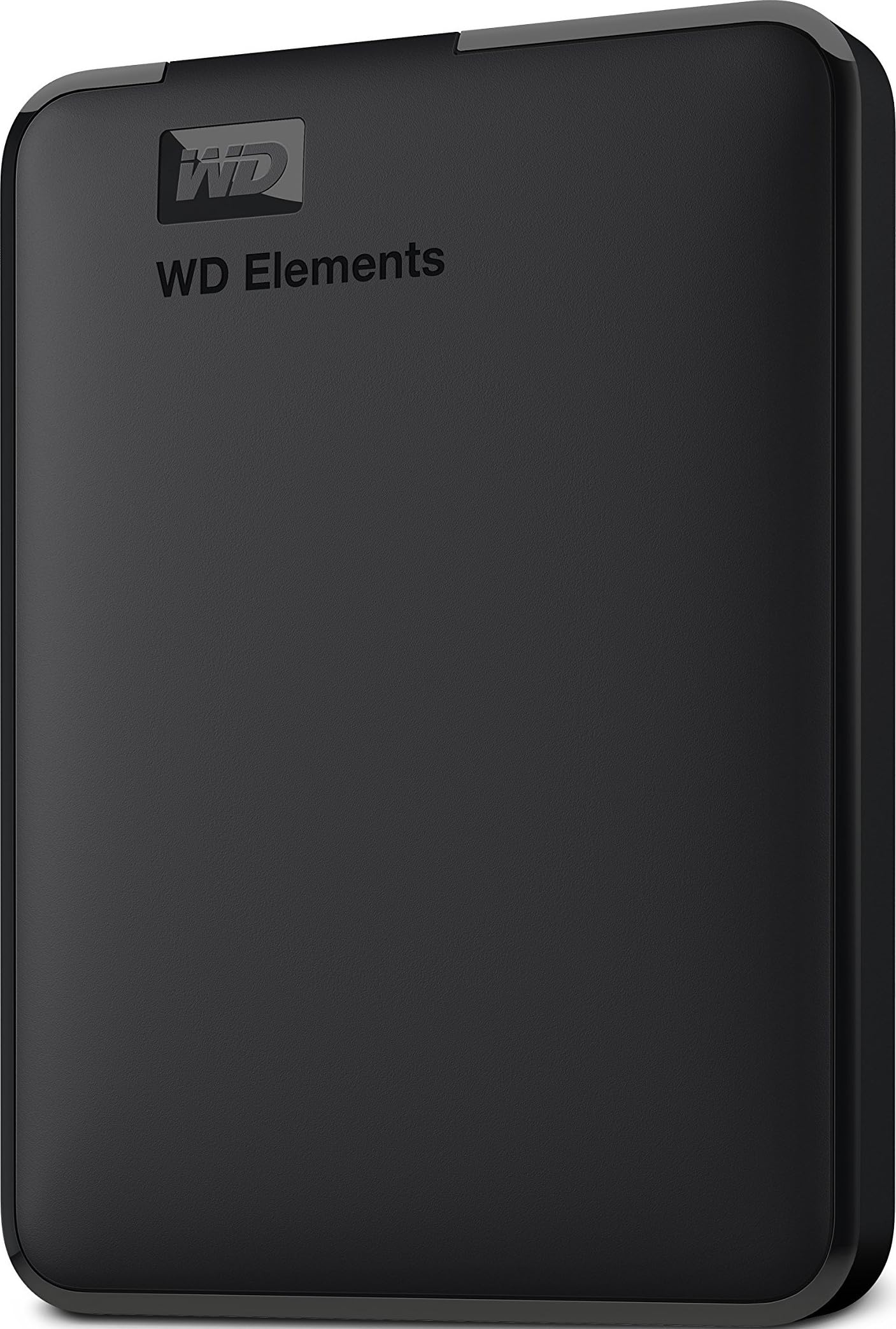
The WD Elements 6TB packs six terabytes of finished video projects into a compact 2.5-inch shell that Windows and consoles recognize with no extra software. That much capacity at a mid-range price gives it a clear slot next to the 5TB metal-shell portable in this set: more storage, simpler setup, and the same HDD-class expectations. If your workflow is organize first, edit later, the Elements makes the archive step a simple drag-and-drop operation.

Editors who archive finished footage and keep a nearline media library will get the most from this drive. Mechanical HDD speeds around 120MB/s and Mac compatibility friction mean it should serve as backup rather than a working drive, and Mac users who want true drop-in setup are better served by the top pick. Windows and console users move files immediately without extra drivers.

For large project files, the practical pattern is simple: move completed folders onto the drive, then pull them back only when an old cut needs another pass. That workflow leans on capacity and orderly storage rather than random-access speed, which is why the 6TB Elements suits archival duties better than active timeline editing. A 6TB library also means fewer small drives stacked on the desk, and the portable shell keeps the whole archive close at hand.

๐Ÿ’ก On a Mac, format the drive to exFAT before moving large project folders.

Pros

  • Six terabytes of finished footage fit in a compact portable shell.
  • Transfer speed handles overnight backups and large file transfers without effort.
  • Plug-and-play operation works on Windows and consoles right out of the box.

Cons

  • Mac setup can require reformatting before the drive appears on the desktop.
  • A mechanical drive can stop responding without warning, so keep a second copy.
Our verdict

If your footage is already cut and you need a low-cost 6TB archive, the Elements is the shelf to put it on. Keep active timelines on an SSD and reserve this drive for completed projects and nearline storage.

Check Latest Price
4

Best Rugged Field Backup

LaCie Rugged 5TB HDD

91 /100
Studio Score High Confidence

Key details

Interface
USB-C / USB 3.2 Gen 1
Durability
Drop, shock, dust, rain
Capacity & Cost
5TB, Mid-Range
Sustained Speed
130 MB/s
Check Price on Amazon

The LaCie Rugged is the field-dump workhorse of this lineup: a 5TB USB-C hard drive with a rubber bumper, dust/rain resistance, and enough space for a week of footage. It is built for location shooting, not desk storage.

The 5400rpm drive handles card dumps and backup copies comfortably at around 130MB/s. It is not an active-editing volume; 4K timelines belong on the top-pick SSD, with this drive serving as the large safety net.

This suits field videographers who need durable bulk storage for dailies and archive copies, and Mac or PC users who want one weather-resistant USB-C drive that sets up without friction. It is a purpose-built backup drive, and that focus makes it a good travel companion for documentary and event shoots.

Dust and rain resistance plus shock protection mean it can ride in a gear bag or open case without special treatment. At a mid-range price, the capacity and included data recovery service make it a reasonable value for shooters who need more space than a portable SSD offers.

๐Ÿ’ก Activate the included Rescue data recovery plan when you first set up the drive.

Pros

  • Rugged rubber bumper and dust/rain resistance hold up to field use.
  • 5TB capacity gives room for dailies, backups, and archives on one drive.
  • USB-C connects to Mac and Windows machines without extra software.

Cons

  • Long transfers can be interrupted by a dropped USB connection, so large dumps deserve attention.
  • Some drives may become unresponsive within their first weeks, so irreplaceable footage should have a second copy.
Our verdict

For field backup and archive duty, the LaCie Ruggedโ€™s capacity and weather resistance make it the runner-up to keep in the bag.

Check Latest Price
5

Best Large-Capacity HDD for Mixed Backup

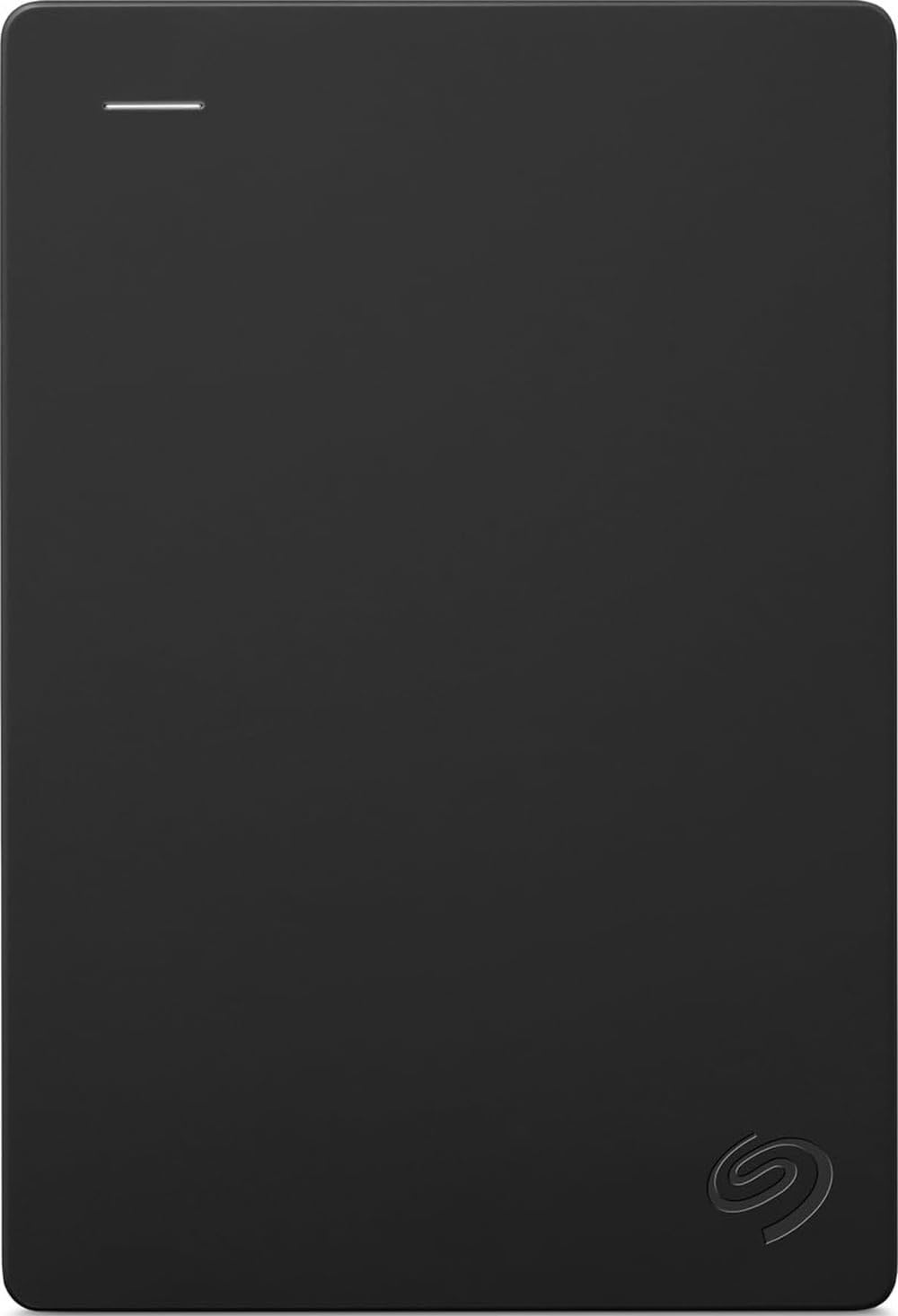
Seagate Backup Plus 5TB

91 /100
Studio Score High Confidence

Key details

Interface
USB 3.0
Durability
โ€”
Capacity & Cost
5TB, Mid-Range
Sustained Speed
โ€”
Check Price on Amazon

The Backup Plus 5TB puts a genuinely large video library into a slim aluminum shell, so editors can carry finished projects, source footage, and photo collections without adding a desktop-sized brick to a bag. It sits between pocket-sized SSDs and high-capacity archive HDDs, with enough room for multiple multi-terabyte card dumps. The capacity covers a full season of 4K masters or several years of photo libraries, and the compact body slides into a camera bag pocket.

Drag-and-drop file management means footage comes off a camera card and onto the drive without extra software. The metal casing keeps weight down, and the bus-powered USB 3.0 connection keeps the setup to one cable. The smaller footprint leaves room for other gear, and the drive feels at home on an edit desk or in a camera bag.

This is the right drive for editors who need a large secondary copy, not a working volume. Mechanical HDD speeds and spinning-disk durability mean real-time 4K timelines should stay on an SSD; the Backup Plus is best used as a backup target for camera card archives, finished projects, and photo libraries. If your workflow is primarily camera dumps and long-term storage, the capacity and price per terabyte make it a practical second drive.

Pros

  • 5TB capacity in a slim aluminum body that fits in a camera bag.
  • Drag-and-drop file management with no extra software required.
  • Steady HDD transfer speeds handle large batch copies and card dumps.
  • Consistent day-to-day operation across Windows, Mac, and game consoles.

Cons

  • The two-year limited warranty is brief for a drive meant to hold long-term archives.
  • A drop or hard bump can disrupt a mechanical drive, so keep a second copy of footage.
Our verdict

A compact 5TB archive for finished projects and camera card dumps.

Check Latest Price
6

Travel Backup

SanDisk Portable 1TB SSD

91 /100
Studio Score High Confidence

Key details

Interface
USB 3.2 Gen 2
Durability
2m drop protection
Capacity & Cost
1TB, Budget
Sustained Speed
800 MB/s
Check Price on Amazon

The SanDisk Portable 1TB SSD is a genuinely pocketable travel drive with a rubber hook and budget-friendly pricing. It handles photo transfers and casual backup without fuss. For video editing, this is not the primary-drive pick; it is a backup companion. Mac compatibility can be inconsistent, and in some cases units have become unreadable, so verify before relying on it and keep a second copy of irreplaceable files.

Pros

  • Pocketable and lightweight enough to carry anywhere.
  • Budget-friendly speed handles photo backup and quick transfers.
  • Simple setup for casual storage.

Cons

  • 800MB/s peak reads are fine for backups, but sustained 4K exports need more headroom.
  • A 1TB capacity fills quickly once video project files and proxies accumulate.
Our verdict

If your needs are travel backups and photo transfers โ€” and you keep a second copy of anything critical โ€” this budget SSD fits. Video editors should step up to the top pick.

Check Latest Price
7

Budget Storage

Seagate Portable 2TB HDD

93 /100
Studio Score High Confidence

Key details

Interface
USB 3.0
Durability
โ€”
Capacity & Cost
2TB, Budget
Sustained Speed
120 MB/s
Check Price on Amazon

The Seagate 2TB Portable HDD is a budget-friendly backup target for video editors who already work from a faster SSD. The 120MB/s-class transfer speed is fine for moving finished projects and footage dumps, but sustained editing from the drive will bottleneck quickly. Windows and console users get immediate plug-and-play, and the low cost per gigabyte makes it a reasonable archive disk. With a large established user base, the basic setup experience is well documented. If your working drive is already covered, this fills the backup slot without much financial commitment.

Pros

  • Budget-friendly 2TB capacity for finished projects, backups, and general file storage.
  • Windows and console plug-and-play works immediately without extra software or setup.
  • Transfer performance holds up well for the price, moving large backups without drama.

Cons

  • Mac setup can require reformatting before the drive is recognized, so true plug-and-play is Windows/console only.
  • Individual units can become unreadable or drop offline, so this drive should hold copies, not original footage.
Our verdict

Use it as a low-cost archive drive for completed video projects, with originals living on a faster working SSD.

Check Latest Price
8

Thunderbolt Speed

SanDisk Pro G40 4TB SSD

80 /100
Studio Score Strong Evidence

Key details

Interface
Thunderbolt 3 / USB-C
Durability
IP68, 3m drop
Capacity & Cost
4TB, Luxury
Sustained Speed
3000/2500 MB/s
Check Price on Amazon

The PRO-G40 4TB delivers genuine Thunderbolt 3 speed in a compact body, giving Mac editors a 3000MB/s-class working drive for large project files. The IP68 build and 5-year warranty fit a professional kit, and the 4TB capacity leaves room for multi-cam footage. This keeps it from a main pick: connection and mounting instability can interrupt an editing session, so strong backups are essential. Thunderbolt 3 Mac editors who already keep duplicate copies of irreplaceable work will get the raw bandwidth and capacity they need; editors who require zero interruption should choose a lower-risk primary SSD.

Pros

  • Thunderbolt 3 transfers reach 3000MB/s-class speeds for large video files.
  • Compact, rugged shell with IP68, 3m drop, and 4000lb crush resistance.

Cons

  • Premium-priced for a 4TB SSD, which puts it beyond budget-focused buyers.
  • Large sustained transfers can get quite hot inside the compact shell, especially on 1TB-plus writes.
Our verdict

Thunderbolt 3 Mac editors who already keep duplicate backups get a fast 4TB working volume; without that backup habit, a lower-risk primary SSD fits better.

Check Latest Price

How to Choose

Capacity & Cost

Capacity sets the boundary between a working drive and an archive. A 1TB SSD fills fast with 4K/6K footage, especially when you keep proxies or multiple versions. 2TB is the practical floor for active editors; 4TB and 6TB HDDs make more sense for finished files.

Cost per terabyte explains the split: SSDs command a premium for speed, while HDDs store large libraries cheaply. Most editors should own one of each.

Sustained Speed

Peak read speeds are marketing numbers. Sustained throughput is what actually matters during large transfers and timeline scrubbing; a drive that throttles or disconnects after sustained load will interrupt your edit.

NVMe SSDs hold high speeds over long transfers; portable HDDs settle around 100-150MB/s and cannot keep up with high-bitrate 4K timelines. If you cut 4K directly from an HDD, the timeline stutters and renders slow.

Interface

USB 3.2 Gen 2 at 10Gbps is enough for most 4K editing with a modern SSD. Thunderbolt 3 and 4 offer more bandwidth for multi-stream or high-bitrate work, but require a compatible Mac or PC and a more expensive drive.

The hidden truth is that interface is not just a speed spec; cable quality, port type, and firmware all affect connection stability. A drive that works on one machine may drop on another with a different cable.

Durability & Cooling

Durability matters on location: rain, dust, drops, and banging around a camera bag are real. IP-rated bodies and shock-resistant enclosures protect against those. But cooling matters even in a studio; a sealed drive can run hot and disconnect during long transfers.

The mechanism is that sustained writes generate heat, and compact enclosures have less surface area to dissipate it. If you move 100GB+ per session, choose a drive with aluminum construction or a proven thermal record.

Warranty & Recovery

Warranty length is a clue to expected life: 5-year coverage is stronger than 1-year. Data recovery services add serious value if the drive fails to mount; LaCie's Rescue plan can recover files that a standard warranty would not cover.

The hidden truth is that warranty replaces hardware, not footage. Keep a second copy of anything irreplaceable, because every mechanical drive will eventually die and SSDs can become unreadable without warning.

Frequently Asked Questions