Best Overall
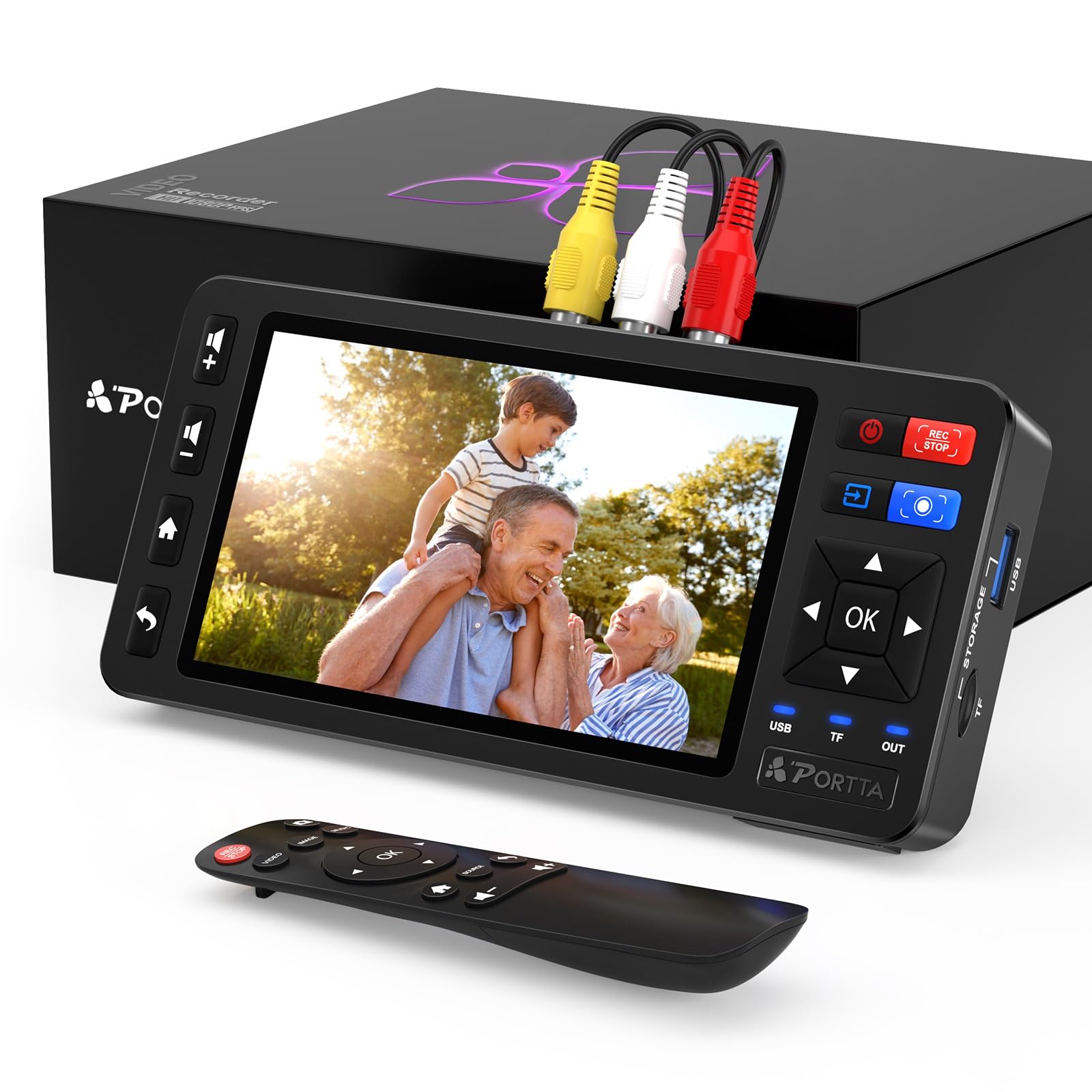
Portta VD20P
Key details
- Inputs
- AV, S-Video, stereo R/L
- Storage
- USB, TF, HDD, SSD
- Recording
- 1080p60 MP4
- Screen & HDMI
- 5-inch LCD
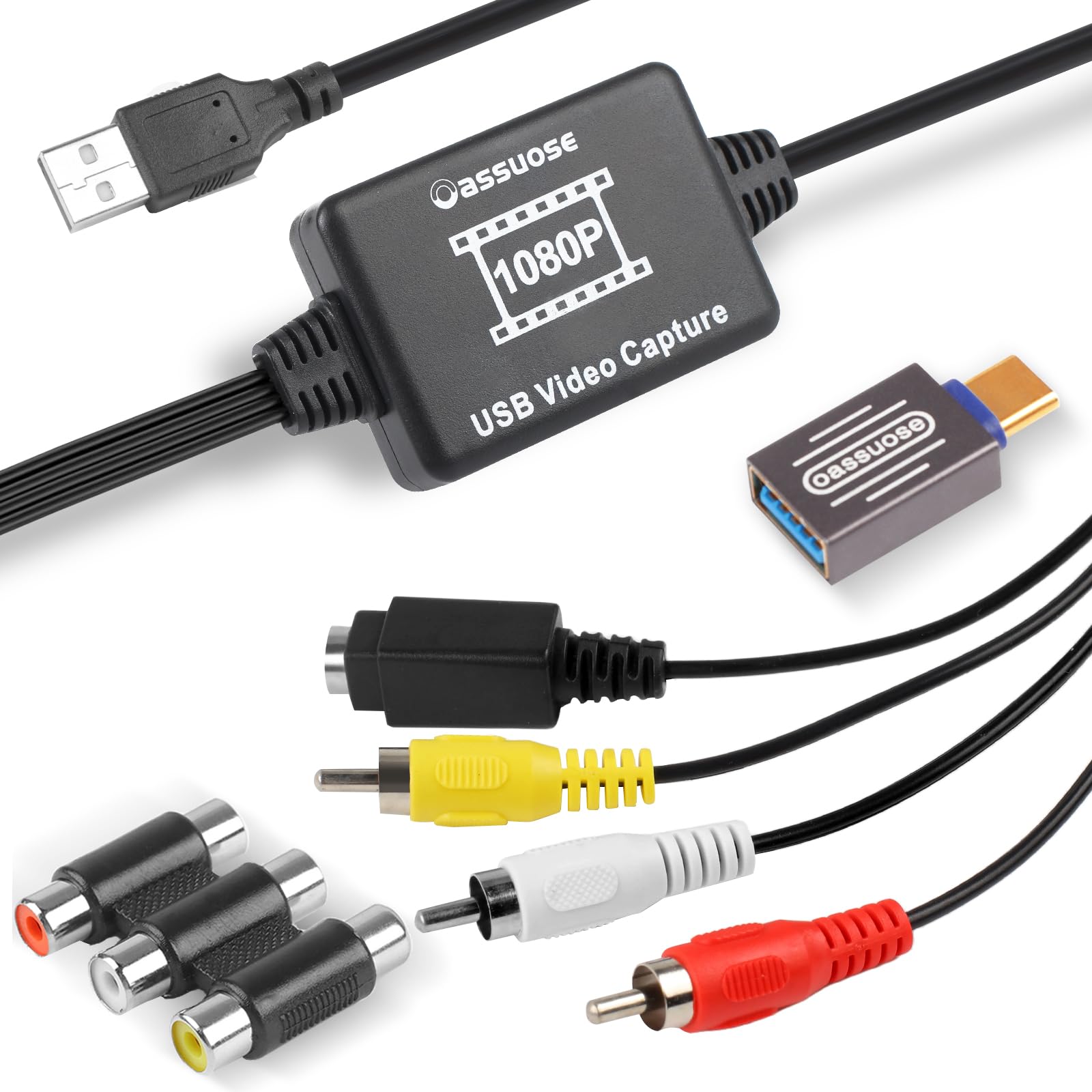
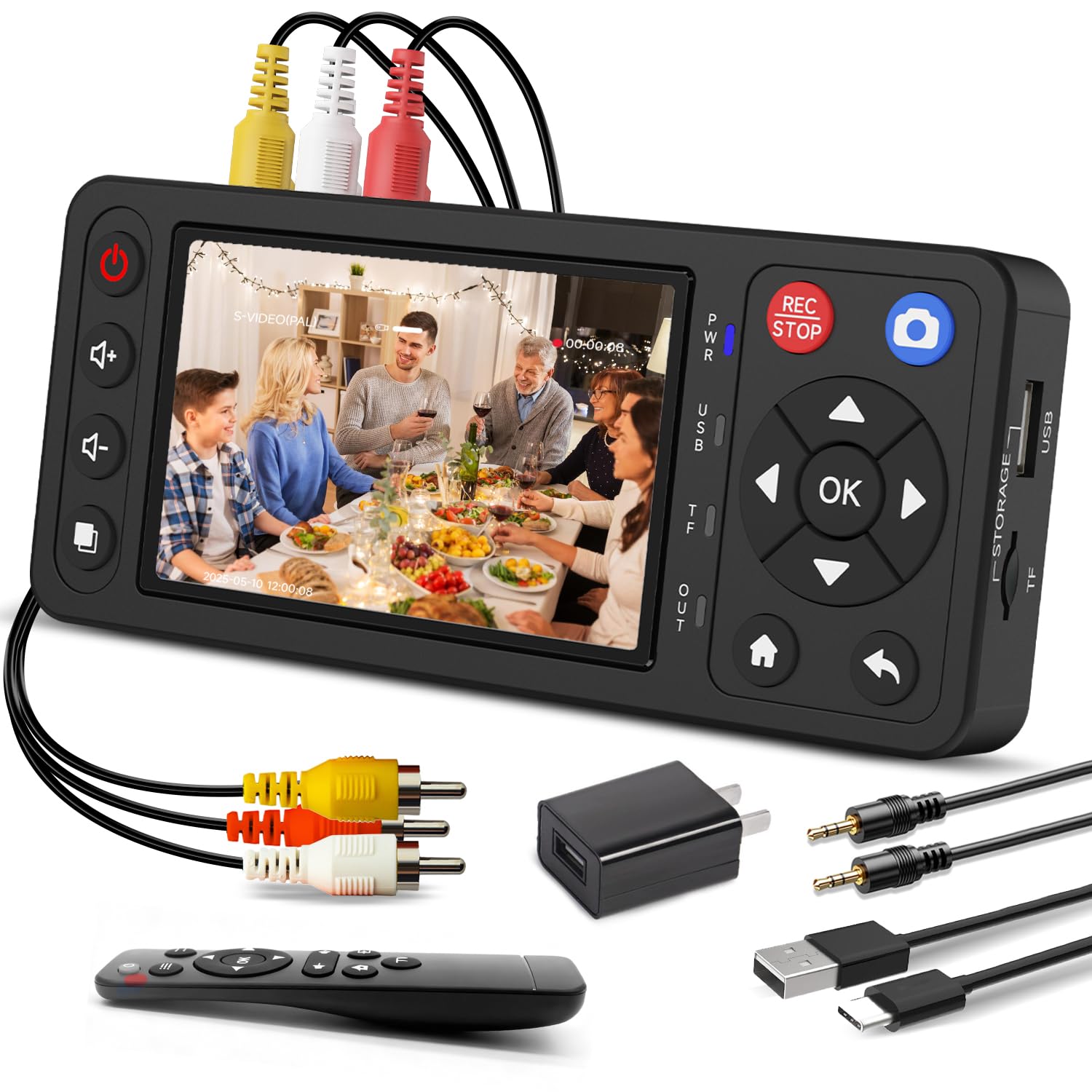
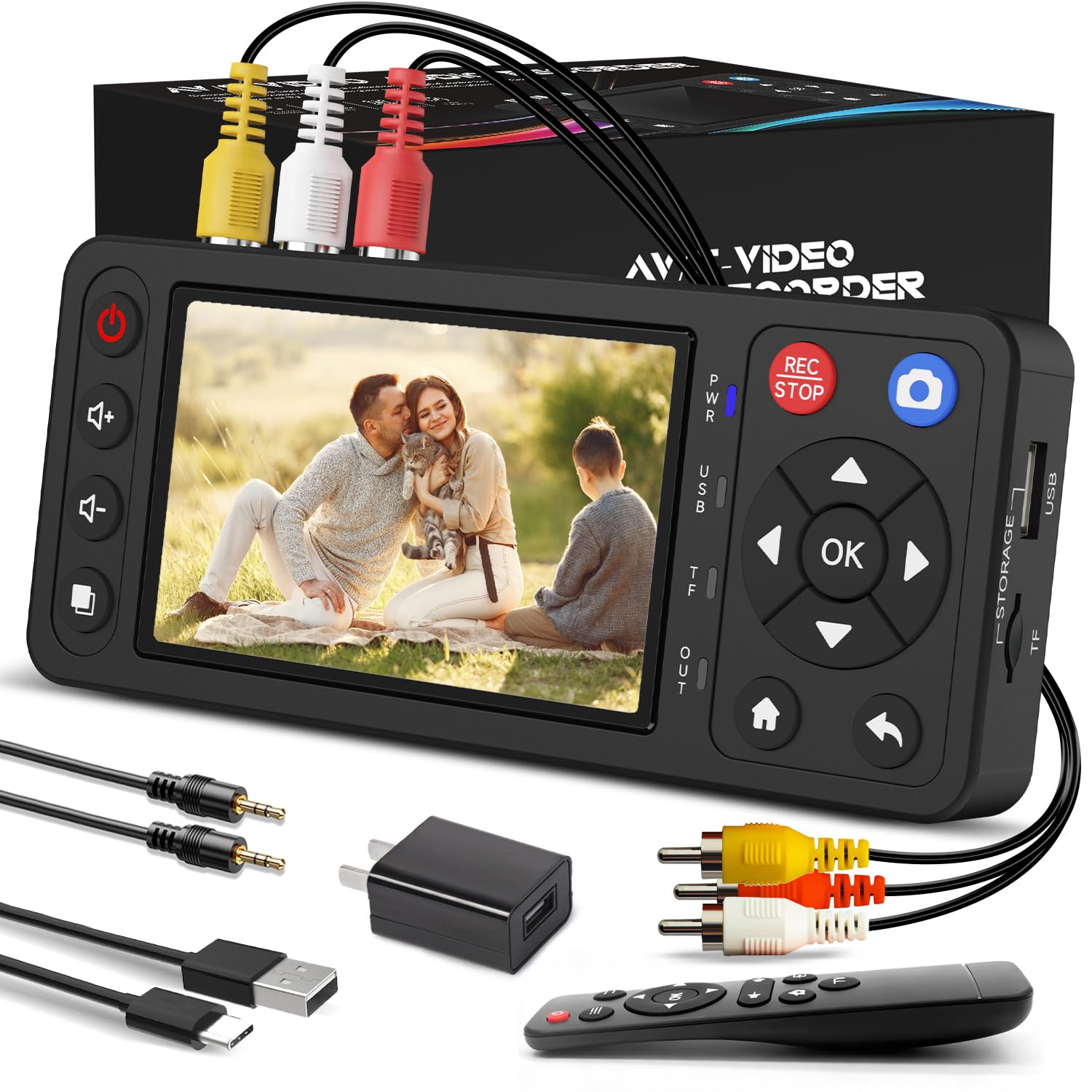
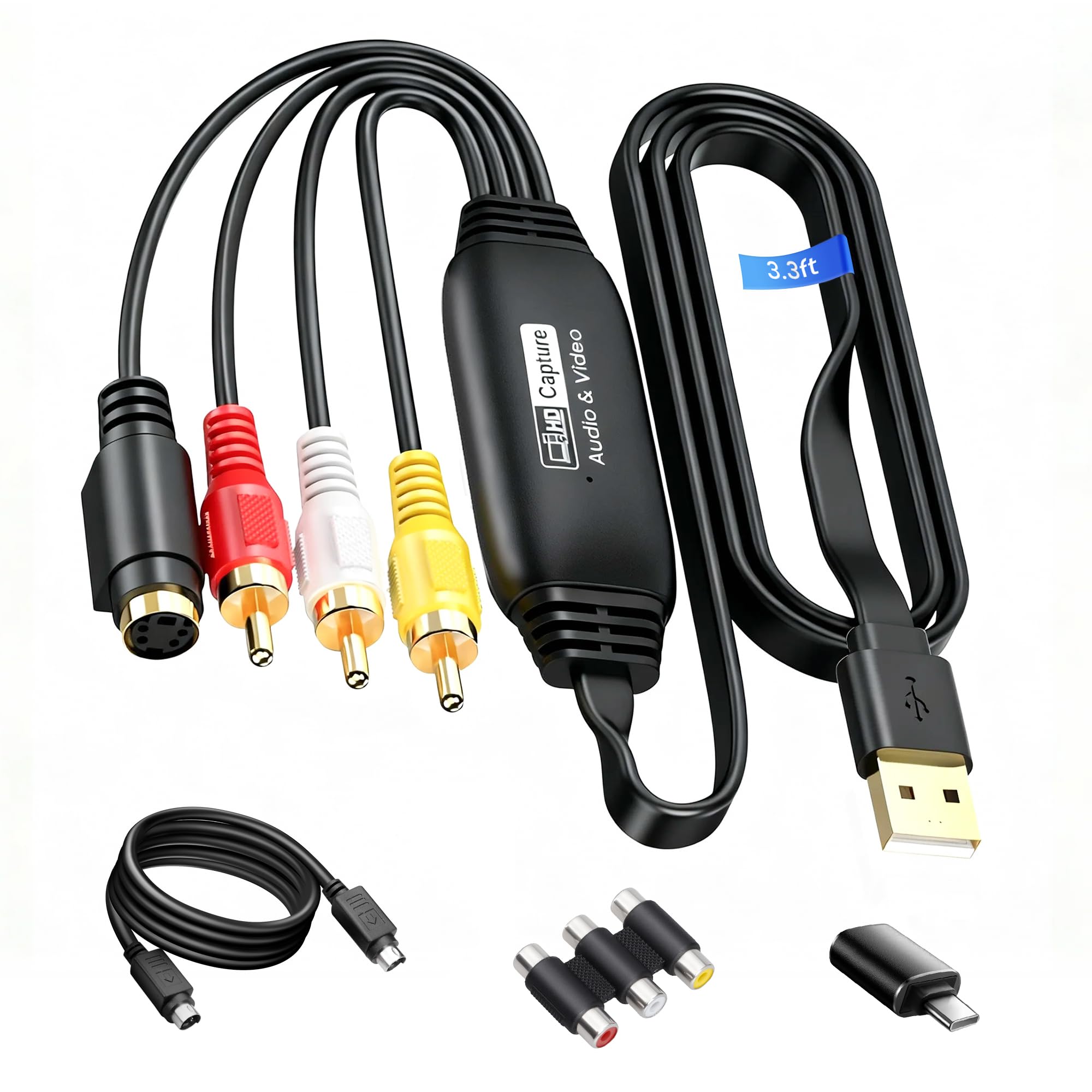
The Portta VD20P combines 1080p MP4 recording, S-Video input, and a 5-inch live preview in a standalone box — no PC capture software involved. It treats analog conversion as a hardware job, which is exactly the task a household faces when deciding to transfer a box of tapes. A VCR or Hi8 camcorder connects to the AV or S-Video jacks, a USB drive or SSD goes into the slot, and the record button starts the transfer. The 5-inch screen shows enough detail to verify tracking and audio before letting a full tape run.
Image and audio hold up through the transfer. The S-Video path is particularly useful for Hi8 tapes, since it carries chroma and luminance separately instead of combining them into a single composite signal. The resulting MP4 keeps the original tape's color and sound, and the stereo inputs make dialogue-heavy home movies easy to follow. There is no separate settings menu to work through; the unit selects a sensible 1080p MP4 capture by default.
Long transfer sessions are handled in one pass. A 90-minute tape can run while the display shows what the VCR is playing, and the unit writes files directly to the storage device. Because the converter is self-contained, the setup can stay where the VCR lives, and the finished MP4s can be moved to a computer for playback or editing.
This is the right converter for families with a stack of VHS or Hi8 tapes who want digital copies without learning a capture workflow. S-Video support covers Hi8 camcorders and higher-end VCRs, while the 5-inch screen is large enough to catch tracking problems before a long run. If your camcorder outputs component (YPbPr), this model lacks that jack; the pricier VD22P covers that need. The standalone format also avoids the driver and software conflicts that can eat an evening on other capture setups.
Storage flexibility is where the VD20P separates from the simplest standalone units. Recording to USB, SD, HDD, or SSD means you can start with a small card and move to a larger drive as the tape pile shrinks. For a family working through a deep stack of tapes, that flexibility turns a one-session gadget into a setup you can leave connected to the VCR. Swap in a fresh drive and the next tape can start immediately. With 1080p MP4 output, the files are ready for computer playback, an external drive, or a cloud backup once the conversion run is done.
💡 Use the S-Video input from a Hi8 camcorder or higher-end VCR for a cleaner capture than the composite jack.
Pros
- Captures VHS and Hi8 in 1080p MP4 without a computer, so the transfer setup stays simple.
- 5-inch preview screen makes it easy to check tracking and audio before each tape runs.
- S-Video input gives a cleaner chroma path for Hi8 decks and higher-end VCRs.
- Long multi-tape sessions hold up without dropped captures when the storage target has free space.
Cons
- The 1080p MP4 is upscaled from the analog source, so worn or damaged footage still shows the original flaws.
- Premium price sits above entry-level standalone units; strict-budget buyers can get 480p-only capture for less.
For a family with a whole shelf of tapes, the VD20P handles S-Video and 1080p capture without a PC or a software learning curve.