9 Best Thermal Printers 2026: App-Based Picks for Shipping

Which 4x6 Bluetooth thermal printers fit phone-first shipping workflows without wasting labels or fighting app pairing.

For photographers shipping prints, a 4x6 thermal label printer is the bridge between a sale and a padded envelope. The catch is that Bluetooth models rarely work like a normal wireless printer: most connect through a companion app, and label printing often means saving a PDF from your store and importing it. That workflow is manageable once it clicks, and it is the reason many phone-first sellers skip a desktop setup entirely.

The practical trade-off is between app-connected convenience and a wired workhorse that simply prints. Wireless models are easier to place in a studio corner, but pairing and label alignment can vary; a commercial USB printer removes that variance at the cost of phone printing. Matching the printer to how you actually pack and ship orders is what separates smooth label runs from wasted label rolls.

1

Best Overall

JADENS JD268BT 4x6 Thermal

89 /100
Studio Score Strong Evidence

Key details

Resolution
203 dpi
Label Width
4.1 in
Print Speed
72 labels/min
Connectivity
Bluetooth + USB
Check Price on Amazon

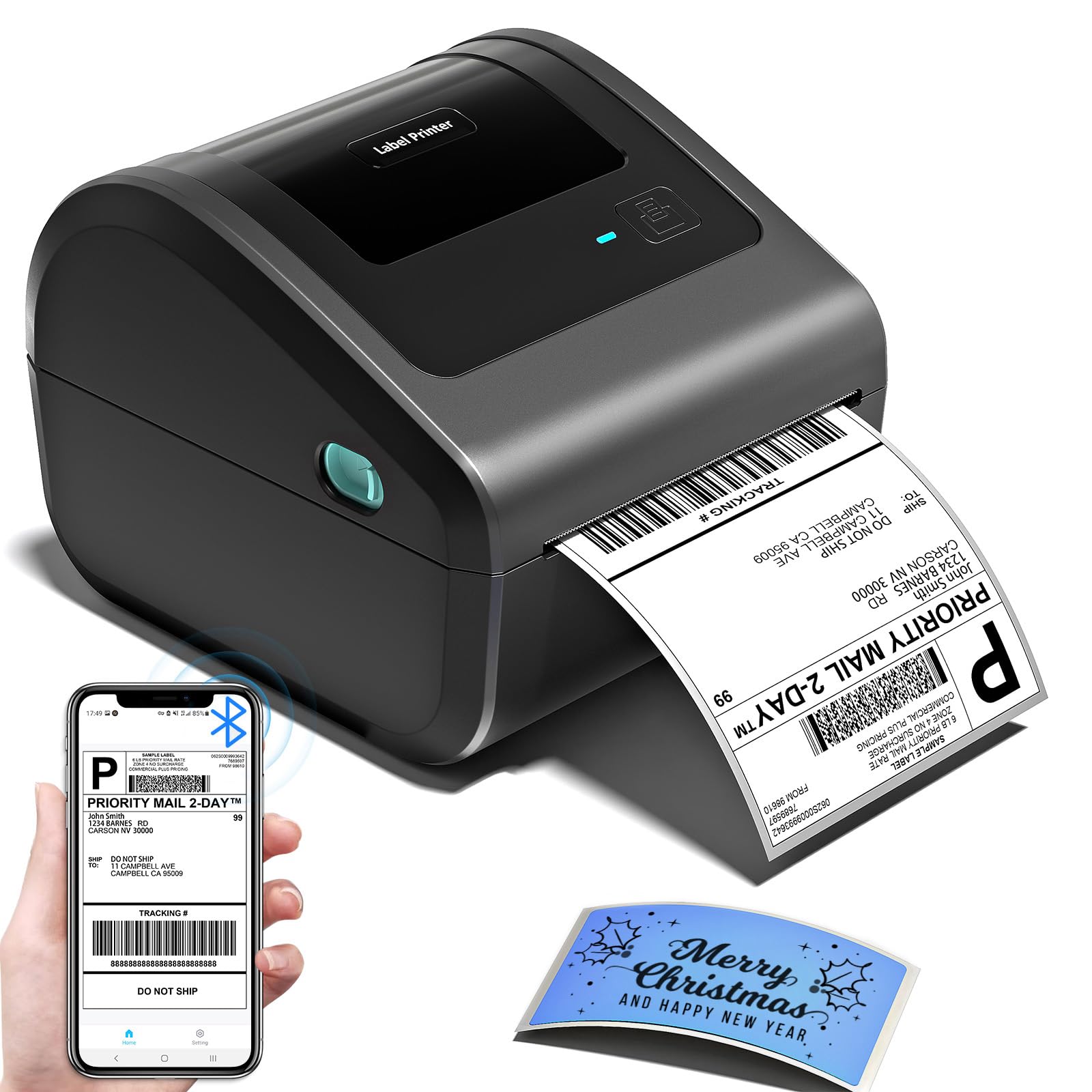
Bluetooth/USB 4x6 printing with direct app support for Etsy, Shopify, Amazon, Shippo, and ShipStation makes this the default mobile-first label printer in the Bluetooth cluster. Labels come out clean at 203 dpi, and the rated 72 labels/min is enough to keep a small packaging lane moving without a pause to reformat. The compact body fits beside a keyboard, so a dedicated shipping desk is not required. Built for the scale of a growing Etsy or eBay shop, it handles daily order volumes without feeling like a temporary setup.

Print darkness holds up for barcode labels, though individual units can produce faint output; a test print before a large run catches any issue. Multi-label jobs can shift alignment, so the first few batches are worth a look at the feed. Bluetooth pairing is app-based and device-dependent, and the USB port provides a fallback when a phone or computer will not connect on the first attempt. None of these are permanent blockers, but they are why a few minutes of setup saves a batch of labels.

Small Etsy and eBay sellers who print from a phone or laptop are the core audience, and the JADENS app is mature enough to pull marketplace orders without a desktop step. Bluetooth pairing and label alignment can vary between units, so buyers who need everything to work immediately should budget time for setup and testing. If that setup window is not acceptable, the USB-only commercial workhorse in this roundup trades wireless convenience for more predictable batch output.

The support ecosystem is the real draw. App templates and marketplace integration are maintained across Etsy, Amazon, Shopify, Shippo, and ShipStation, so the printer avoids the dead-end problem of generic Bluetooth drivers. The large owner community makes platform-specific settings easier to find than with budget models that have smaller followings. Coupled with a 4.1-inch max label width, it covers standard 4x6 shipping labels as well as smaller address labels used by many shop owners.

The mid-range price puts it above entry-level Bluetooth printers, but the mature app and marketplace support justify the step up for a phone-first seller. It is not the choice for high-volume shippers who treat printing as infrastructure and need zero setup variance; that role belongs to the wired commercial printer in this set. For small sellers shipping a few dozen orders a day, the balance of speed, size, and platform coverage hits the right mark.

πŸ’‘ Pair through the JADENS app first and run a test label before the first multi-label job to confirm alignment.

Pros

  • Marketplace orders print directly from the app without extra desktop formatting.
  • Fast 4x6 output keeps a small shipping station moving through a day of orders.
  • Compact footprint fits on a shared desk or kitchen-table shipping corner.
  • Build quality holds up for regular small-seller workloads without feeling oversized.

Cons

  • Multi-label batch runs can shift alignment, which may waste a label while you learn the feed.
  • Barcode darkness can be faint on some units, so a test print is needed before a big job.
  • Bluetooth pairing depends on the device, with some phones and computers needing a second attempt.
Our verdict

Small sellers who print from Etsy, Shopify, or Shippo get a fast, compact Bluetooth/USB label printer with broad app support. The wired commercial option is the better fit for high-volume shippers who cannot spend time on setup.

Check Latest Price
2

Best Wired Commercial-Grade

Rollo X1038 4x6 Thermal

93 /100
Studio Score High Confidence

Key details

Resolution
203 dpi
Label Width
4.1 in
Print Speed
1 label/sec
Connectivity
USB only
Check Price on Amazon

The Rollo is a wired, fixed-station printer that treats 4x6 output as infrastructure: USB connection, 203 dpi, and a 150 mm/s feed built for daily label volume. It installs as a standard desktop printer on Windows and macOS, so label formats stay uniform from one roll to the next without an app in between. The shell and feed mechanism are built for sustained output, not occasional label runs.

At roughly one label per second, the print head stays ahead of a busy order queue. The 203 dpi resolution is enough for sharp barcodes and readable addresses, and the driver holds your label size and other print settings so repeat orders don't require reconfiguration. That combination makes it the kind of printer you forget is running until the packing slip stack tells you otherwise.

This is for established small-business owners and fulfillment teams printing from a desktop Windows or Mac machine every day. The USB-only port means no Bluetooth or phone/tablet printing, and the upfront cost is the highest in this set; those tradeoffs matter less when the printer lives at a fixed packing station. Phone-only sellers and tablet-first shippers should choose the wireless top pick in this lineup instead.

πŸ’‘ If output looks light on a new roll, use the driver's darkness slider to bring the black level back.

Pros

  • Solid build quality for daily printing in a small-business setting.
  • Installs as a standard desktop printer and holds label settings between rolls.
  • One 4x6 label per second keeps a packing station moving.

Cons

  • At a busy packing station, label feed can run long and require a manual reset before the next order prints.
Our verdict

For desktop-first operations, this wired workhorse makes high-volume shipping feel routine.

Check Latest Price
3

Best Compact with Strong App

Phomemo 241BT 4x6 Thermal

89 /100
Studio Score Strong Evidence

Key details

Resolution
203 dpi
Label Width
4.6 in
Print Speed
66-72 labels/min
Connectivity
Bluetooth + USB
Check Price on Amazon

The Phomemo 241BT packs a 4.6-inch label width into a body that leaves room for a cutting mat or packing area. The companion app handles label design and print setup in one place, which makes it a practical fit for photographers and craft sellers who want branded 4x6 labels instead of plain shipping labels. It accepts roll and fanfold media, so switching between label styles does not require a different printer. The compact frame is a real advantage on a studio counter where a bulkier roll-fed model would dominate the workspace.

Print speed tops out at 150 mm/s, enough for seasonal order rushes, and the 203 dpi thermal output is crisp for barcode-bearing shipping labels. Rolls load from the front without a separate label cradle, keeping the workspace tidy.

Home bakery and craft sellers who enjoy designing labels in-app will get the most from this printer, provided they can live with occasional label alignment checks and Bluetooth re-pairing. It is not for high-volume shippers who cannot afford label skips, nor for users who want no-app Bluetooth printing; those buyers should look at the wired commercial option in this set.

πŸ’‘ Snug the label guide against the roll before printing to reduce feed skips.

Pros

  • Body fits on a crowded desk while still accepting 4x6 labels.
  • Companion app simplifies label design and print setup for custom orders.
  • Build and output quality hold up through regular small-batch printing.
  • Appropriate scale for a home bakery or craft shop label volume.

Cons

  • Print darkness can vary between units, so a barcode may render faint and need reprinting.
  • App-based Bluetooth pairing may require patience; direct system connections can be unresponsive.
  • Label feed can skip, double-print, or misalign on certain rolls, wasting labels.
Our verdict

Studio sellers who value custom-label design over bulk throughput should take a close look; high-volume shippers have a wired commercial option in this lineup.

Check Latest Price
4

Best for Custom & Decorative Labels

MUNBYN ITPP130B 4x6 Thermal

89 /100
Studio Score Strong Evidence

Key details

Resolution
203 dpi
Label Width
4.3 in
Print Speed
180 labels/min
Connectivity
Bluetooth + USB
Check Price on Amazon

MUNBYN's 2,000+ template library and specialty label support give it the widest design range in this Bluetooth cluster. Instead of a plain 4x6 shipping label, you can output branded logos, QR labels, and decorative SKU tags from the MUNBYN Print app. That puts it ahead of the slimmer option in this set for sellers who care what the label looks like.

The app flow moves fast: pick a template, adjust the text, and send at the listed 180 labels/min. The 203 dpi engine handles normal shipping text without issue, and the USB cable extends the same app-backed printing to Windows desktops.

Creative sellers who want custom logos, QR labels, and app-driven label design are the core audience, and phone-based shipping fits the workflow. iPhone and Mac pairing is smoothest inside the MUNBYN app, and print density or label alignment can vary on early prints β€” a quick check before a batch is the right habit. It is a better match for a studio or home-shipping desk than for a high-volume packing line; if your shipping line prints nothing but plain 4x6 labels, you can find a cleaner option elsewhere.

Pros

  • The setup flow keeps the first print simple, even for a phone-first seller.
  • The listed 180 labels/min rate keeps a small shipping queue moving.
  • For the price, the template library stretches the printer beyond plain 4x6 labels.

Cons

  • Desktop printing outside the MUNBYN app is limited; the app is the center of the experience.
  • Switching to a different label size can waste one blank label while the sensor re-detects the roll.
Our verdict

Custom logo work and QR labels are the reason to pick this printer over a plain shipping-label unit.

Check Latest Price
5

Best Space-Saving Design

Omezizy D450BT 4x6 Thermal

86 /100
Studio Score Strong Evidence

Key details

Resolution
203 dpi
Label Width
4.6 in
Print Speed
72 labels/min
Connectivity
Bluetooth + USB
Check Price on Amazon

The integrated 250-label bin is the distinguishing feature here: a full roll of 4x6 labels fits inside the printer, eliminating the separate roll holder most Bluetooth label printers require. That keeps the shipping station tidy without pushing the printer into a larger footprint.

At 72 labels per minute, high-volume afternoons don't turn into a waiting game, and the 203 dpi printhead keeps addresses and barcodes clean on standard 4x6 thermal stock. The short internal paper path also reduces the loose-label clutter that builds up around open roll stands.

Phone-first shippers are the natural audience: the app handles label formatting, and the USB port covers desktop printing when needed. The boundary is Windows PCs β€” Bluetooth pairing there can be inconsistent, while phone-based printing is the more stable path.

πŸ’‘ Keep the USB cable nearby if you switch between phone and desktop printing sessions.

Pros

  • Built-in 250-label bin removes the external roll holder, freeing cramped shipping stations of extra clutter.
  • 72-labels-per-minute speed keeps order flow moving without long pauses between prints.
  • 203 dpi output produces readable barcodes and addresses on standard thermal labels.
  • Phone-first setup suits sellers who print directly from marketplace shipping apps.

Cons

  • Desktop-only shippers should expect the Bluetooth path to run through the app rather than a direct system driver.
  • Label quality can be less consistent than print speed, so a quick test print on a new roll helps.
Our verdict

For desk-cramped, phone-first shippers, the built-in bin settles the clutter problem without adding a separate roll holder.

Check Latest Price
6

Best Budget Bluetooth

KNAON Y813BT 4x6 Thermal

88 /100
Studio Score Strong Evidence

Key details

Resolution
203 dpi
Label Width
4.2 in
Print Speed
60 labels/min
Connectivity
Bluetooth + USB
Check Price on Amazon

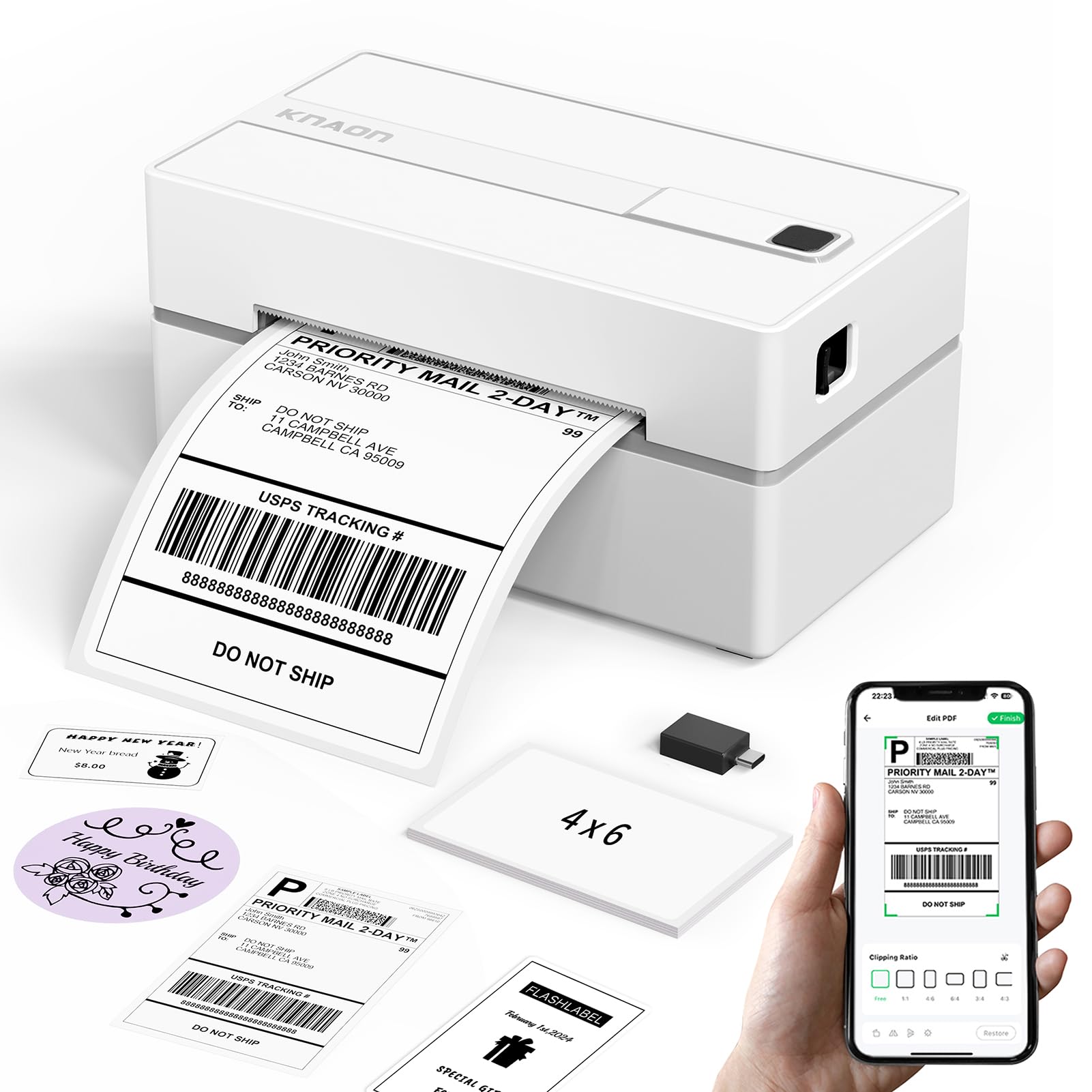
The KNAON Y813BT prints 4x6 shipping labels at 180 mm/s from a body that fits easily on a small desk, and it does so at a budget-friendly price. That speed sits close to the top pick in this Bluetooth group, while the lower entry point makes it the budget-speed option for phone-first sellers.

The 203 dpi thermal head produces legible text and simple logos through the FlashLabel Pro app over Bluetooth or USB. The 4.2-inch max width covers standard shipping labels, and the compact footprint leaves room for a scale and packing tape in tight workspaces.

This printer is for sellers who ship from a small workspace and don't need a desktop workhorse. Some units produce faded prints on dense barcode labels, and Bluetooth pairing can be device-specific, so it suits buyers who can run a test label before a batch; anyone expecting direct system Bluetooth without the app will need to plan around FlashLabel Pro instead.

πŸ’‘ Keep the FlashLabel Pro app updated and pair through its setup flow rather than your phone's system Bluetooth settings.

Pros

  • Everyday text and logo labels come out dark and legible for routine shipping tasks.
  • FlashLabel Pro setup gets new sellers printing from a phone quickly.
  • 180 mm/s output keeps label printing close to the fastest options in this group.
  • Compact body fits small packing stations without giving up 4x6 label support.

Cons

  • Wireless printing depends on the FlashLabel Pro app, so system-level Bluetooth dialogs won't list the printer.
  • Dense barcode labels can come out faded or blurry on some units, which matters for carrier scanning.
Our verdict

Speed-to-price is this printer's identity: fast 4x6 output in a compact body without the usual Bluetooth-labeler cost.

Check Latest Price
7

Starter Bundle Users

Nelko PL70E-BT 4x6 Thermal

88 /100
Studio Score Strong Evidence

Key details

Resolution
203 dpi
Label Width
4.1 in
Print Speed
72 labels/min
Connectivity
Bluetooth + USB
Check Price on Amazon

Included 50 thermal labels and video-guided setup make the Nelko PL70E-BT a low-friction entry into 4x6 printing for first-time home sellers on Windows or USB. Print speed is sufficient for light shipping days, and the bundled label supply covers the first batch of orders. The gap to the runner-ups is print consistency and wireless access: output density can be faint or blurry on some units, and Mac Bluetooth is USB-only per the spec. Neither issue matters for the Windows/USB starter-bundle buyer, but shoppers who need Apple wireless or predictable barcode scans should compare the top pick and the commercial workhorse.

πŸ’‘ Run a label alignment check before batch jobs to prevent feed skips from wasting labels.

Pros

  • Fifty thermal labels are included, so a new seller can ship the first batch without a separate label purchase.
  • Video-guided setup gets first-time thermal printer owners through installation quickly.
  • Print speed keeps small shipping queues moving without long waits.

Cons

  • Mac Bluetooth is USB-only per the spec, so Apple wireless printing requires a different option.
  • Output density can be faint or blurry on some units, affecting barcode readability.
Our verdict

For a first-time home seller on Windows who wants a complete starter bundle and can print over USB, the Nelko's included labels and setup guidance make it an easy entry. If you need Mac wireless or consistent barcode density, the extra spend on a class leader is worth it.

Check Latest Price
8

Occasional Home Shippers

HKHKPI N40 4x6 Thermal

88 /100
Studio Score Strong Evidence

Key details

Resolution
203 dpi
Label Width
4.33 in
Print Speed
72 labels/min
Connectivity
Bluetooth + USB
Check Price on Amazon

The HKHKPI pairs a budget-friendly price with a compact body, so it fits easily on a home desk or shelf. Bluetooth and USB both work for connection, and the 203 dpi output is enough for crisp 4x6 shipping labels; the included 20-label starter roll also lets you confirm alignment before committing to bulk paper. The app-driven workflow is aimed at phone-first sellers, and the printer's best-fit territory is light-duty home shipping. That scope is also why it sits below the Bluetooth category leader: it handles occasional shipments well, while a full-time packing bench belongs with the USB commercial workhorse built for stationary daily output.

Pros

  • Compact build and budget entry price make it a low-risk first 4x6 printer for home shipping.
  • Bluetooth and USB connection options cover both phone-first shipping and desktop setups.
  • Fast output and crisp 203 dpi labels handle everyday shipping needs without bulk.

Cons

  • The included 20-label starter roll runs out quickly; a bulk label order accompanies the printer.
  • For teams that need extensive third-party help resources, the support ecosystem is smaller than the leaders'.
Our verdict

Home sellers and occasional shippers who want a small, low-cost 4x6 printer get a sensible first unit in the HKHKPI. If your packing volume grows into a daily habit, the USB commercial workhorse in this set is the better place to put your money.

Check Latest Price
9

Daily Label Printing

NULLTONEX Y813 4x6 Thermal

88 /100
Studio Score Strong Evidence

Key details

Resolution
203 dpi
Label Width
4.3 in
Print Speed
72 labels/min
Connectivity
Bluetooth + USB
Check Price on Amazon

Direct thermal printing produces sharp, scannable 4x6 labels at 150 mm/s, and the compact body fits easily beside a packing station. Inkless operation keeps consumables to labels alone, which suits first-time thermal buyers and sellers printing every day. Bluetooth pairing can be inconsistent, and Mac users may need USB rather than native wireless printing. That makes it a better match for phone-and-laptop hybrid sellers than for shared offices or Mac-only Bluetooth workflows. It sits behind the top picks in this roundup because the setup path is more app-dependent than the options that pair natively without extra steps, even though speed, footprint, and output quality hold up well for daily shipping.

Pros

  • Fast 150 mm/s output keeps daily label runs from becoming a bottleneck.
  • Direct thermal printing cuts cartridge costs and produces sharp, scannable labels.
  • Compact design fits a small shipping desk without taking over the packing area.

Cons

  • No multi-device Wi-Fi printing; each phone or laptop connects over Bluetooth/USB.
  • Print darkness can vary between units, so a test label before a large batch is worth doing.
Our verdict

Best for a solo seller or first-time thermal buyer who wants fast, compact 4x6 labels without cartridge costs.

Check Latest Price

How to Choose

Label Width Support

Most shipping labels are 4x6 inches, but the printer's label path sets how reliably it handles them. A wider guide gives more room for fanfold or roll stock to sit square, while a narrower 4.1-inch path can be more sensitive to rolls that run slightly oversized. Confirm the printer accepts both fanfold and roll labels if you plan to switch between them.

For a photographer packing prints in padded mailers, a printer with a wider label path is less likely to crease or misfeed the label, which keeps the packing line moving.

Connectivity Options

Bluetooth in this category rarely means system-level wireless printing. Most 4x6 thermal printers pair through a companion app, and some Macs only connect over USB. If you expect to print from a cart page directly, check the app's PDF import workflow before committing.

A single seller on a kitchen counter can live with app-based Bluetooth. A shared shipping station with multiple laptops will be better served by a USB connection that any computer can recognize.

Print Resolution

203 dpi is the standard for shipping labels because carrier barcodes read reliably at that density. A 300 dpi printer costs more and helps only if you regularly print very fine graphics or tiny text on thermal labels. For standard USPS, UPS, FedEx, and Amazon labels, 203 dpi is sufficient.

Print Speed

Listed speeds assume a single-label file and continuous feeding. In real use, app processing and label positioning dominate how fast a job feels. A printer that misfeeds or skips labels will be slower than a unit with a lower speed rating that feeds cleanly every time.

For small studios shipping a dozen orders a day, a 60-labels-per-minute rating is more than enough; the bottleneck is usually the label app, not the print engine.

Marketplace Compatibility

Compatibility with Amazon, Shopify, Etsy, and Shippo usually means the printer's app can import a PDF from those platforms, not that you can print directly from the website. Some apps include native store integration, but most require saving the label and opening it in the app. Confirm your exact selling platform before buying, especially if you use a niche marketplace or print from a phone.

Frequently Asked Questions