8 Best Teleprompter for iPhone in 2026: Work With Proven Glass

Find a teleprompter for iPhone that reads cleanly and scrolls reliably for video, streaming, and content creation.

Most 'iPhone compatible' teleprompters use the iPhone as the script screen, not as the camera. That distinction changes which model you should buy, and it explains why many listings feel misleading once the package arrives.

The bigger issue is software. The hardware in most teleprompters is a beam-splitter glass panel and a frame, but the scroll control depends on a bundled app or Bluetooth remote. Across the category, that software and remote experience is the weakest link, even on products with solid glass and sturdy construction.

This guide focuses on teleprompters that prove their core job: readable glass, a stable mount, and a workflow that fits how you actually shoot with an iPhone.

1

Best Overall

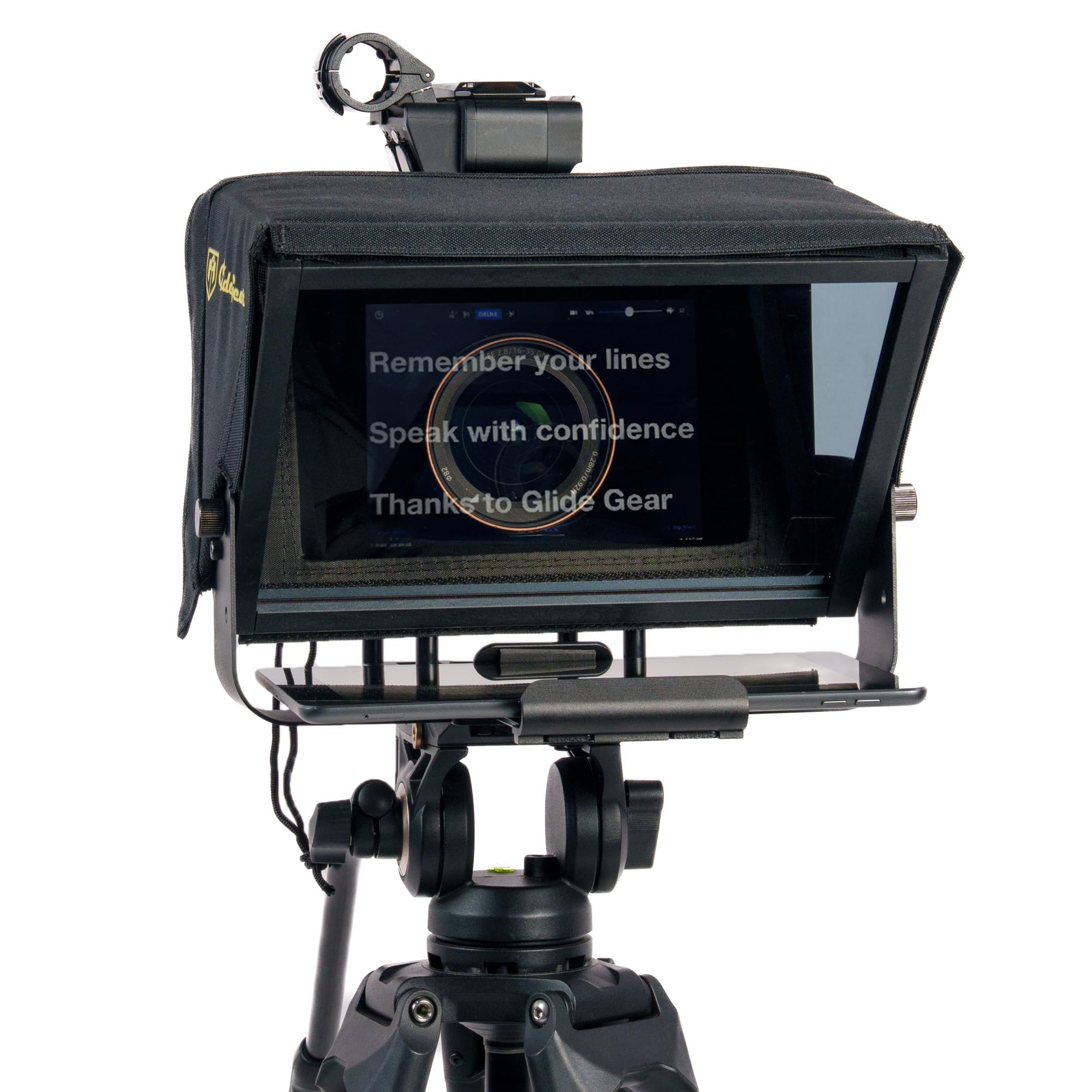
Glide Gear TMP 100

92 /100
Studio Score High Confidence

Key details

Build
Aluminum, collapsible
Glass
12" 70/30 beamsplitter
Remote/App
Bring your own
Check Price on Amazon

The Glide Gear TMP 100 centers on a 12-inch 70/30 beam-splitter glass in a 6061 aluminum frame, with a padded carry case included. The glass sends 70 percent of the light to the camera lens while reflecting 30 percent back as the script image, so text stays readable without dimming the shot. The metal frame keeps the assembly stable on a tripod and folds down into the padded case for transport.

Unfolding the rig and getting it ready to record takes a few minutes: mount the frame on a tripod using 1/4-20 or 3/8-16 threads, set the phone or tablet in the holder, and place the camera on the opposite side. The device holder works with smartphones and tablets that fit the script-display role, and the padded case is sized for the collapsible frame.

The mounting standard is not locked to one tripod ecosystem: 1/4-20 and 3/8-16 threads plus accessory mounts let the same frame move between a light travel pod and a heavier studio head. That range matters for small crews sharing a prompter between a DSLR and a mirrorless camera, where the support hardware tends to change between scenes.

This is a bring-your-own-app rig: buyers who want an all-in-one remote/app package should keep looking. The TMP 100 suits solo creators using an iPhone or iPad as the script display and a separate camera on the other side, and it assumes you already have a third-party iOS teleprompter app for scrolling. Small production teams that own the software side get a metal-bodied frame at a mid-range price without paying for bundled apps they won't use.

๐Ÿ’ก Keep a teleprompter app loaded on the iPhone before you set up; the TMP 100 has no scroll controls on the frame.

Pros

  • Cost-effective for a metal-bodied prompter that comes with a padded carry case.
  • Sets up in minutes from unboxing to use, so you can get to recording quickly.
  • Holds the phone or tablet in place during recording without constant fiddling.
  • Clear 12-inch beam-splitter glass keeps script text readable while the camera sees through it.
  • 6061 aluminum frame keeps the rig stable on a tripod and folds down for travel.

Cons

  • Tablet holder maxes out at 10.5 x 8 inches, so a 12.9-inch iPad Pro won't fit.
  • No bundled remote or app; you'll need a third-party iPhone teleprompter app for scrolling.
Our verdict

This is the frame to build an iPhone prompter setup around: clear glass, stable metal, and no proprietary app to fight.
Check Latest Price
2

Best Built-In Screen for Streamers

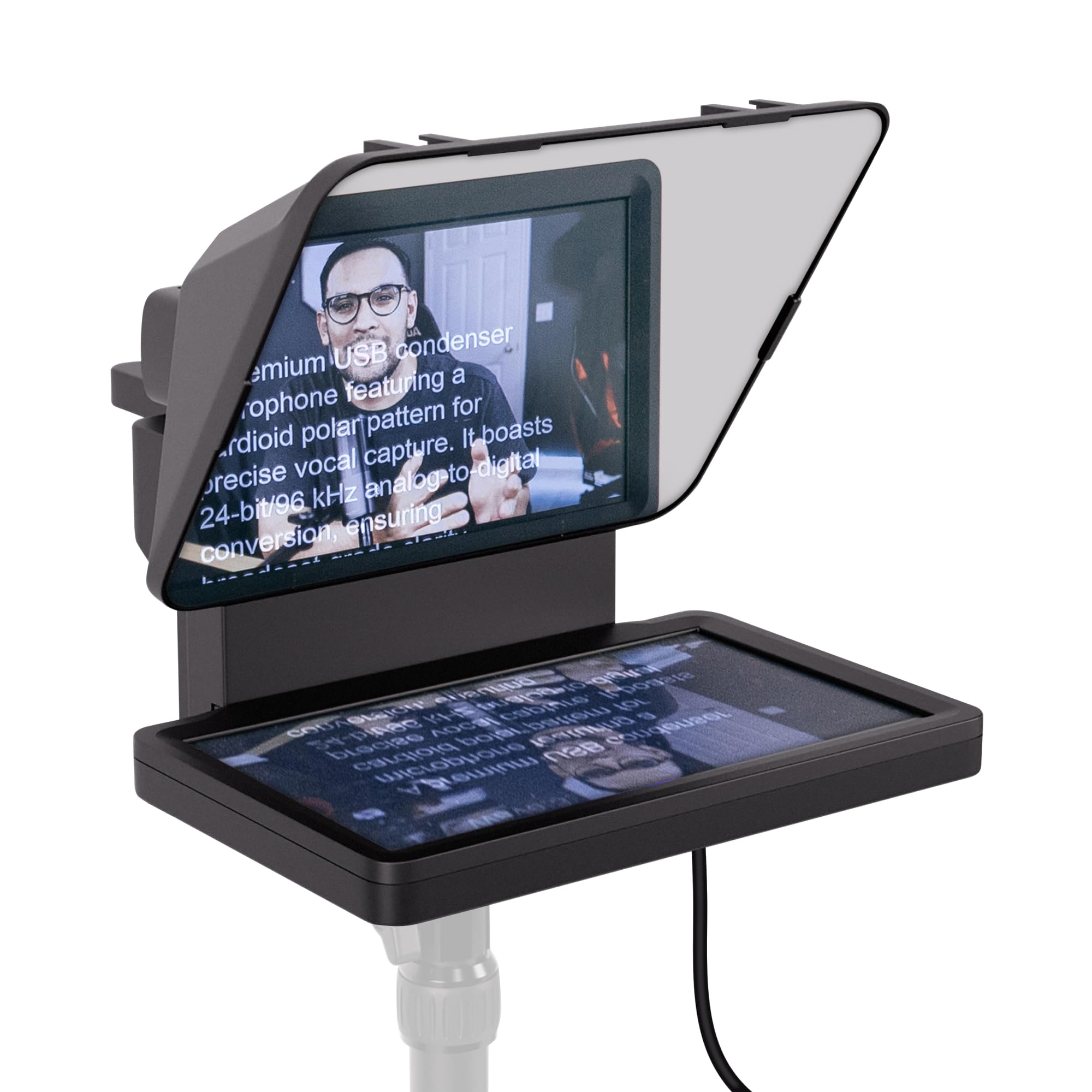
Elgato Prompter

86 /100
Studio Score Strong Evidence

Key details

Build
Plastic
Glass
Built-in 9" FHD
Remote/App
PC/Mac DisplayLink
Check Price on Amazon

The Elgato Prompter stands out for its built-in 9-inch FHD display, which mirrors scripts, Twitch chat, or OBS windows via USB and sits them directly above the camera lens. The 9-inch panel also mirrors any app, not just teleprompter software, so stream stats and chat share the same surface. That integrated screen removes the need for a separate tablet or phone as a script display, and it keeps the eye line close to the camera during long takes.

Setup runs through the free DisplayLink app over USB to a PC or Mac. Once the display is recognized, the image stays sharp and readable, and Stream Deck integration adds a convenient control layer for streamers already in that ecosystem. The handshake between computer and prompter is where the experience settles, and after that it holds.

This is for iPhone creators who already record or stream with a laptop in the chain: the iPhone becomes the front camera, while the computer drives the prompter screen. If the goal is a standalone iPhone teleprompter with no computer involved, this is the wrong product. Mac users should treat the 'Mac compatible' label with caution โ€” connection can be unreliable despite the claim, and occasional software bugs may interrupt a session.

๐Ÿ’ก Do a short test run with DisplayLink before the first live stream so any OBS or connection quirk surfaces ahead of time.

Pros

  • Built-in 9-inch FHD display keeps scripts, chat, or OBS windows directly in the camera's line of sight.
  • Image stays sharp and readable through long sessions once the DisplayLink connection is active.
  • Setup is quick once the DisplayLink app is installed and the display is recognized.

Cons

  • Plastic hood can feel less solid than aluminum-framed teleprompters.
  • Premium price is easier to justify for full-time streamers than for casual iPhone recording setups.
Our verdict

The built-in screen earns its cost when scripts and chat need to share the camera's line of sight; leave it on the shelf for any shot that can't keep a computer nearby.

Check Latest Price
3

Best Value All-Rounder

NEEWER X12

87 /100
Studio Score Strong Evidence

Key details

Build
Aluminum alloy
Glass
14" beamsplitter
Remote/App
App + RT-110
Check Price on Amazon

The NEEWER X12 pairs a 14-inch beam-splitter glass with a collapsible aluminum frame and a carrying case, giving small studios a large prompting surface without filling the desk. The glass stays readable up to three meters, and the included RT-110 remote and NEEWER teleprompter app cover the standard scroll workflow.

The X12 fits the familiar studio setup: camera on the base plate, tablet or phone above the glass, script controlled from the app or remote. That workflow is easy to manage after assembly, which is why smaller productions get consistent results from the kit.

If you arrived looking for an iPhone teleprompter, this is not the first stop; the X12 underperforms in an iPhone-as-camera role compared to DSLR setups. The right buyer has a mirrorless or DSLR camera with a 28mm or wider lens and uses an iPad or tablet as the script display.

Pros

  • Large 14-inch beam-splitter glass with a collapsible aluminum frame and carrying case.
  • Strong feature-per-dollar for camera and tablet prompting.
  • Prompt workflow is easy to operate once the rig is assembled.

Cons

  • Phone position can introduce shadows or frame edges into the shot during recording.
  • The bundled RT-110 remote and NEEWER app can be inconsistent during pairing and use.
Our verdict

For DSLR and tablet users, the X12 offers a useful 14-inch prompt surface and travel-friendly build at a mid-range price. If the main camera is an iPhone, plan on a separate iOS scrolling app to work around the bundled controls.

Check Latest Price
5

Best Ultra-Portable for Travel

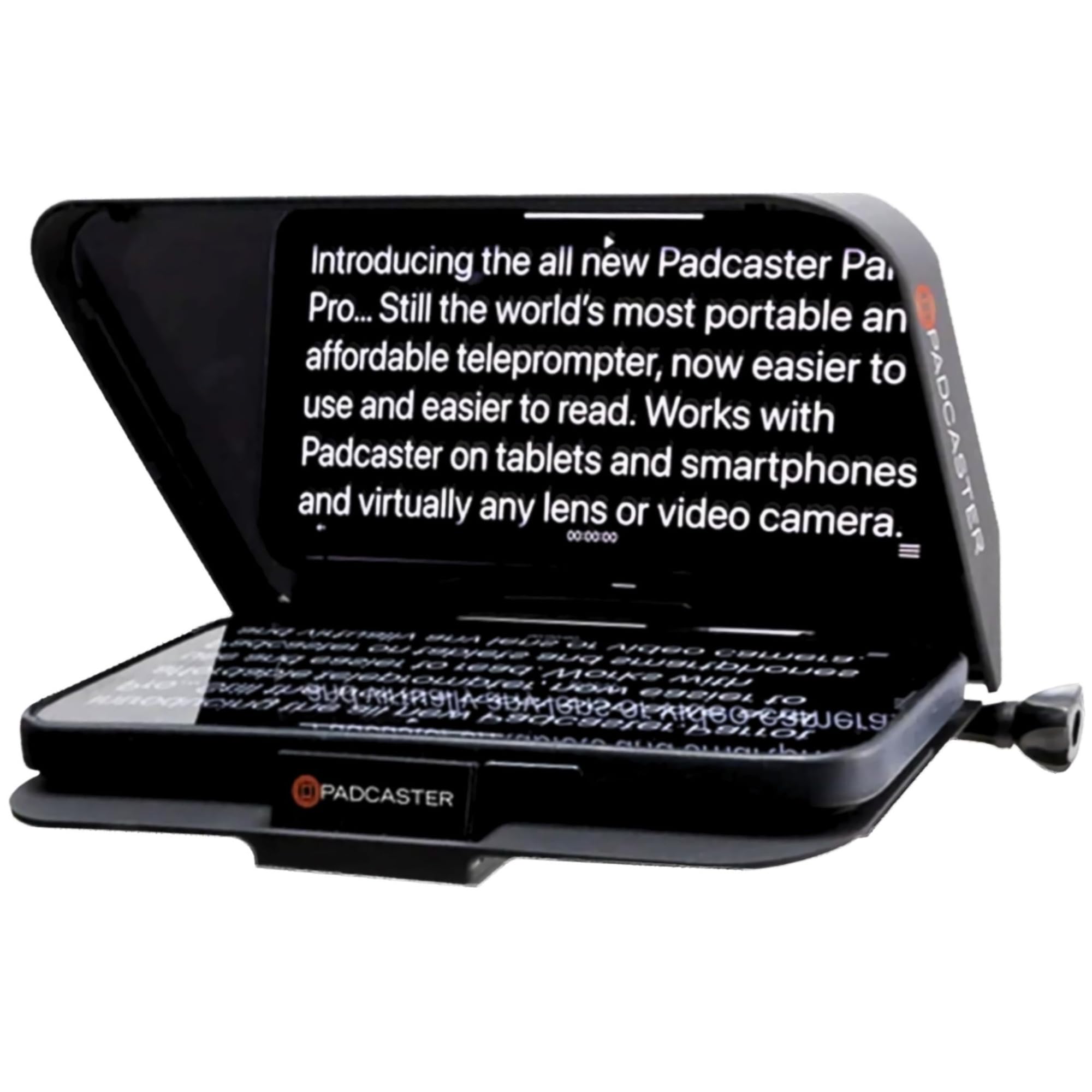
Padcaster Parrot

83 /100
Studio Score Strong Evidence

Key details

Build
Compact, portable
Glass
30R/70T beamsplitter
Remote/App
App + Bluetooth
Check Price on Amazon

The Padcaster Parrot is a compact lens-thread teleprompter with 30R/70T beam-splitter glass and a padded case that fits a backpack. It mounts to a camera's filter threads and reflects the iPhone screen while the main lens shoots through the glass, giving travel-focused creators a small prompting rig without a bulky hood.

The 30R/70T glass keeps the script visible while still letting enough light through for the camera, and the thread mount aligns quickly on common camera lenses. Setup is simple enough to move from backpack to tripod without a production bag.

This kit suits travel vloggers and YouTubers who already own a DSLR or mirrorless body and want the iPhone as a scrolling script display. The phone sits in the holder as the prompter screen, not as the recording lens; anyone expecting a direct iPhone-as-camera mount should look at a different setup. The bundled Bluetooth remote and phone holder are the tradeoffs to plan around, so keep them in the kit bag rather than treating them as the main control path.

๐Ÿ’ก Use the free Padcaster app to set scroll speed and direction before you start recording.

Pros

  • Effective prompting for the price
  • Good value for money in a compact kit that travels with minimal space.
  • Easy to use and set up

Cons

  • Phone holder can be difficult to insert or may not fully secure larger phones.
  • Bluetooth remote can be inconsistent, so scrolling may need a second attempt.
  • iPhone-as-camera compatibility is not guaranteed; the phone works best as the display, not the lens.
Our verdict

For travel vloggers with a DSLR or mirrorless body, the Parrot delivers a small prompting kit without a big price tag.

Check Latest Price
6

Best Large-Format Studio Prompter

NEEWER X17 II

84 /100
Studio Score Strong Evidence

Key details

Build
Foldable, foam case
Glass
17" HD beamsplitter
Remote/App
App + Bluetooth
Check Price on Amazon

The 17-inch HD beamsplitter gives the script a generous presence with 71 percent light transmission, so text on an iPhone or tablet stays readable without forcing the camera to hunt for exposure. The fold-out frame needs no assembly, and the Manfrotto-compatible quick-release plate accepts camera rigs up to 20kg, giving it greater headroom than the smaller NEEWER prompters in this set. That load ceiling matters for producers who switch between a mirrorless body and a heavier cinema build.

During an interview or live-stream, the four-meter read range keeps the prompt legible from a normal seated distance. The phone tray holds devices up to 9.3 inches wide, so an iPhone can drive any iOS prompter app while a mirrorless or cinema camera records through the glass. Keeping eye contact with the lens becomes easier because the script sits directly in the presenter's line of sight.

With a premium price and a 17-inch footprint, this belongs in a fixed studio position, not a backpack; creators already working with full-size cameras will get the clearest benefit from the quick-release workflow. An iPhone-only mobile producer is better served by a compact lens-mounted prompter, since this rig requires a separate camera behind the glass. The padded case keeps the glass protected between recording days.

Pros

  • Large 17-inch glass keeps the script readable from four meters without dimming the camera view.
  • Tool-free frame and quick-release plate make camera swaps fast between prompter and tripod setups.
  • Phone tray works with iOS prompter apps and leaves room for tablets up to 9.3 inches wide.
  • Padded carry case and foldable build protect the glass during studio moves.

Cons

  • This rig needs a separate camera behind the glass; an iPhone in the tray only delivers the script.
  • Bundled Bluetooth remote and iOS app can need re-pairing or a relaunch during a take.
Our verdict

The X17 II fits a studio that already runs a heavy camera on a tripod and wants a large, legible prompt at eye level.

Check Latest Price
7

Desk TikTok Creators

AMBITFUL Mini

79 /100
Studio Score Established

Key details

Build
Plastic, 350g
Glass
7.5" coated glass
Remote/App
App + Bluetooth
Check Price on Amazon

The 7.5-inch coated glass gives a clear script view with your iPhone mounted behind the panel, and the bundled Bluetooth remote plus mini tripod cover the basics of talking-head recording. Adapter rings extend the setup to DSLR and mirrorless cameras, though the compact footprint and desktop tripod point back to phone-only desk work. For the price, the kit feels more put-together than its compact size suggests. That is the boundary: no tablet support, so larger multi-device workflows are not in this kit's lane.

Pros

  • Build and glass finish overdeliver for the price, giving first-time prompter users a usable kit.
  • Basic iPhone recording tasks run smoothly with the phone holder, Bluetooth remote, and mini tripod included.

Cons

  • Direct sun can put glare on the glass, so indoor or shaded positions are the practical setting.
  • Setup has no printed steps; assembling from product photos slows first-time users.
Our verdict

For an iPhone-only creator who wants a compact desk prompter with remote and tripod without spending much, this kit fits as long as you shoot indoors and leave tablets out of the chain.

Check Latest Price
8

Laptop/webcam Presenters

Little Prompter

80 /100
Studio Score Strong Evidence

Key details

Build
Plastic, 6" cube
Glass
Compact 6" glass
Remote/App
App + smartphone
Check Price on Amazon

This compact prompter folds into a 6-inch cube and pairs with a laptop or webcam camera for remote presentations and live streams. The 6-inch glass is a portability tradeoff: it suits laptop/webcam lenses but can misalign with larger optics. Plastic body feels delicate if over-tightened. For a remote presenter using an iPhone as the scrolling script and a laptop camera as the lens, the tiny footprint is an advantage; for standalone iPhone recording, a larger beam-splitter rig fits the job better.

Pros

  • Folds into a 6-inch cube, so it packs down for travel without a bulky rig.
  • Setup takes little time with a laptop or webcam.

Cons

  • No stable camera mount lets the iPhone act as the recording lens.
  • Framing can catch the prompter edges or box, so the camera may record the rig.
Our verdict

Where a laptop camera handles the image and the iPhone only reads the script, this cube-sized prompter earns a spot in a travel bag.

Check Latest Price
9

Budget Tablet Creators

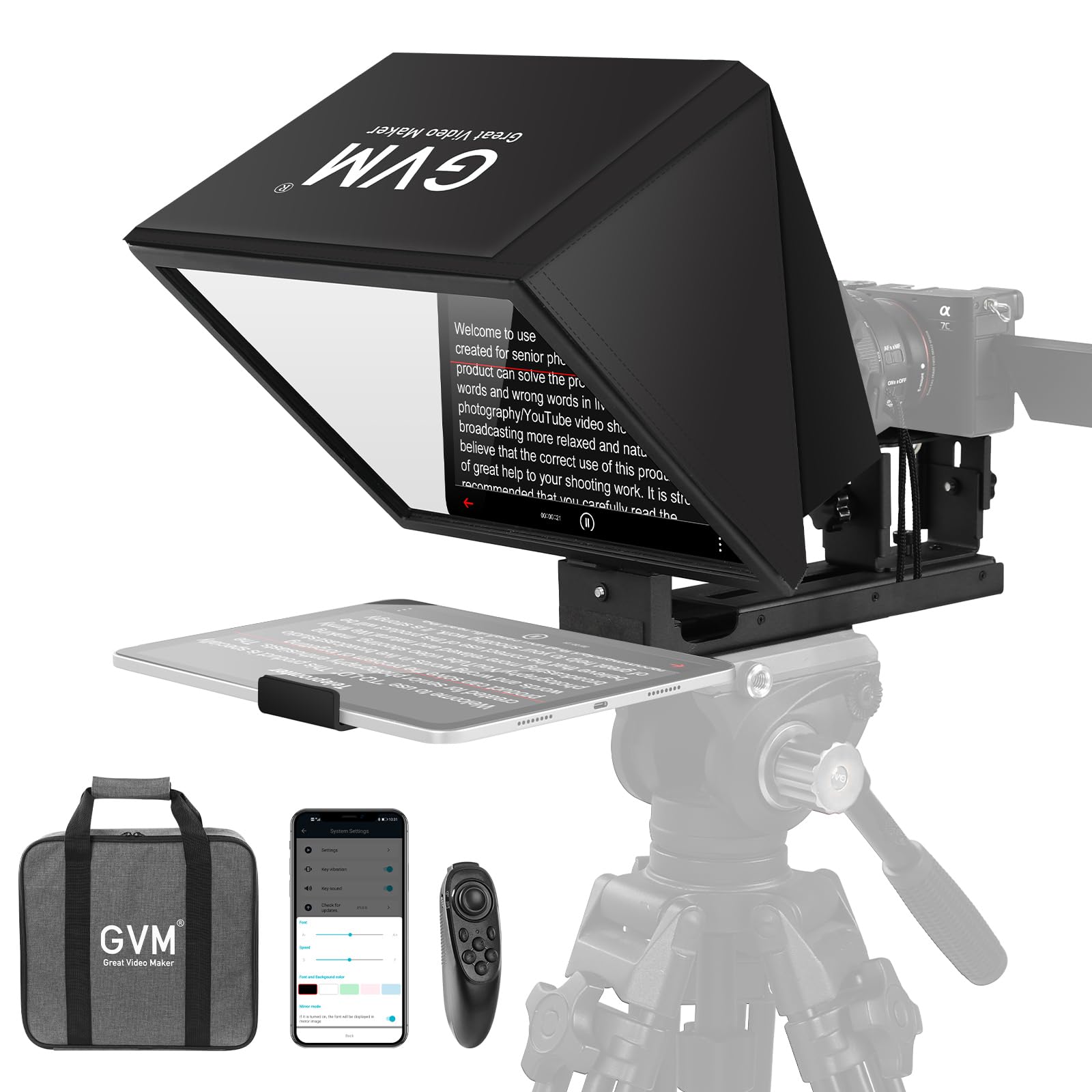
GVM 12"

80 /100
Studio Score Strong Evidence

Key details

Build
Aluminum alloy
Glass
12" anti-reflective
Remote/App
App + Bluetooth
Check Price on Amazon

The GVM 12-inch pairs a budget price with an aluminum-alloy foldable frame and anti-reflective coated glass for iPhone and tablet creators who want a metal-bodied prompt rig. The bundled Bluetooth remote and GVM app handle script scrolling from the tray, and the 8.6-inch width fits current iPhones and smaller tablets.

It sits below the larger all-rounder because it targets a narrower role. The natural fit is an iPhone or iPad creator who wants a low-cost metal prompter without a big-brand badge. The GVM app and remote are part of that workflow, so switching from a separate scrolling app requires a short adjustment. In this role, the metal frame and coated glass carry the value.

Pros

  • Aluminum-alloy frame gives the foldable rig a stable, non-plastic feel on a desk or tabletop.
  • Folding build with coated glass keeps the package easy to pack for travel content sessions.

Cons

  • The product listing leaves some device-fit and app details for the buyer to confirm before ordering.
  • 12-inch glass suits close-range phone and tablet reads, not full 17-inch studio talent framing.
Our verdict

For an iPhone or iPad creator working within the 8.6-inch tray width, this is a cost-effective metal prompter with a useful scrolling setup.

Check Latest Price

How to Choose

Glass Size and Clarity

Beam-splitter glass is a partially reflective mirror that lets the camera shoot through it while you read the reflection. The mix between reflection and transmission is stated as something like 70/30 or 30R/70T. A 70/30 glass sends more light to your eye, making text brighter, but it can also dim the camera image slightly; a 30R/70T glass keeps the camera image cleaner but makes the reflection harder to read in bright rooms.

The size of the glass controls how far you can place the prompter from your eye. A 9.7-inch panel works at arm's length on a desk, while a 14- or 17-inch panel supports a camera-to-subject distance of 2 to 4 meters. If you shoot sit-down videos with the prompter close to the lens, a small pane is fine; if you stand or use a full-body shot, larger glass keeps the text inside your natural eye line.

Phone and Tablet Holder Limits

Most teleprompters hold a phone or tablet above or below the glass as the script display. The holder width is a hard physical limit: an iPad Pro 12.9 will not fit in a prompter rated for a 10.5-inch tablet, even if the listing says 'tablet compatible.' Check the maximum device width in inches or centimeters, not just the word tablet.

The holder also has a weight limit. A heavy phone in a thick case can make a plastic holder sag, shift the frame into the shot, or pull the whole rig forward on a lightweight tripod. For a Max-size iPhone or an iPad, choose an all-metal holder with a positive latch rather than a spring clip.

Camera and Lens Mounting

Teleprompters attach to the camera by threading onto the lens filter ring or by mounting the camera body on a plate behind the glass. Lens-thread mounts are compact and weight-efficient, but they require the right adapter ring for your lens diameter and they put torque on the lens barrel. Body-mount rigs support heavier cameras and allow quick changes between lenses.

The camera lens must also be long enough to 'see' through the glass without catching the frame edges. A 24mm wide-angle lens on a full-frame camera can see beyond the opening of a small prompter, so you get black bars or shadows in the shot. Many budget prompters state a minimum focal length of 28mm or 35mm for this reason.

Remote and App Reliability

The remote or app controls scrolling speed, direction, and font size. Bundled Bluetooth remotes are the most common complaint across the category: they pair slowly, disconnect mid-take, or drift out of calibration. The hardware frame is simple; the software is where the product succeeds or fails.

A separate teleprompter app like Teleprompter Premium or PromptSmart Pro runs on your iPhone and works with any frame that has a holder. These apps offer voice-driven scrolling, mirror mode, and adjustable speed ramps that most bundled apps lack. If a prompter ships with its own app, test it before a shoot and know which third-party app can substitute if it misbehaves.

Portability and Setup Time

Setup time matters more than it seems because a teleprompter you dread assembling stays in the bag. A foldable metal frame with a hard case can go from backpack to recording in about two minutes; a rig with threaded knobs, a separate hood, and a detachable glass panel can take ten minutes and needs a clean, flat surface.

Collapsible designs also affect durability. A frame that folds with levers and hinges introduces failure points, but a well-machined aluminum hinge is far more reliable than a plastic clip. If you travel, look for a padded case and a glass panel that locks into place rather than balancing under gravity.

Frequently Asked Questions