Best Overall

Logitech C920e
Key details
- Microphone
- Dual omnidirectional mics
- Video Specs
- 1080p @ 30fps
- Low-Light & Focus
- Autofocus, auto light correction
- Privacy & Compatibility
- Privacy cover, certified
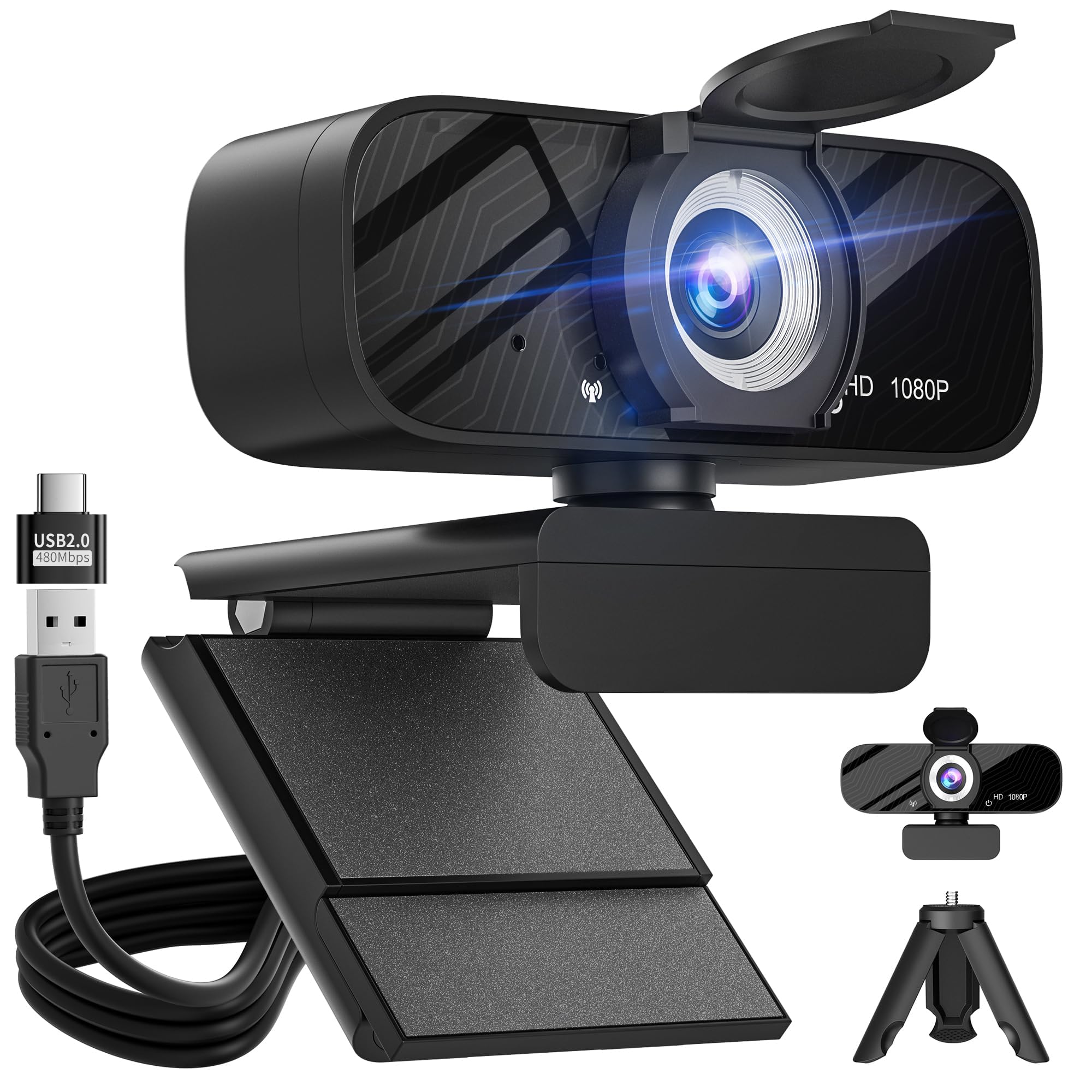
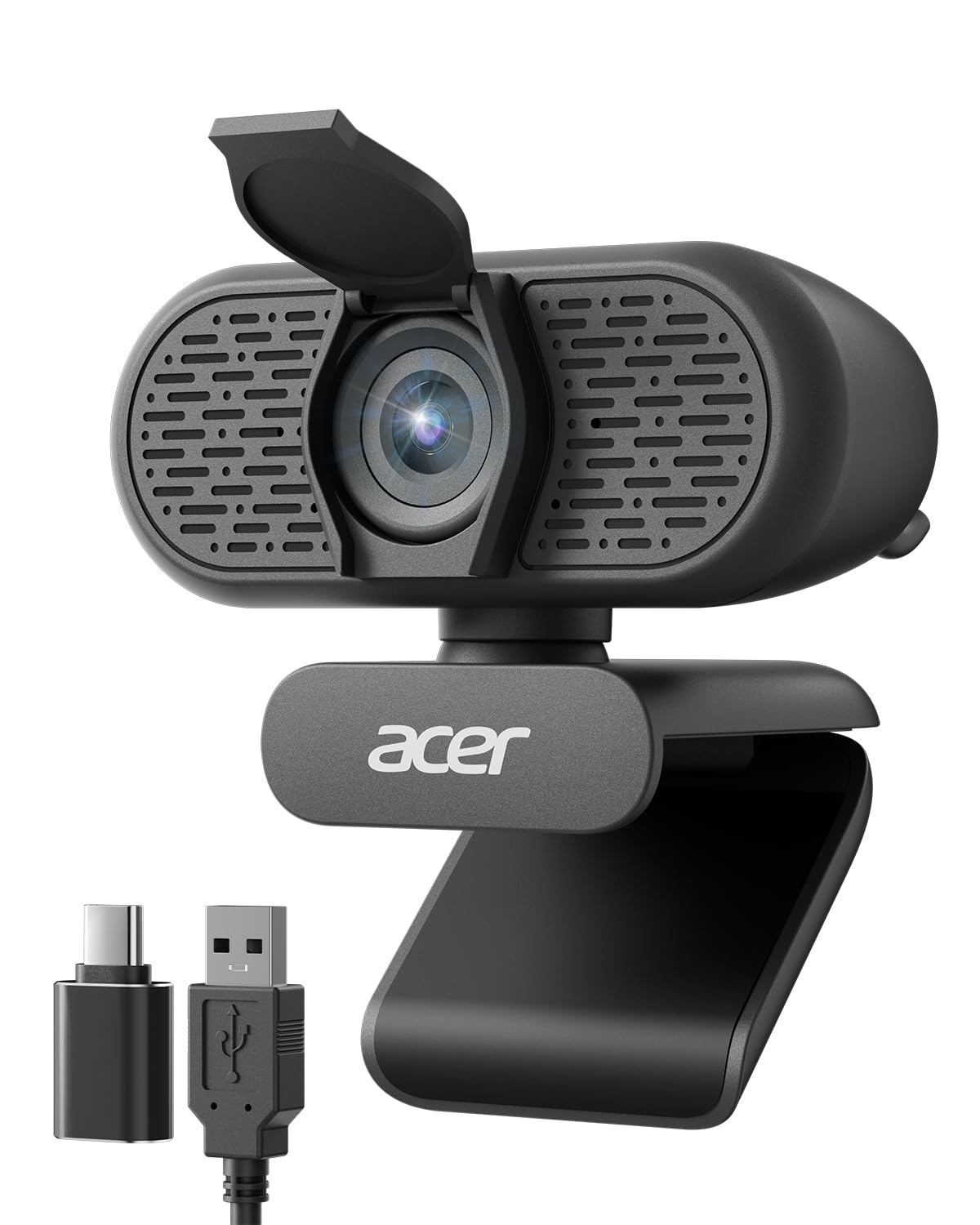
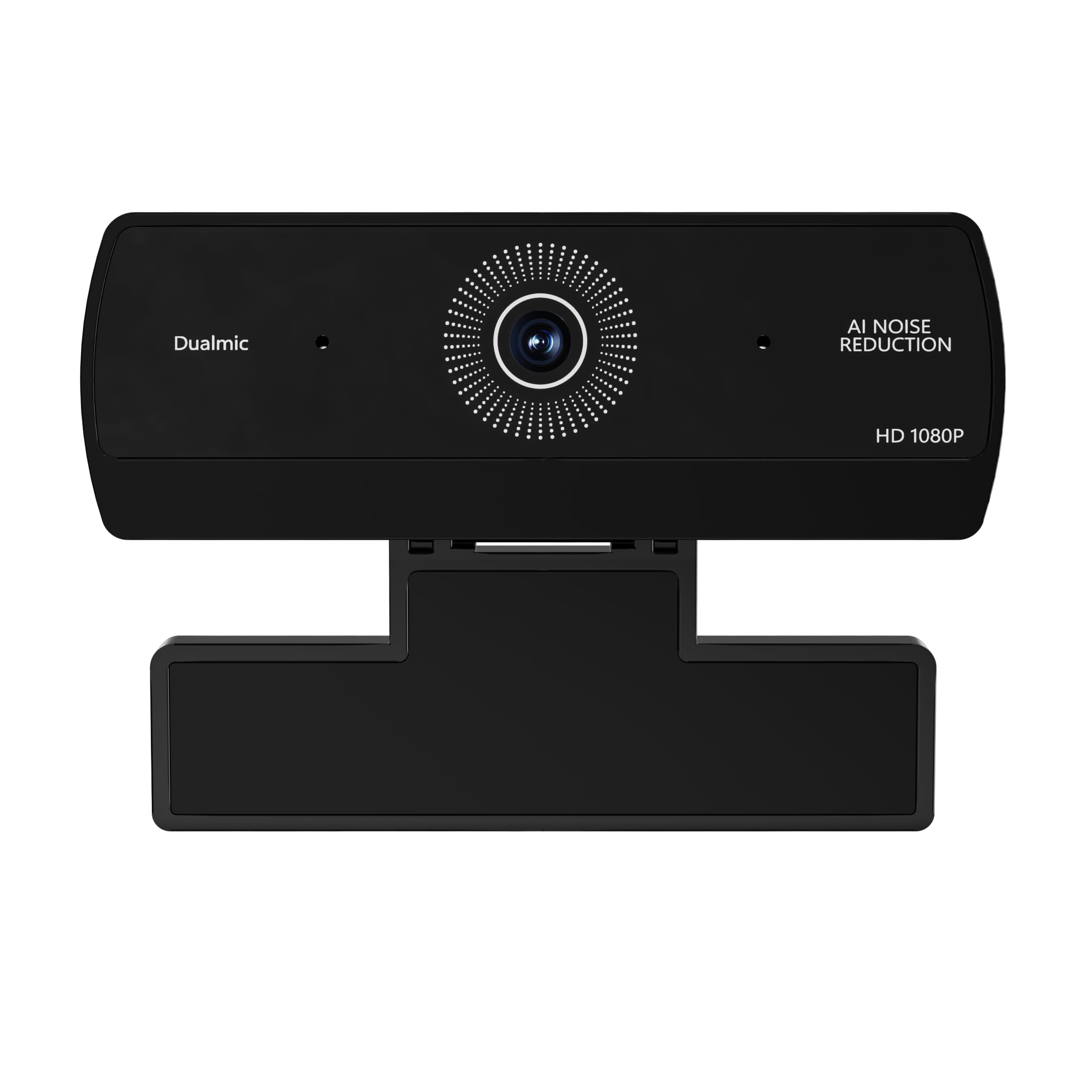
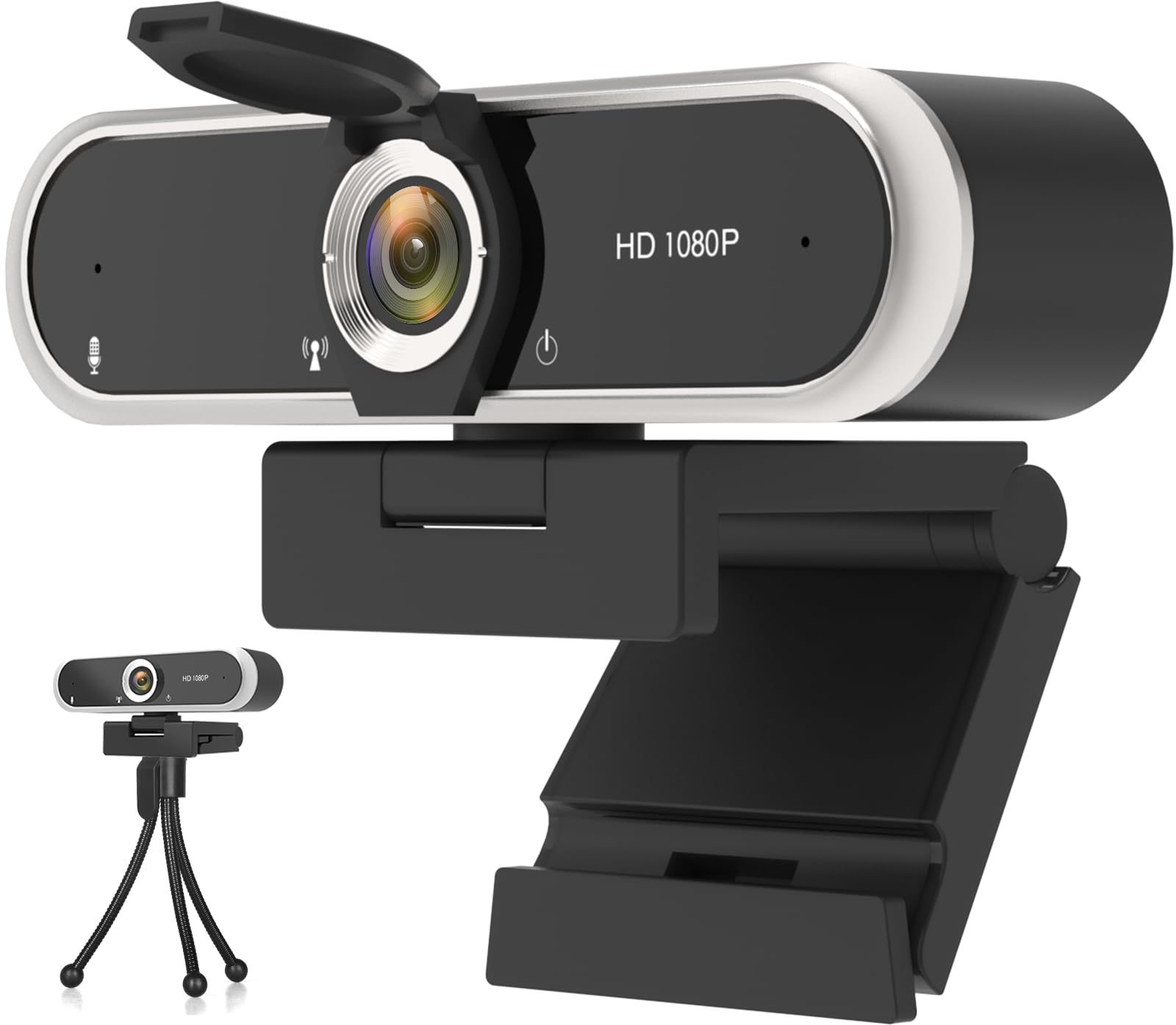
The C920e is the business-ready workhorse of Logitech's mid-range webcam lineup: 1080p capture, a 78-degree autofocus lens, dual mics, and a privacy cover in a package certified for Teams and Zoom. The certifications mean the camera shows up as a known device in those apps rather than requiring users to fight the wrong camera or mic selection. On a normal desk arrangement, the frame holds one speaker at a natural head-and-shoulders distance. The image stays clear under ordinary indoor lighting, and autofocus settles without the constant hunting that distracts from a meeting. The lens adjusts enough that leaning in to read a document does not drop you out of focus.
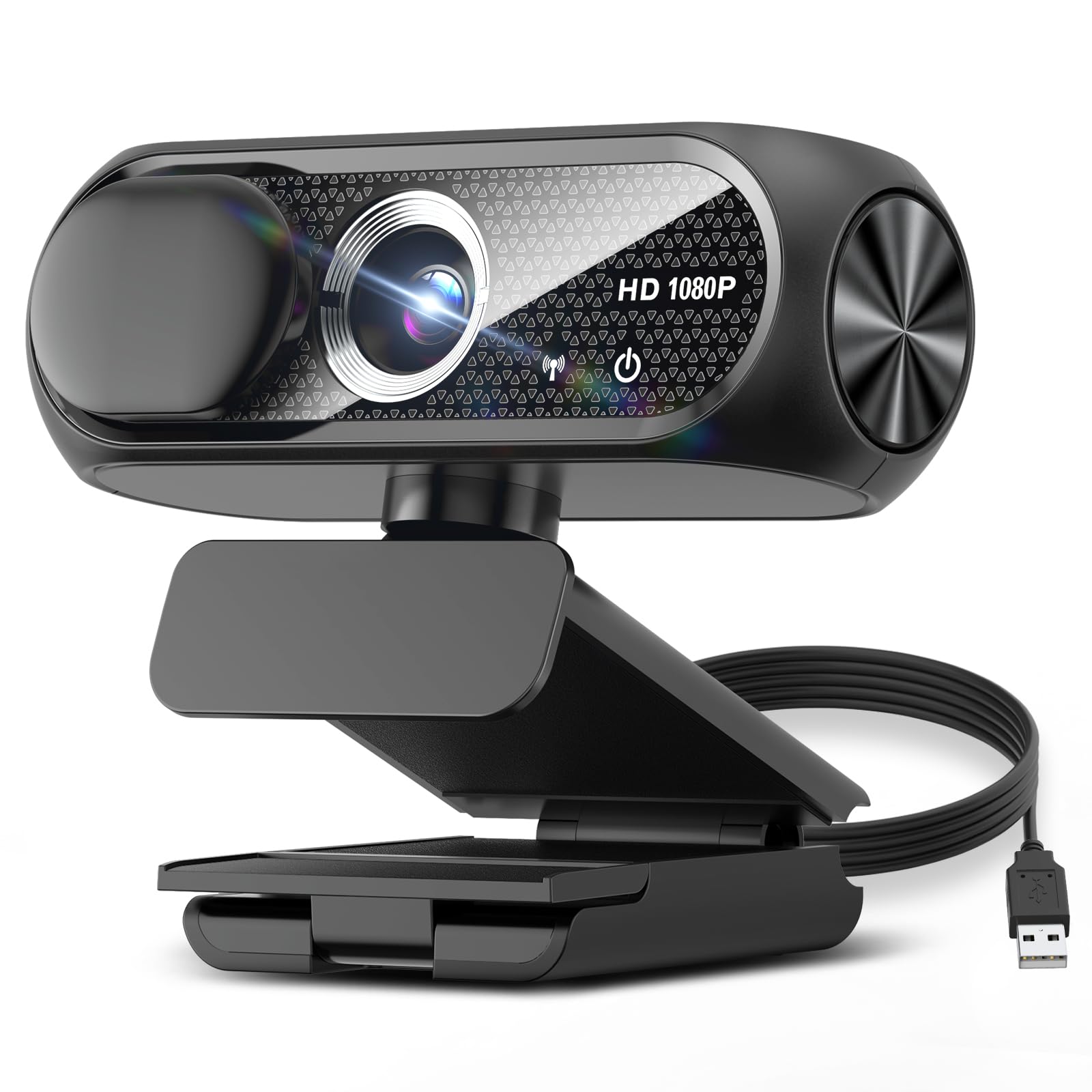
Setup is a single USB connection, and the clip holds firmly on a laptop lid or monitor. The attachable privacy cover slides over the lens when the workday is done, a small measure of control that office buyers tend to appreciate. In a call, the dual mics pick up a speaker at arm's length clearly enough that a headset is not required for a quiet home office. The 78-degree view is wide enough to include a second person if they lean into frame, but it is mainly a one-person webcam; a 90-degree or wider lens would be a better fit for a full room.
This webcam is built for remote workers, online classes, Teams and Zoom meetings, and company-wide deployments. It does not support Windows Hello face login, and some Logitech software features are platform-dependent, so advanced controls may vary between systems. Those boundaries matter mainly if your workflow depends on biometric login or specific software integrations; for an assigned work laptop, they do not change the daily experience.
The C920e is not the cheapest 1080p webcam, but the price sits in line with what a business deployment needs: platform certifications, a lens that behaves, and a privacy cover that does not require third-party software. That combination makes it a sensible standard for an office that would rather stock one model than troubleshoot a pile of budget alternatives. Buyers who only need a spare camera for occasional video calls can save money elsewhere; buyers who are equipping a team get their value from the absence of guesswork. It is a mid-range price, not a budget impulse buy, and it is priced for organizations that value consistency over saving a few dollars per unit.
💡 For a noisy workspace, plug in a headset; the built-in mics are at their best in a quiet room.
Pros
- Teams and Zoom certification takes the guesswork out of large office deployments.
- Clear Full HD picture with natural color holds up in indoor lighting.
- Plug-and-play USB connection gets a laptop or desktop running quickly.
- Dual mics capture speech clearly enough for calls without a headset.
- Attachable privacy cover gives home and office users a direct way to block the lens.
Cons
- The 30fps capture is a boundary for streamers who want smooth motion; for calls it does not matter.
- On some Mac/PC configurations, the OS may not recognize the microphone input.
For remote teams and office deployments, the C920e is the default choice: it covers meeting basics well and adds certification and a privacy cover. The mid-range price makes sense when the purchase order covers a whole team.