7 Best On-Camera Monitor of 2026: Bright Enough to Trust Outdoors

The best on-camera monitors for daylight shooting, with reliable HDMI input, honest power kits, and tools that hold up on a real shoot.

A field monitor's headline brightness number only tells half the story. 1000 nits on paper can still be hard to read if the screen reflects glare, and many listings ship without a battery, charger, or usable HDMI cable. The practical test is whether the monitor can sit on your rig and show focus and exposure the moment you power it on.

For photographers and videographers, the right monitor balances screen size, weight, and power behavior, not just specs. A 7-inch panel with two batteries is a different shooting tool from a 210g 5-inch screen on a gimbal. Choose the form factor that matches how you actually shoot, then make sure the monitor's power and signal chain are complete.

The models that earn a place on a camera rig combine three things: daylight-readable brightness, reliable HDMI input, and a power setup you can run all day. Nits matter, but the full package matters more.

1

Best Overall

NEEWER F700 7-inch 2000nit

84 /100
Studio Score Strong Evidence

Key details

HDMI Loop
4K loop in/out
Brightness
2000 nits
Screen Size
7-inch, 1080p
Power Options
2x NP-F750 included
Check Price on Amazon

The NEEWER F700 sits at the top of the 7-inch field-monitor class in this set by combining a 2000-nit touchscreen with 4K HDMI loop in/out and two NP-F750 batteries in the box. The panel keeps a clear image even in direct sunlight, which is the main reason shooters move from a 5-inch screen to a larger field monitor. The touchscreen gives direct access to focus peaking, false color, waveform, and 3D LUT tools, so exposure and focus checks don't require digging through submenus.

The HDMI loop passes 4K through to a recorder or second monitor without extra adapters, making the F700 a practical hub on a camera rig. The dual-battery kit delivers hours of runtime on the included cells, and the touch UI stays responsive when toggling between monitoring tools or loading LUTs. This is a screen that handles the basics well and adds little friction to the shooting flow.

This is the right monitor for outdoor documentary, event, and hybrid shooters who want one large screen for framing, focus assist, and exposure checking without carrying a separate waveform device. The physical tradeoff: with two NP-F750 batteries attached, the F700 is heavier and bulkier than compact 5-inch monitors. It suits tripod, handheld, or shoulder-rig work better than a minimalist gimbal build, and shooters looking for an ultra-light monitor for a small gimbal should consider the slimmer options in this set.

The kit also removes the usual accessory friction. Two NP-F750 batteries, a 4K HDMI loop, and a touchscreen with professional tools all come in the box, so the monitor is usable immediately rather than waiting on a separate power purchase. The premium price is higher than basic 5.5-inch monitors, but the bundle covers the gaps that typically turn a monitor into a second shopping trip.

The 7-inch 1920x1080 panel is large enough to check focus from a working distance, and the 2000-nit brightness keeps that readability outdoors. For a shooter who needs a single screen capable of both framing and critical image analysis, the F700 is the most complete all-round field monitor in this lineup.

Pros

  • Outdoor visibility stays strong in direct sunlight, so you can frame and focus without a hood.
  • Touchscreen and clear IPS image keep menu navigation and tool switching swift.
  • Focus peaking, false color, waveform, and 3D LUT tools are verified and usable.
  • Dual NP-F750 batteries included in the kit support long field sessions.
  • 4K HDMI loop and dual-battery bundle reduce the need for extra accessories.

Cons

  • Some panels may show dead pixels or a stuck pixel at delivery.
  • The display can intermittently lose video input on certain units.
Our verdict

The F700 delivers the most complete field-monitoring package in this set, with 2000-nit daylight visibility, 4K HDMI loop, dual-battery runtime, and a professional toolset in the box. For outdoor documentary and hybrid shooters, it's the monitor that ends the accessory chase.
Check Latest Price
2

Best Value High-Brightness Compact

FEELWORLD F5 Prox 5.5-inch

84 /100
Studio Score Strong Evidence

Key details

HDMI Loop
Brightness
1600 nits
Screen Size
5.5-inch, 1080p
Power Options
Included battery, NP-F, USB-C
Check Price on Amazon

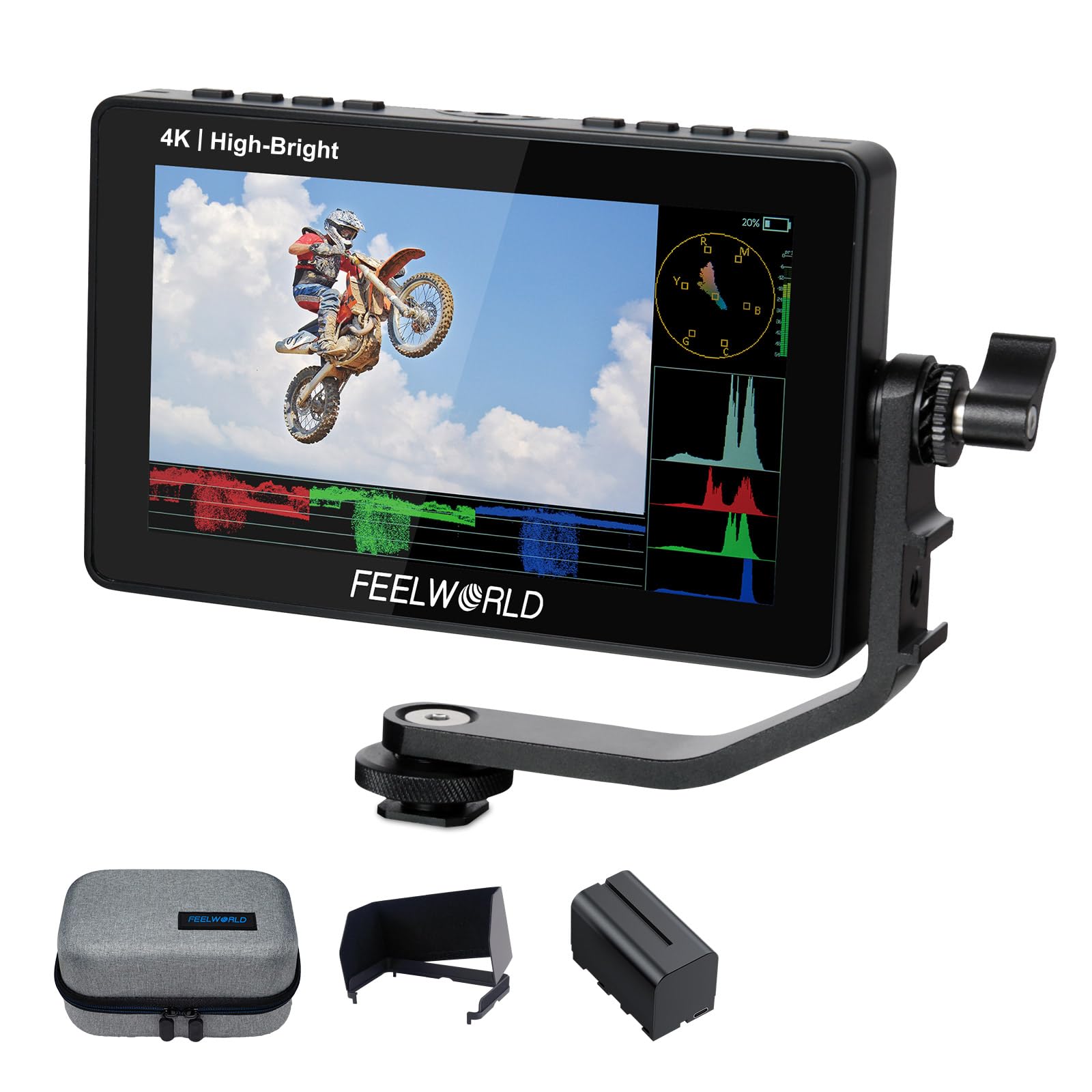
FEELWORLD F5 Prox is the compact high-brightness touchscreen in this group, aimed at run-and-gun and gimbal users rather than tripod-bound studio work. The 5.5-inch 1600-nit panel keeps framing visible in daylight while 1080p resolution and touch controls make punch-in checks quick. It carries focus peaking, waveform, histogram, false color, and 3D LUT support without demanding a bigger bag or a heavier rig.

Travel filmmakers, vloggers, and gimbal shooters are the right audience. The compact body and touchscreen controls fit one-person crews who need to confirm framing and exposure while moving, and the weight stays low enough to leave gimbal balance intact. The form factor is the point.

The touchscreen simplifies menu navigation compared with button-only panels, and the body feels solid for a mid-range compact. Focus peaking, waveform, histogram, false color, and 3D LUT support cover the monitoring essentials for location work. The controls are laid out for fast adjustments, which matters when the camera is on a moving rig.

Power consistency can vary between units, and full-brightness runtime drains the included battery quickly. A spare NP-F cell or USB-C power source is worth carrying on longer shoots. The panel quality for the price keeps it a sensible buy despite these caveats.

Pros

  • A 1600-nit touchscreen with pro monitoring tools at a mid-range price is hard to match in a compact body.
  • The lightweight, solid body suits gimbal and travel rigs without adding production-monitor bulk.
  • Focus peaking, waveform, false color, and 3D LUT cover run-and-gun monitoring needs.

Cons

  • The 1600-nit panel is bright for most outdoor work, but 2000-nit monitors have more headroom in harsh sun.
  • The 5.5-inch screen is a compact tradeoff; full-time studio work is better served by a larger 7-inch panel.
Our verdict

For compact daylight shooting, this is the touchscreen monitor that gives run-and-gun crews the essential tools without making them haul a 7-inch panel.

Check Latest Price
3

Best Budget / Indoor Workhorse

FEELWORLD FW568 6-inch

87 /100
Studio Score Strong Evidence

Key details

HDMI Loop
4K@30 in/out
Brightness
450 nits
Screen Size
6-inch, 1080p
Power Options
NP-F, LP-E6, DC output
Check Price on Amazon

The FW568 is a 6-inch 1920x1080 IPS field monitor with 3D LUT loading, waveform, vectorscope, false color, and peaking. It accepts 4K@30 over HDMI and passes the signal through a loop-out, so a recorder or second monitor can stay in line. The complete-kit top pick in this roundup adds more brightness and bundled batteries; the FW568 instead keeps the price low for buyers who already own some camera accessories.

The panel is sharp enough for accurate focus pulls, and the IPS viewing angle holds when the monitor sits off to the side of the camera. 3D LUT support lets you preview a graded look on set, and the waveform and false color tools are responsive for exposure checks. The 450-nit backlight is comfortable in a studio, a shaded set, or overcast conditions; direct-sun operation is not this product's job.

This monitor suits a first-time buyer who needs the full monitoring feature set without moving up to a 7-inch production screen. It assumes you already own NP-F or LP-E6 batteries, because the box may not include a battery or charger. Nikon and some Canon bodies can also be picky about HDMI handshake, so test the connection with your camera before a paid shoot.

💡 Keep a spare NP-F or LP-E6 battery on hand for long studio sessions.

Pros

  • Crisp 6-inch 1080p image makes focus and framing easier on a compact rig.
  • The feature set covers 3D LUT, waveform, vectorscope, false color, and peaking for exposure and focus checks.
  • HDMI loop-through at 4K@30 keeps a recorder or second monitor in the signal chain.
  • NP-F and LP-E6 compatibility covers two common camera battery systems.

Cons

  • HDMI handshake can be camera-specific; Nikon and some Canon bodies need a pre-shoot check.
  • Batteries and a charger may not be in the box, so a separate NP-F/LP-E6 kit is required.
  • A unit may run warm or show horizontal stripes after extended use, so early testing matters.
Our verdict

The FW568 is for shooters who want a compact 1080p monitor with proper exposure tools and are willing to supply their own power.

Check Latest Price
4

Best for Advanced Camera Control

VILTROX DC-550 Pro II 5.5-inch

85 /100
Studio Score Strong Evidence

Key details

HDMI Loop
4K@60 in/out
Brightness
1400 nits
Screen Size
5.5-inch, 1080p
Power Options
Check Price on Amazon

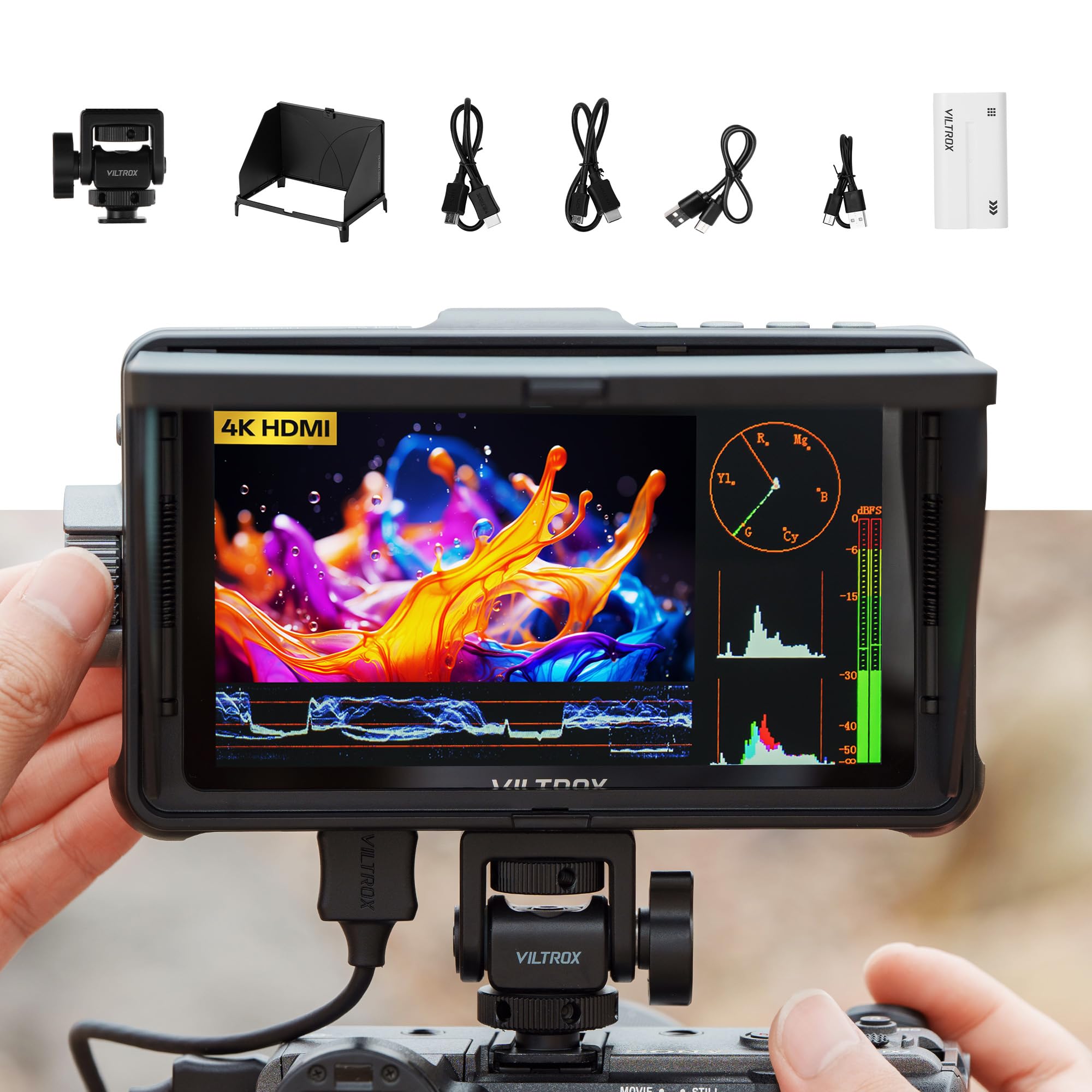
The VILTROX DC-550 Pro II packs a 1400-nit 5.5-inch touchscreen into a compact body and adds 4K@60 HDMI looping, USB/Wi-Fi camera control, Onion Skin, and 3D LUT support. The 7-inch top pick wins on overall kit completeness, but it does not include camera-control features. For shooters who feed an external recorder or want to adjust camera settings from the monitor, the Pro II combines several tools into one small mounting point.

The 1080p panel stays readable in daylight, and the touchscreen makes 3D LUT loading and false-color adjustments faster than joystick-driven rivals. The budget VILTROX touchscreen in this lineup shares the same 5.5-inch form and a close 1200-nit rating, but it skips 4K@60 looping and USB/Wi-Fi control.

This is a monitor for tech-savvy creators: stop-motion artists who frame against Onion Skin, timelapse shooters who want a previous-frame reference, and hybrid shooters who want USB/Wi-Fi camera control without adding a wireless transmitter. It is not for shooters who only need basic peaking, waveform, and false color. Camera-control compatibility is model-specific, so confirm your camera body supports it before relying on the wireless functions.

Pros

  • USB/Wi-Fi camera control removes the need for a separate wireless transmitter on supported bodies.
  • 4K@60 HDMI loop-in/out sends one signal to both the monitor and an external recorder.
  • The 1400-nit touchscreen stays visible outdoors while keeping the rig compact.
  • Onion Skin gives stop-motion and timelapse shooters a live previous-frame overlay.

Cons

  • The 5.5-inch screen suits close-in work; long-distance framing checks are easier on a larger 7-inch panel.
  • The premium price assumes you need advanced control and looping; basic monitoring can be handled for less.
Our verdict

The DC-550 Pro II stands apart from the top pick by folding camera control and 4K looping into a compact touchscreen, making it the right monitor for connected shooting rigs.

Check Latest Price
5

Best Ultra-Light Premium Monitor

Atomos Shinobi GO 5-inch

76 /100
Studio Score Established

Key details

HDMI Loop
Input only
Brightness
1500 nits
Screen Size
5-inch, 1080p
Power Options
NP-F, USB-C PD
Check Price on Amazon

The Atomos Shinobi GO trims the field-monitor formula down to 210 grams and 1500 nits, making it the lightest way to get a bright HDR reference on a small rig. Panels with this brightness tend toward heavier builds; this one stays small enough for gimbal balancing and travel bags.

This is for gimbal and travel shooters who want accurate exposure tools on a minimal footprint and are willing to supply their own power. The monitor ships without a battery; an NP-F cell or USB-C PD source is required before first use. It also assumes a simple signal chain — one camera, one HDMI cable, one screen.

Bright daylight is where the Shinobi GO earns its keep: the 1500-nit panel stays viewable outdoors without a hood, which removes the usual shade-hunting workaround. The Atomos feature set covers the core exposure and focus tools, so it works as a real monitoring aid rather than a framing-only display. That combination — daylight legibility and a coherent toolset — is what keeps the price defensible against lighter, cheaper screens.

💡 For external recorder feeds, split HDMI before the monitor rather than expecting this screen to pass a signal through.

Pros

  • Exceptionally light 210g body keeps small gimbal rigs balanced and easy to handle.
  • 1500-nit HDR panel stays viewable in direct sunlight without a hood.
  • Atomos monitoring features arrive at a mid-range price for a compact screen.

Cons

  • Single HDMI input means no loop-out for feeding an external recorder or transmitter.
  • Long-term durability can vary; some units may not power on after several months.
Our verdict

For gimbal and travel shooters who want minimal rig weight, the Shinobi GO delivers a bright HDR image without the bulk of a production monitor.

Check Latest Price
6

Budget Touchscreen Backup

VILTROX DC-550 5.5-inch

85 /100
Studio Score Strong Evidence

Key details

HDMI Loop
4K@30 in/out
Brightness
1200 nits
Screen Size
5.5-inch, 1080p
Power Options
NP-F, DC, Type-C
Check Price on Amazon

The VILTROX DC-550 delivers a genuinely daylight-readable 1200-nit touchscreen in a compact 5.5-inch body, with 3D LUT support and false color at a price that keeps it in budget-monitor territory. Power flexibility helps on location: NP-F batteries, DC, and USB-C all work, and the HDMI loop in/out handles 4K@30. The line between this model and the pricier Pro II comes down to missing 4K@60, USB/Wi-Fi camera control, and Onion Skin — none of which matter when you need a bright second monitor for interview framing or documentary b-roll. It is a backup screen rather than a command center.

Pros

  • Daylight-bright 1200-nit touchscreen keeps framing visible outdoors without adding bulk to the rig.
  • 3D LUT and false color give budget shooters exposure and color assistance without paying for a premium tier.
  • NP-F, DC, and USB-C power options let it share batteries with existing camera gear.

Cons

  • Tripod operators may prefer a 7-inch panel for full-scene framing; the 5.5-inch size favors gimbal and interview work.
  • HDMI loop passes 4K@30, so 4K@60 camera outputs need a different monitor.
Our verdict

For a budget shooter who wants a daylight-visible touchscreen backup on a gimbal or interview run, the DC-550 fits; 4K@60 and camera control belong to the higher-tier model.

Check Latest Price
7

Large-Screen Budget Shoots

Portkeys HD7H 7-inch

78 /100
Studio Score Established

Key details

HDMI Loop
Input only
Brightness
1000 nits
Screen Size
7-inch, 720p
Power Options
NP-F, DC, no battery
Check Price on Amazon

A 7-inch, 1000-nit panel at an entry-level price gives budget videographers a large, sunlight-readable framing screen without overspending. The 1280x720 resolution works well for composing and checking exposure, but it is not the place for critical focus or color decisions. Some mirrorless bodies may not handshake over HDMI, and a unit may not power on after limited use, so this is best for tripod-based studio and interview shoots. You will also need to supply an NP-F battery or DC power, since neither is included.

Pros

  • Large 7-inch preview screen at a budget price
  • Bright 1000-nit panel stays visible outdoors, giving daylight shoots a usable view.

Cons

  • Expect to buy power separately
  • HDMI handshake can be camera-dependent, with some mirrorless bodies showing no signal or a red-tinted image.
Our verdict

For a studio or interview kit where a large bright framing screen matters more than 1080p, this Portkeys panel is a cost-effective way to get one.

Check Latest Price

How to Choose

Brightness and Sunlight Visibility

Brightness is measured in nits, but the number alone does not determine sunlight usability. Anti-glare treatment matters, and a well-treated 1200-1600 nit panel beats a reflective 1000-nit screen in direct sun. For outdoor work, treat 1000 nits as the minimum and 1200 nits or higher as the realistic starting point.

High brightness pulls more current, so full-power use shortens battery life. Plan for larger NP-F batteries or USB-C PD on all-day shoots instead of relying on a small included pack.

Screen Size and Resolution

Screen size is a rig decision. A 7-inch monitor is easier to judge focus from a distance but adds bulk to a gimbal. A 5-5.5 inch screen keeps the rig nimble, and 1080p gives enough detail for critical focus.

720p panels are fine for framing but soften pixel-level focus accuracy. Choose 1080p when precise manual focus is part of your workflow.

HDMI Loop In/Out

HDMI loop-out sends the same camera signal to an external recorder, wireless transmitter, or second screen. Without it, adding a recorder later forces you to buy a splitter or replace the monitor.

Extra HDMI ports add connectors to the rig, which can create strain points and handshake issues if cables are loose. If you only record internally, a single HDMI input keeps the setup simple.

Power Flexibility

Swappable NP-F batteries are the most flexible option because a drained cell can be replaced in seconds. A built-in battery simplifies the rig but cannot be hot-swapped in the field. USB-C PD works as backup power only if the monitor lists USB-C PD support.

The hidden detail is the kit. Some monitors ship with a battery, some ship without one, and photos can imply a full kit the package does not contain. Confirm the included power accessories before ordering.

Monitoring Tools

False color, waveform, vectorscope, focus peaking, and 3D LUT support turn a preview screen into an image-assist monitor. The key is being able to access them quickly while your eye stays on the subject.

Touchscreens make tool adjustments faster, while joystick menus can slow you down in the field. Pick the interface you can operate without menu hunting.

Frequently Asked Questions