Best Overall

Stouchi MagSafe Monitor Mount
Key details
- Screen Fit
- Desktop monitors, iMac
- Magnetic Hold
- MagSafe magnetic
- Tilt & Swivel
- 30° down tilt; limited swivel
- Tripod Thread
- 1/4-inch thread
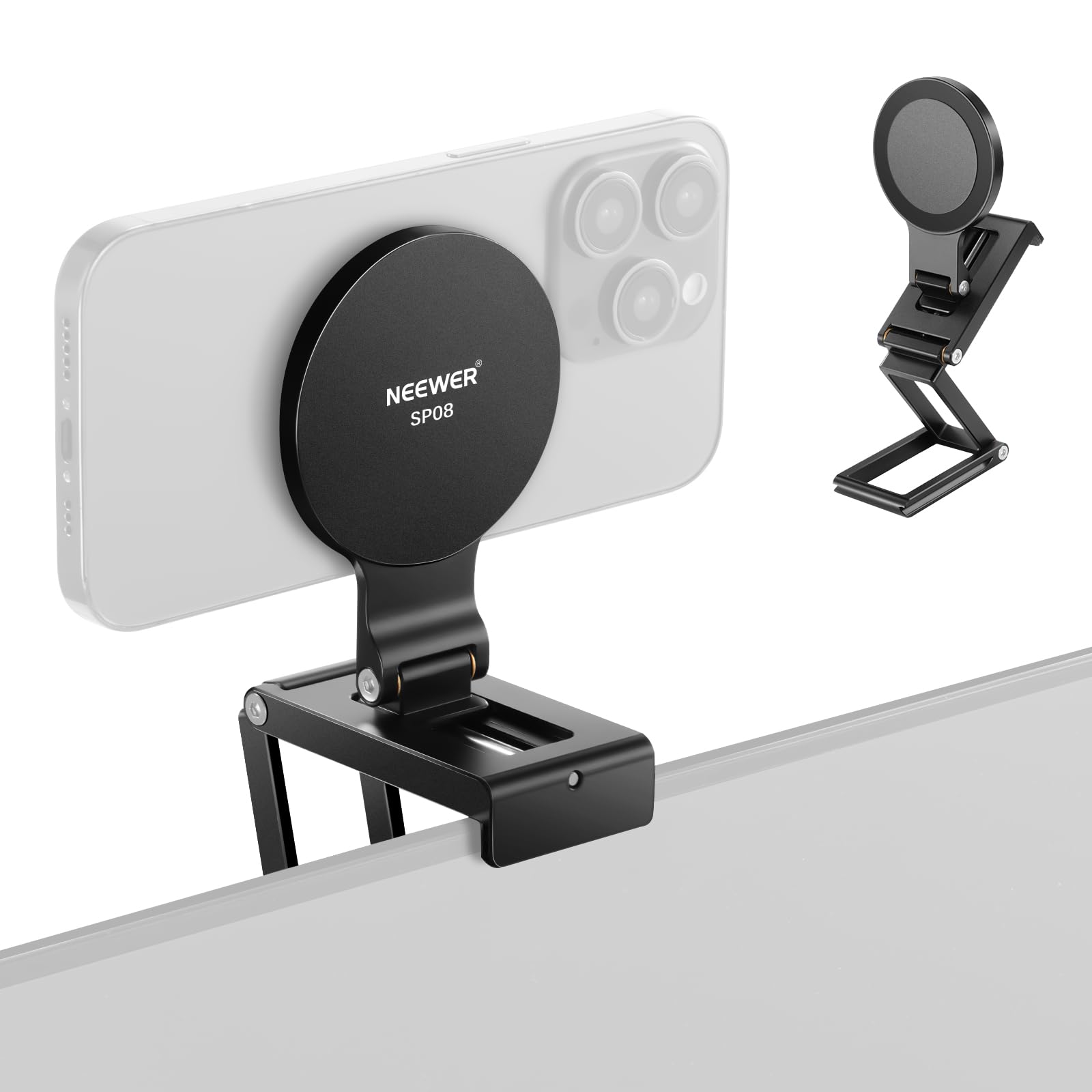
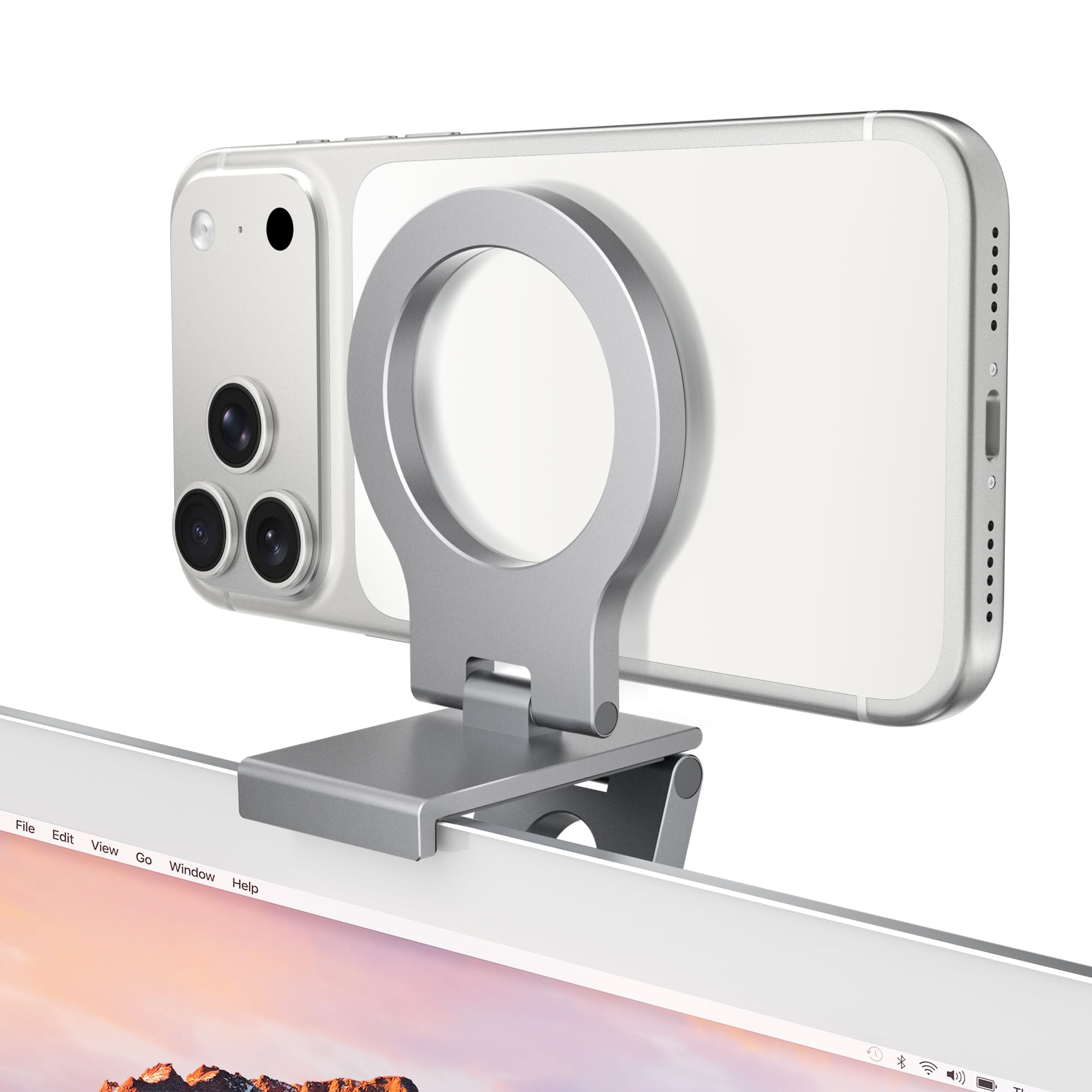
Stouchi's Continuity Camera mount is an all-metal monitor-top mount built for the core iMac desktop setup. The aluminum body rests on a flat display top, the MagSafe pad seats the iPhone with a firm magnetic pull, and the tilt hinge ranges down to 30° for a natural webcam angle. Hinge tension is tight enough to hold the phone's weight, and the 1/4-inch thread in the base adds a tripod fallback without pulling the mount away from its main job.
The magnet engages with a clean click on a bare MagSafe iPhone, and the mounted position stays put while typing, gesturing, or switching between apps. The hinge holds its angle through normal desk movement, so the phone does not sag into a low-angle shot mid-call. The 30° downward range is enough to compensate for a monitor sitting slightly above eye level, so the camera points at your face rather than the ceiling or keyboard. That makes the basic Continuity Camera workflow feel immediate: sit down, place the phone, and start the call.
The target user is a home-office worker, streamer, or regular FaceTime caller with a flat-top iMac or desktop monitor and a MagSafe iPhone in a bare or thin case. Those boundaries matter: magnetic hold drops with case thickness, and the mount rests rather than clamps on thick or curved displays. For that setup, the mount delivers a stable camera position without taking up desk space.
The all-aluminum construction and tight hinge joints give the mount an OEM feel, which stands out in the mid-range price band. Fit and finish are precise enough that the assembly does not wobble or rattle, and repeated angle adjustments do not loosen the hinge. The low-profile shape keeps the monitor looking clean, while the machined edges and uniform finish make it read as a permanent accessory rather than a temporary clip. For a desk that stays in one place, this build quality removes the need to re-check the mount every few calls.
Non-MagSafe phones can be paired with a separately added metal ring, but the mount itself offers only a magnetic interface. That keeps the design clean for MagSafe users while leaving out the cradle backup. The desktop position is the point: no battery, no software, and no separate camera app to manage. If your phone runs bare or with a thin MagSafe case, the mount fits the workflow without extra fuss.
Pros
- All-aluminum body and tight hinge joints hold the phone steady during long calls.
- Flat iMac and desktop monitor tops get a stable resting fit without added bulk.
- Machined aluminum feels like an OEM accessory, not a budget clip.
- Mid-range price undercuts pricier alternatives while keeping a durable all-metal build.
- A 1/4-inch screw in the base lets the same mount work on a tripod for field setups.
Cons
- Side-to-side swivel range is narrow; the tilt adjustment carries most framing duties.
- Rest-style base doesn't clamp, so thick or curved monitor edges may not hold it securely.
- Magnetic grip can weaken with thick cases or a heavier Pro Max, causing the phone to shift on the pad.
On a fixed home-office desk with a flat-top display and a MagSafe iPhone, this is the Continuity Camera mount to buy: stable, adjustable, and cleanly integrated.