9 Best Camera for Church Live Streaming of 2026: 30X Zoom & NDI That Volunteers Can Run

Find the church streaming PTZ camera with the right optical zoom, NDI/SDI outputs, and simple controls for your sanctuary and volunteer team.

Shopping for a church livestream camera puts you between two worlds: conference-room PTZ cameras that undershoot a sanctuary's distance and broadcast-style models that overwhelm a volunteer AV team with network setup. Most listings lean heavily on 4K and AI tracking buzzwords, but the cameras that actually last in worship spaces usually earn their keep through optical reach and output flexibility.

A dedicated PTZ camera for church streaming needs 20x zoom minimum, a mount or controller plan that doesn't depend on a finicky IR remote, and at least one professional video output beyond USB. If your church is building a permanent install, PoE and NDI workflow compatibility matter more than a 4K label. The right camera lets volunteers frame the sermon with a preset, start the stream, and walk away.

This guide sorts the practical options by sanctuary size, AV team experience, and production goals, so you can match the camera to your setup instead of overpaying for specs your church won't use.

1

Best Overall Church PTZ Camera
TONGVEO 30X NDI PTZ

90 /100
Studio Score High Confidence

Key details

NDI
Full NDI
PoE
Yes
Outputs
NDI, HDMI, SDI, USB
Resolution
1080p60
Check Price on Amazon

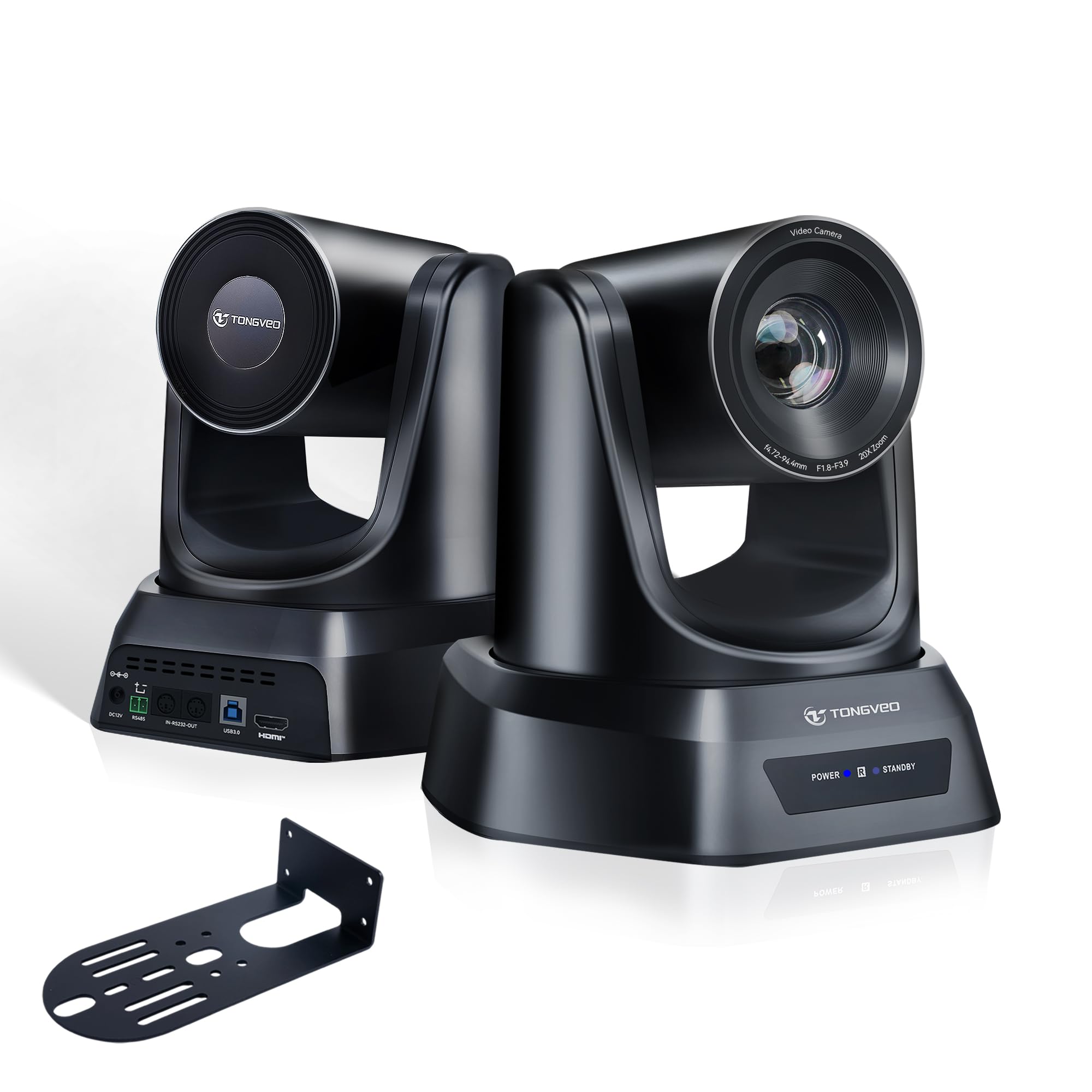
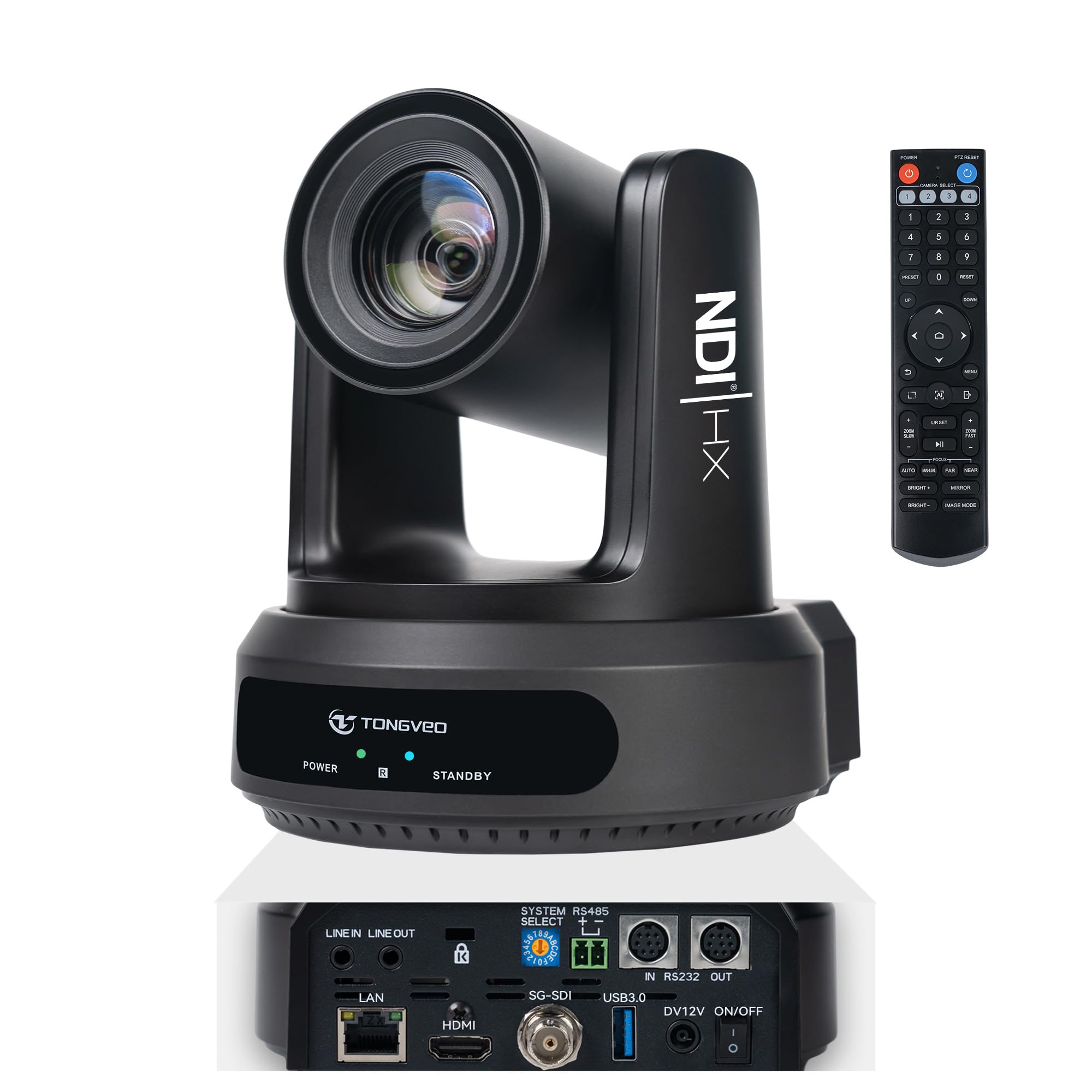
The TONGVEO 30X NDI PTZ occupies the sweet spot for sanctuary streaming: 30x optical zoom, full NDI, SDI, HDMI, USB 3.0, LAN, PoE, and AI tracking all in one 1080p60 package. A single camera head can feed a hardware switcher, a software encoder, and a confidence monitor without extra converters, which is the main reason churches look at this class of camera in the first place.

Image quality holds its own in real worship spaces. The 1/2.8-inch CMOS sensor keeps skin tones natural under typical stage lighting, and the metal housing gives the assembly a rigid feel on a wall plate or tripod. The 30x optical zoom keeps a preacher sharp from the rear of a long room, while AI tracking stays useful for solo operators who don't have a dedicated camera person. Buyers who started with one main-unit camera have added additional heads for overflow rooms, a sign that the cost-per-output ratio fits multi-camera church budgets.

This is for churches with a dedicated streaming workflow rather than a conference-room webcam setup. PoE simplifies cabling, the NDI feed fits into a multi-camera IP switcher, and the 30x zoom reaches a speaker from the back of a large sanctuary. The tradeoff: pan speed is fixed rather than adjustable, and occasional lockups can occur after long stretches; preset-based worship services absorb this better than productions that need variable-speed pan moves.

Cross-platform compatibility is broad enough that the same camera moves between OBS, Zoom, Teams, Linux encoders, and hardware switchers without a dedicated driver hunt. That flexibility matters for church volunteers who do not control the entire software stack, and it means the camera can serve as a spare conference room model when the sanctuary stream is dark.

Full NDI is the differentiator for a church already running an IP-based production switcher. The camera appears on the network as a named source, and the operator can fall back to SDI or HDMI if the network is being serviced. This is not a plug-and-play desktop webcam; it is a fixed-install PTZ built for permanent placement and repeatable shot framing.

๐Ÿ’ก Use the web interface for NDI discovery and preset programming; the printed remote guide is thin.

Pros

  • Image quality is clear enough for sanctuary-stage close-ups, with a solid metal build.
  • Full output stack covers NDI, SDI, HDMI, USB 3.0, and LAN from one camera.
  • Cross-platform support spans Zoom, Teams, OBS, Linux, and hardware encoders.
  • Strong value per channel; buyers who started with one unit have added more.
  • Power over Ethernet simplifies cabling for fixed ceiling or wall mounts.

Cons

  • Pan speed is preset, so slow manual pan moves require a different approach.
  • Lockups can occur during long uptime and may need a power cycle to clear.
Our verdict

This is the mid-range NDI PTZ for a church that wants one camera to feed a full production pipeline without moving to broadcast pricing.

Check Latest Price
2

Best Value NDI PTZ

AVKANS LV20N NDI PTZ

89 /100
Studio Score Strong Evidence

Key details

NDI
NDI HX2/HX3
PoE
Yes
Outputs
NDI, HDMI, SDI, USB
Resolution
1080p60
Check Price on Amazon

NDI HX2/HX3, SDI, HDMI, and USB 3.0 outputs put the LV20N in a part of the PTZ market that usually costs far more. A church can run the same camera into a vMix laptop over NDI, a hardware switcher over SDI, or a confidence monitor over HDMI without adding converters. The 20x optical zoom reaches a stage from the back of a medium-to-large sanctuary, and Gen 3 AI tracking assists when the speaker holds a clear sight line.

The 1080p60 image stays clear in worship lighting, with quiet pan/tilt movement that does not distract during service. AI tracking works best in simple staging; a person crossing between camera and speaker or quick lateral movement can make it lose the subject. For a fixed pulpit shot, that is a manageable boundary.

This camera is for churches that want NDI and SDI without paying broadcast prices, and that have someone willing to work through IP/NDI basics. It is not for 4K-required productions, and it is not the right tool for an unattended AI tracker in a busy stage area. Those scenarios fit the 30x NDI top pick in this group.

Pros

  • Sharp 1080p60 picture and quiet pan/tilt motion keep the service looking clean.
  • Packs NDI HX2/HX3, SDI, HDMI, USB 3.0, and a tally light into a mid-range price.
  • Vendor support responds quickly and works through NDI/IP problems with buyers.
  • Feeds OBS, vMix, and church switchers without extra conversion hardware.

Cons

  • Initial NDI/IP configuration asks more of volunteers than a plug-and-play HDMI camera.
  • AI tracking can lose a speaker when someone crosses the frame or movement becomes unpredictable.
Our verdict

The LV20N is the most cost-effective NDI/SDI PTZ in this group; 20x reach covers most sanctuary stages without the 30x premium.

Check Latest Price
3

Best for Volunteer-Run Sanctuaries

Tenveo 20X AI PTZ

86 /100
Studio Score Strong Evidence

Key details

NDI
โ€”
PoE
Yes
Outputs
HDMI, USB 3.0, LAN
Resolution
1080p60
Check Price on Amazon

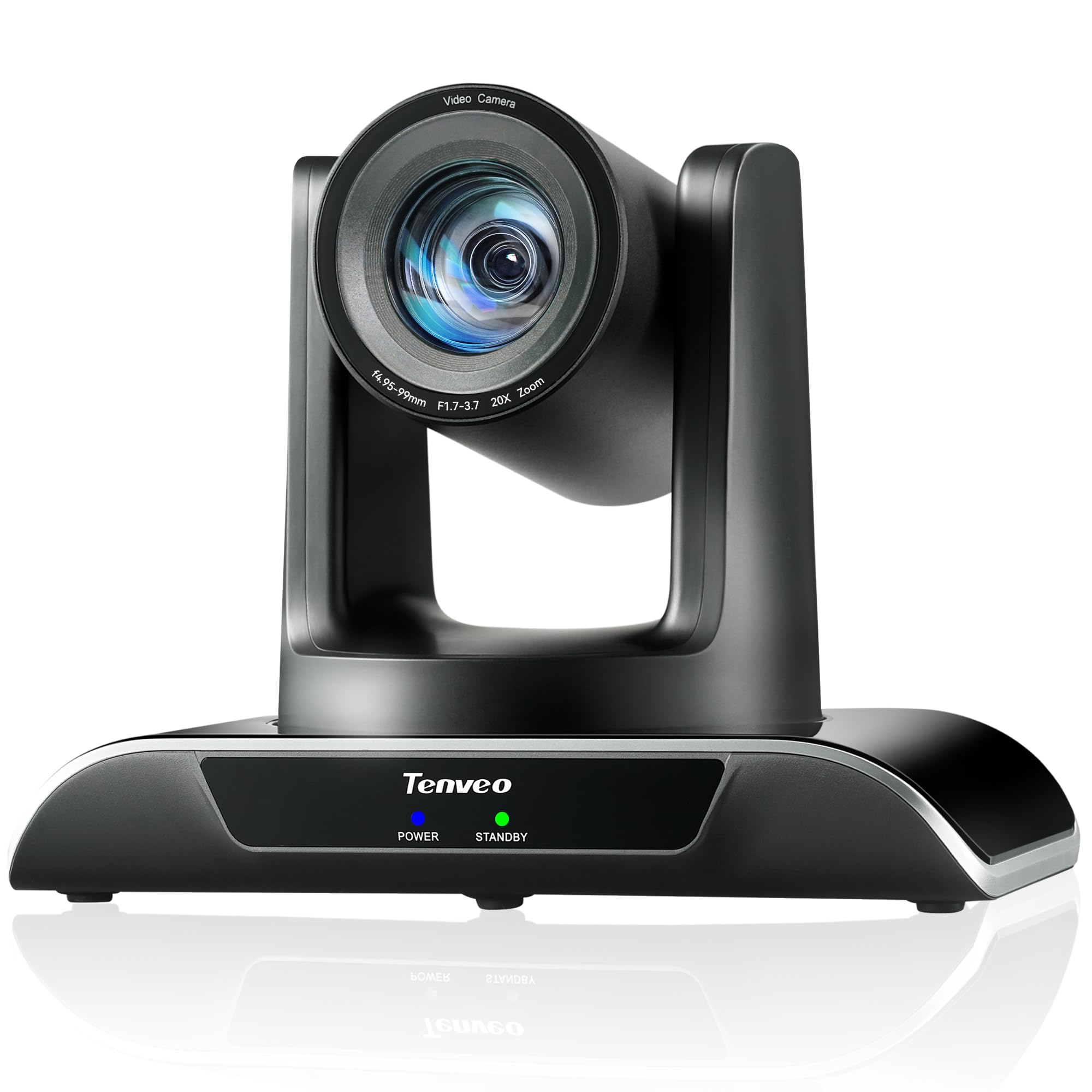
Pared back to 1080p, this camera gives volunteer-run sanctuaries a steady 20x zoom and dual humanoid/face tracking over HDMI, USB 3.0, or PoE. It skips the top pick's full NDI and 30x reach, which keeps the workflow simple for churches streaming through HDMI or USB. The LAN/PoE option is the useful middle ground: one cable carries power and network connection for a fixed install.

Image clarity holds up for sanctuary close-ups, and the 20x optical zoom brings the stage into view without losing detail. The camera works out of the box for basic streaming: connect HDMI or USB, set presets, and the AI tracking can follow a speaker. The 1080p60 output keeps motion smooth for a worship service, while avoiding the storage and processing demands of a 4K pipeline.

This is a match for churches with volunteer-run AV and a fixed camera position. The network output requires a static IP, and external PTZ movement can feel jerky until speed settings are tuned, so teams should plan for that setup time. If you need 4K or NDI, this isn't the camera; for a simple 1080p live stream, it fits a sanctuary budget and keeps the operator workload manageable. For teams already running HDMI into a switcher or USB into a laptop, those workflows are direct.

Pros

  • Image clarity is sharp for sanctuary close-ups, with a strong picture in typical church lighting.
  • Mid-range price undercuts comparable PTZ cameras while covering the essential church workflow.
  • 20x optical zoom brings the stage close without the softness of a digital crop.
  • Plug the camera into HDMI or USB and it is ready for basic live streaming.

Cons

  • Software-driven PTZ movement can be jerky or too fast until speed settings are adjusted.
  • Network connection uses static IP only, adding an AV volunteer setup step.
Our verdict

For 1080p church streaming with presets and PoE, this camera covers the essentials without pushing you toward 4K or NDI.

Check Latest Price
4

Best Budget 4K PTZ

iuZee 4K 20X PTZ

84 /100
Studio Score Strong Evidence

Key details

NDI
โ€”
PoE
Yes
Outputs
USB 3.0, HDMI, LAN
Resolution
4K30 / 1080p60
Check Price on Amazon

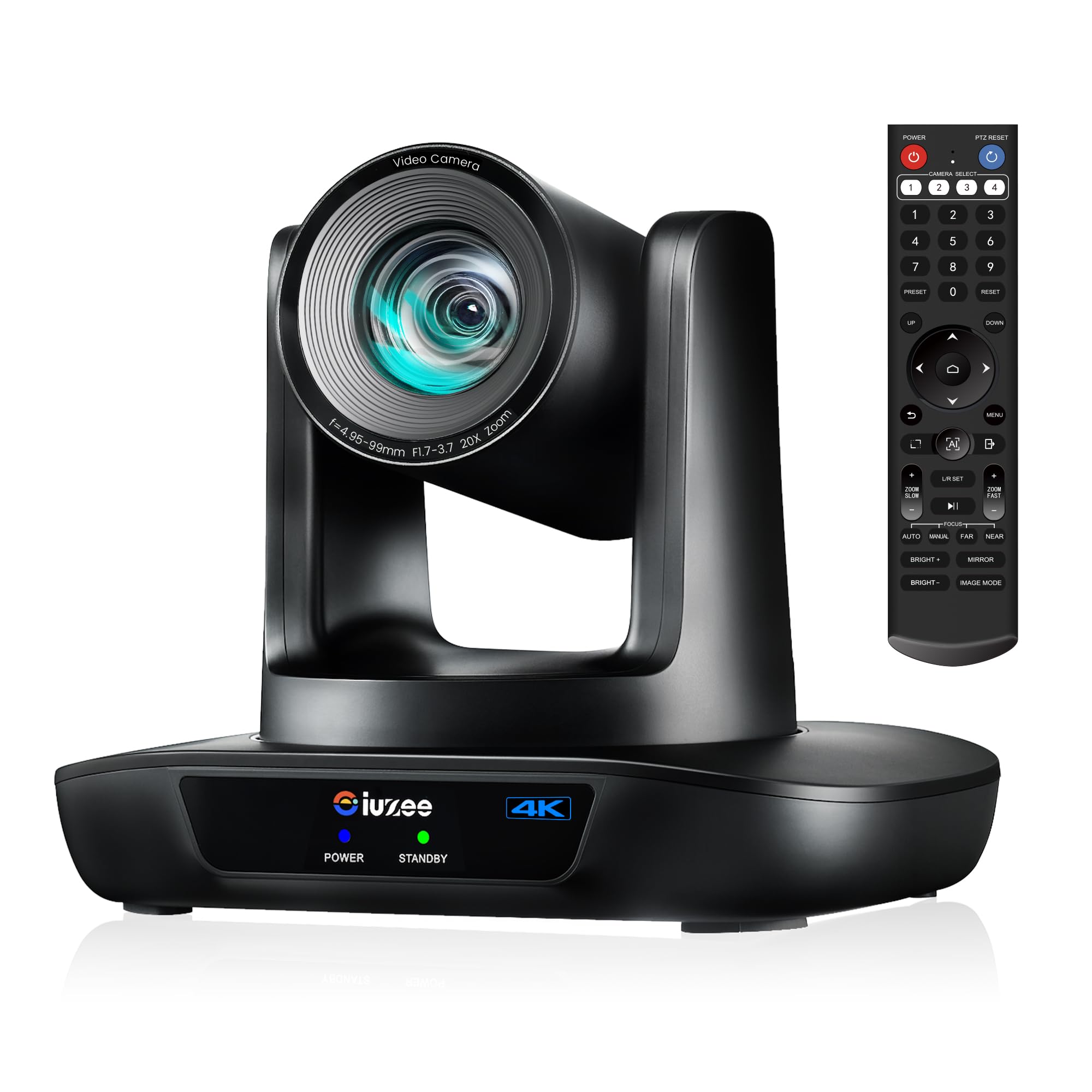
The iuZee 4K PTZ combines 4K30 and a 20x optical zoom with USB 3.0, HDMI, LAN PoE, and AI tracking at an entry-level price โ€” a feature set that normally costs more. It skips NDI and SDI outputs, so the signal path is software-based rather than broadcast-hardware based.

Image detail is strong enough to hold the front row in tight stage shots, and the long pan/tilt range gives a single camera real production reach. The metal body has held up well under weekly service use without introducing the flex or rattles of lighter builds.

AI tracking follows a speaking presenter across the platform, so a volunteer can let the camera do the framing during a message. H.264/H.265 encoding keeps the USB and IP streams at manageable bitrates, which matters when the stream goes over a church network. For a single-camera worship stream, 4K resolution also leaves room to crop for close-ups without another camera.

Churches that want 4K headroom without committing to NDI or SDI fit this camera best, especially single-camera streamers that can power it over PoE with one cable. A unit can power down unexpectedly during operation, so installers should document the restart procedure and keep the web-admin path handy. Those who need a hardware controller or NDI/SDI integration should look at the top pick.

Pros

  • 4K30 with 20x optical zoom delivers clear stage close-ups from the back of a sanctuary.
  • USB 3.0, HDMI, LAN PoE, and AI tracking come together in a budget-friendly package.
  • Metal construction holds up under weekly worship use.
  • Long pan/tilt range and 20x zoom make a single camera feel like a multi-cam setup.

Cons

  • IR remote needs direct line-of-sight, which makes fixed-rack or ceiling-mount control awkward.
  • A unit can power down unexpectedly mid-service, so a restart procedure is part of the install.
Our verdict

For a single-camera 4K worship stream on a budget, this camera delivers the image reach and PoE convenience most churches need โ€” without the NDI or SDI premium.

Check Latest Price
5

Best Multi-Camera NDI Bundle

FoMaKo BN302 Bundle

88 /100
Studio Score Strong Evidence

Key details

NDI
NDI 6 & HX3
PoE
Yes
Outputs
NDI, 3G-SDI, HDMI, USB
Resolution
1080p60
Check Price on Amazon

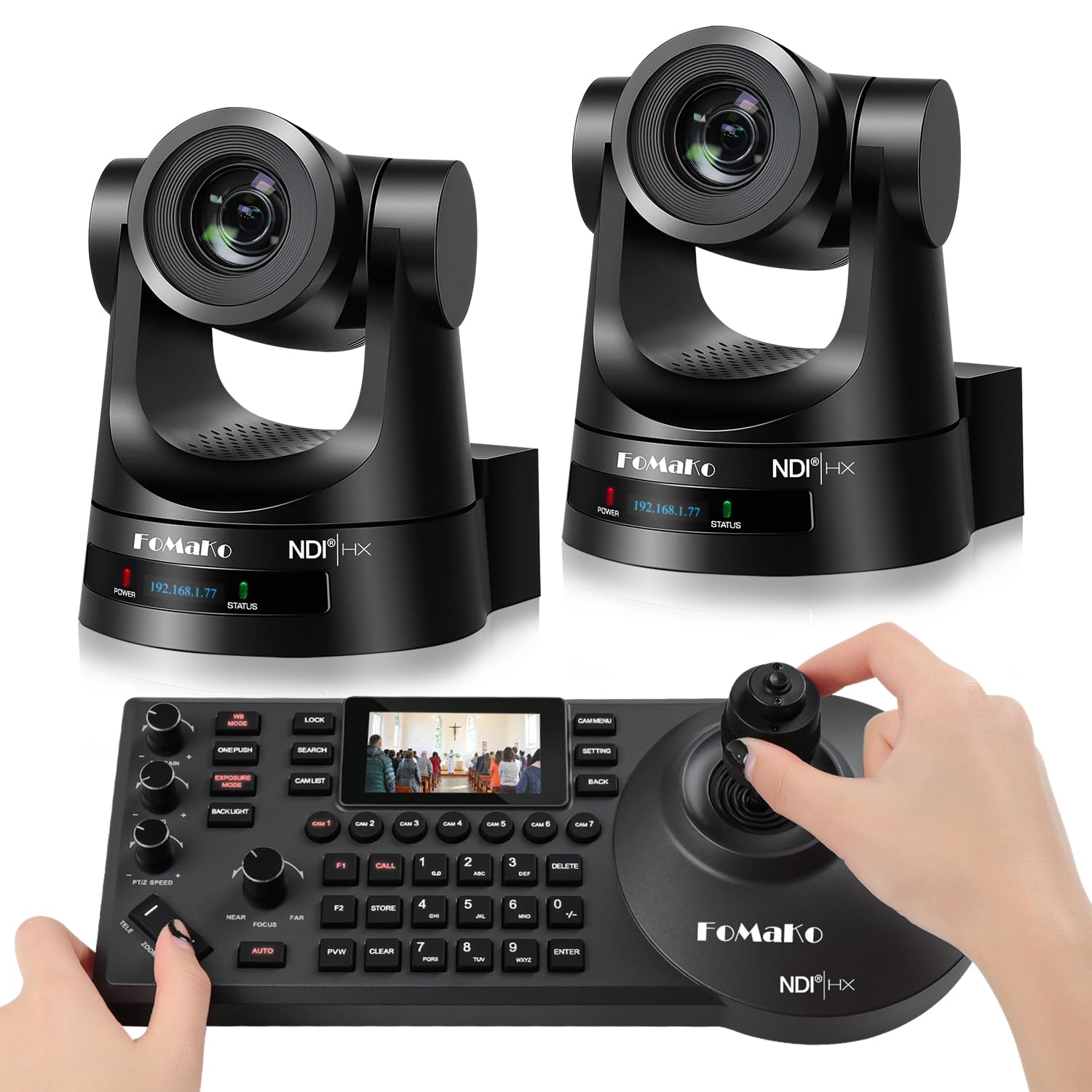
Two 30x NDI cameras plus a hardware PTZ controller arrive as one bundle, so a church can build a multi-cam production without assembling separate cameras, converters, and software control. Each camera has NDI, 3G-SDI, HDMI, USB 3.0, and LAN outputs, and PoE keeps cable runs to a single line.

The 1080p60 image holds up through NDI workflows, and 30x optical zoom reaches a pulpit from the back of a large sanctuary. NDI 6 and NDI HX3 certification let the cameras join an IP production network without extra capture hardware, while the included controller offers physical presets instead of laptop-only control.

A single controller handles both cameras during the service, which suits a dedicated AV booth more than ad-hoc volunteer setups. AI tracking Gen 3 is available for unattended wide shots, with the controller's physical presets as the primary workflow. The bundle's strength is coordination: multiple angles, 30x reach, and hardware switching work together without juggling separate software windows mid-stream.

This bundle is for churches already moving toward NDI or running a dedicated AV team with networking knowledge; for those teams, the multi-cam control is exactly what they need. The price is a significant investment, and autofocus in some scenes will be slower than expected; one-push AF or manual focus is the practical fallback for critical close-ups.

Pros

  • Multi-cam NDI performance holds up in church productions, with 30x zoom and solid 1080p60 output.
  • The bundle gives churches two cameras and a controller for less than assembling separate NDI gear.
  • NDI workflow setup is manageable for teams with basic IP networking knowledge.

Cons

  • Autofocus can be slower in some scenes, so critical close-ups may need one-push AF or manual focus.
  • The bundle price is a significant investment for churches that only need a single camera.
Our verdict

A complete multi-cam NDI package for sanctuaries committed to IP production; single-camera or budget-first buyers should consider a standalone NDI PTZ instead.

Check Latest Price
6

Best 4K + 30X NDI Single Cam

FoMaKo K30NS 4K NDI

84 /100
Studio Score Strong Evidence

Key details

NDI
NDI 6 & HX3
PoE
Yes
Outputs
NDI, 3G-SDI, HDMI, USB
Resolution
4K
Check Price on Amazon

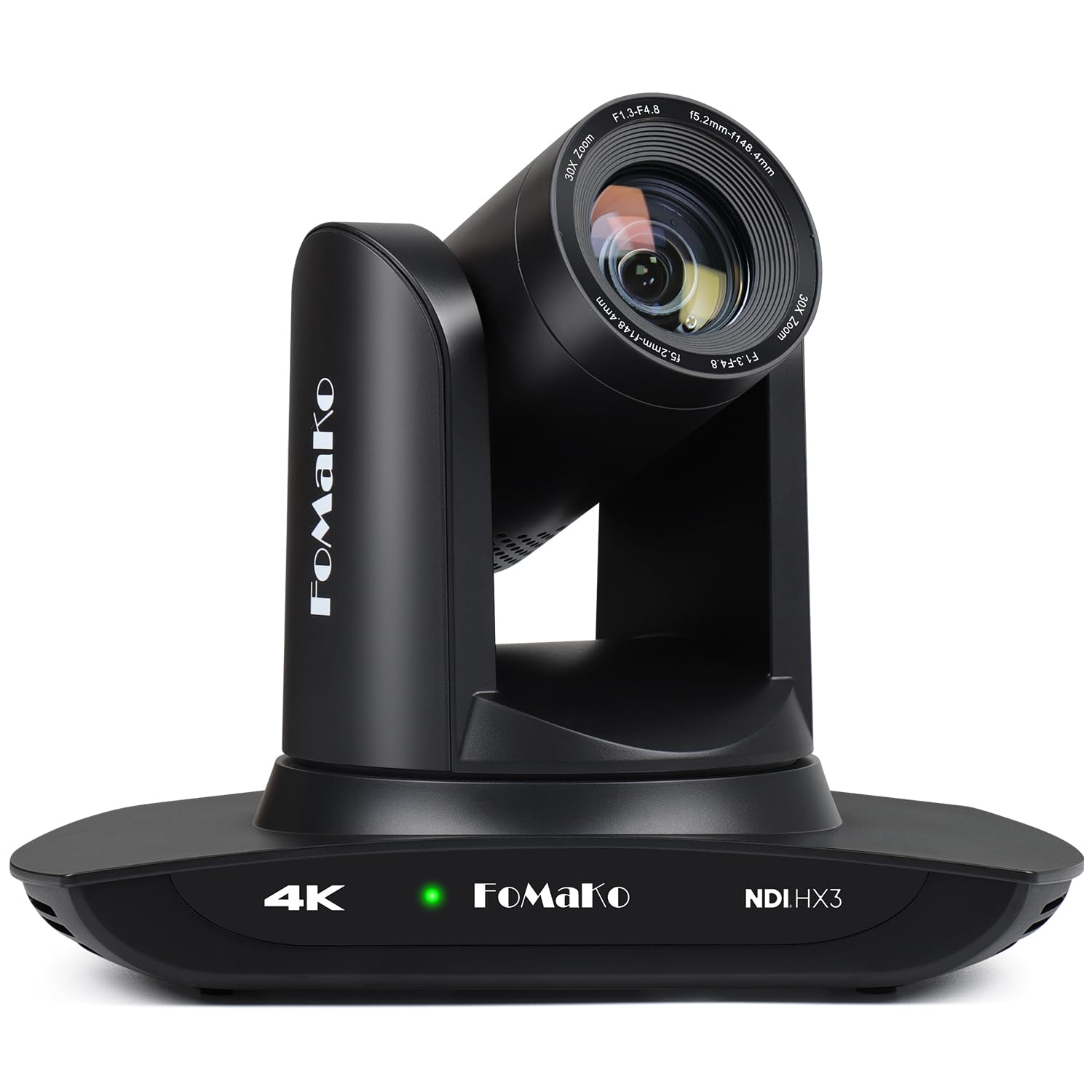
Official NDI 6 and NDI HX3 certification, 4K resolution, 30x optical zoom, and 3G-SDI arrive in a single camera. Unlike a two-camera-and-controller bundle, this unit lets a church move into NDI production one camera at a time. The 3G-SDI, HDMI, USB 3.0, and LAN outputs cover the connection points in a sanctuary AV rack, and PoE removes a separate power run.

The 1/2.8-inch CMOS sensor produces clear, steady 4K imagery, and the Gen 3 auto-tracking keeps a moving speaker framed during worship. The 30x optical zoom reaches a pulpit or stage from a rear-wall mount, which means camera placement can follow the room's sightlines instead of the preacher's exact spot.

This is for churches migrating to NDI workflows or building multi-camera productions with 4K headroom. The web interface can feel sluggish during browser adjustments. Volunteer groups wanting a simple USB-only camera will find the NDI/IP layer more setup than they need; this is a professional streaming tool for a deliberate install.

The mid-range price undercuts the cost of a full hardware bundle while keeping the broadcast outputs churches expect as they move beyond single-camera streaming.

๐Ÿ’ก For live services, rely on a hardware PTZ controller or preset recall rather than browser-based camera moves.

Pros

  • Strong image quality with clear, steady 4K output from the 1/2.8-inch sensor.
  • Good value for the feature set at a mid-range price for a 4K NDI PTZ.
  • Solid build quality and auto tracking that holds speakers in frame.

Cons

No notable drawbacks to flag.

Our verdict

A single-camera on-ramp to 4K NDI production for churches that don't need a bundled hardware system.

Check Latest Price
7

Budget 1080P Streaming

TONGVEO 20X PTZ

84 /100
Studio Score Strong Evidence

Key details

NDI
โ€”
PoE
โ€”
Outputs
HDMI, USB 3.0
Resolution
1080p60
Check Price on Amazon

The TONGVEO 20X PTZ delivers sharp 1080p60 images with a 20x optical zoom that reaches the front of a typical sanctuary without losing detail. Volunteer-run teams can have it feeding OBS or Zoom within minutes over HDMI or USB 3.0. It targets churches new to streaming: use the 255 presets and AI tracking to keep a speaker framed without a dedicated operator. The tradeoff is output flexibility โ€” this is a 1080p HDMI/USB camera, not a 4K or NDI/SDI production tool. It cannot join an SDI-based broadcast chain or deliver 4K headroom. The IR remote also expects direct line-of-sight to the front of the camera and may respond sluggishly from across the room. Those limitations are easy to live with when the goal is a budget-friendly first PTZ rather than a multi-camera broadcast pipeline.

Pros

  • Sharp 1080p60 image quality with natural color holds up in typical worship-space lighting.
  • Plug-and-play compatibility with OBS, Zoom, and ATEM-based streaming setups gets volunteers on air quickly.
  • 20x optical zoom brings speakers into tight close-ups from across the sanctuary.

Cons

  • IR remote needs direct line-of-sight to the front of the camera and can feel laggy when aimed from a distance.
Our verdict

For churches that want a first sanctuary PTZ without a broadcast budget, this is the most direct 1080p HDMI/USB option.

Check Latest Price
8

Small Sanctuaries

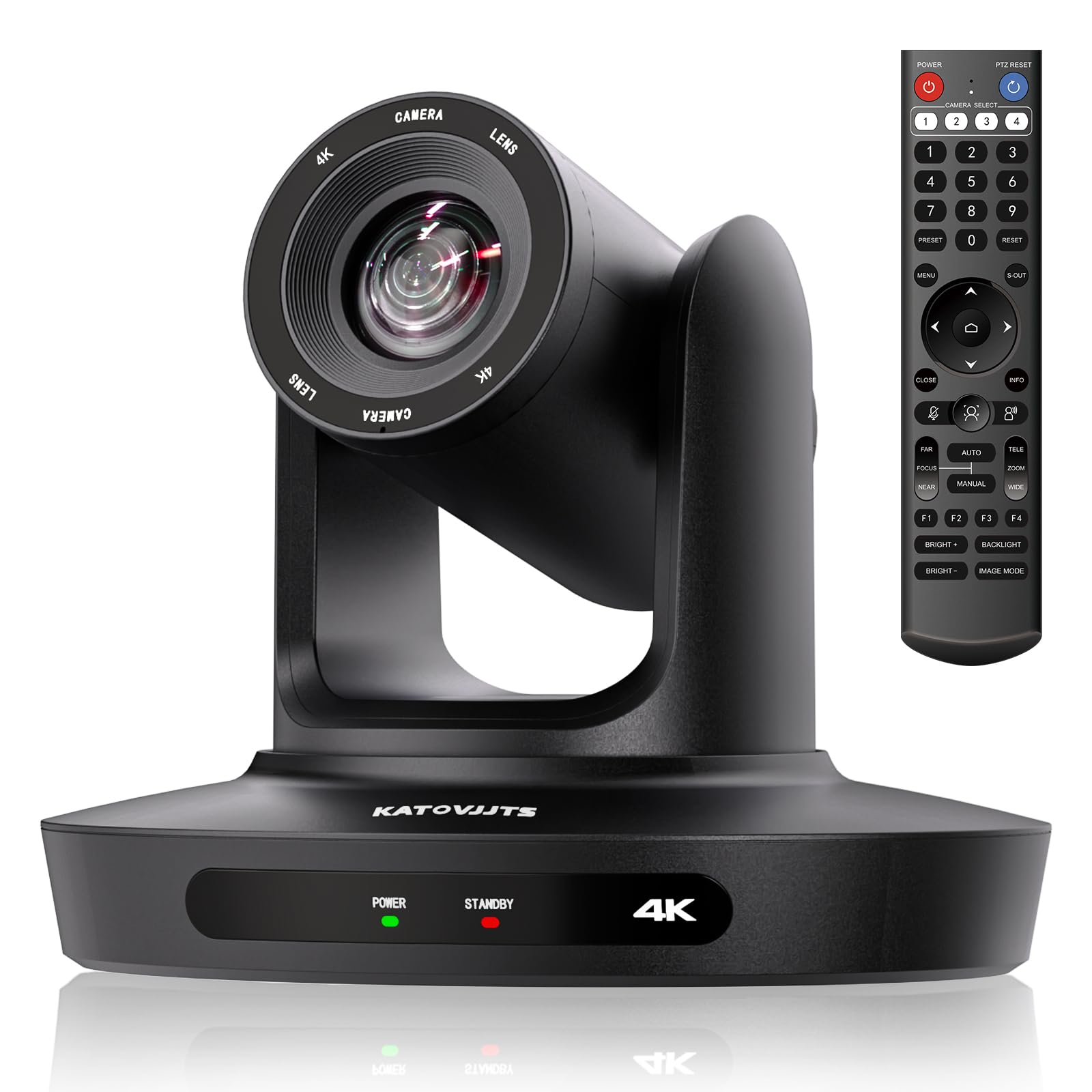
KATOVJJTS 4K 20X PTZ

81 /100
Studio Score Strong Evidence

Key details

NDI
โ€”
PoE
Yes
Outputs
USB 3.0, HDMI, IP
Resolution
4K30
Check Price on Amazon

4K, 20x optical zoom, and quick preset recall make this a cost-effective fit for small-to-medium church sanctuaries where volunteers move between fixed shot positions. USB 3.0, HDMI, and IP outputs cover typical streaming wiring, though this is not a broadcast NDI/SDI camera. Choppy PTZ movement has been noted, and 4K mode can require troubleshooting; large sanctuaries needing 30x zoom or production-smooth moves should look toward higher-tier PTZs. For a preset-driven worship setup, the image quality and price make those limits a fair trade.

Pros

  • Picture quality competes with cameras costing considerably more.
  • Preset recall gives volunteer operators simple, repeatable shot changes.
  • Mid-range pricing brings 4K resolution and 20x optical zoom into one unit.

Cons

  • 4K output may need extra setup time to settle into the streaming chain.
  • Pan and tilt moves can feel choppy, so this suits preset shot changes over production-style camera movement.
Our verdict

Best for small-to-medium sanctuaries running preset-driven services that want 4K headroom without paying broadcast prices; skip it if every pan has to look like a broadcast rig.

Check Latest Price
9

Portable Streaming

Logitech Mevo Start

88 /100
Studio Score Strong Evidence

Key details

NDI
โ€”
PoE
โ€”
Outputs
Wi-Fi, Ethernet, USB
Resolution
1080p
Check Price on Amazon

The Mevo Start is a compact all-in-one 1080p live streaming camera that pairs with a phone to coordinate multi-angle coverage of church services, DJ sets, or youth events. Its six-hour battery and small body make it quick to place on a tripod or netting, and adding multiple Mevo units builds a production without heavy cabling.

The boundary for church broadcast work is clear: this is a mobile streaming camera, not a sanctuary PTZ. The mobile app can drop in congested Wi-Fi, video quality depends heavily on good lighting, and battery runtime may vary between units. For mobile clergy and volunteers who want phone-controlled streaming, those tradeoffs sit inside the intended use; a fixed sanctuary install needs a different camera.

Pros

  • Compact, lightweight design makes it quick to set up on a tripod or netting for mobile events.
  • Multicam with multiple Mevo units handles multi-angle coverage without complex switching gear.
  • Live streaming performance handles church services, DJ sets, and sports coverage.

Cons

  • Professional HDMI/SDI/NDI outputs are absent, so broadcast-pipeline integration is not possible.
  • No optical zoom means rear-of-sanctuary shots require placing the camera close to the stage.
Our verdict

For itinerant clergy or volunteers building phone-controlled multi-angle streams, this camera fits the job. A fixed sanctuary with a back wall and dedicated broadcast outputs is a different purchase.

Check Latest Price

How to Choose

Optical Zoom Range

Optical zoom is the single most important spec for worship spaces because camera-to-pulpit distance varies enormously. A 3x lens on a wide-angle conference camera will show a room shot even if it records in 4K; a 20x or 30x optical zoom lets you fill the frame with the preacher's face from the back of a sanctuary.

Digital zoom is not a substitute. It crops the sensor and softens detail, while optical zoom moves the lens glass to magnify the image without losing resolution. A church with a 50-foot distance between the camera and the stage should treat 20x as the practical minimum.

Video Resolution and Frame Rate

4K gives you headroom to crop in post or future-proof a video mixer, but it only matters if the sensor and lens produce a genuinely sharp image in your lighting conditions. In practice, 1080p60 is more valuable for worship streaming than 4K30 because the higher frame rate preserves smooth motion during walking, gesturing, and camera pans.

A 4K camera that only streams through USB in 1080p30 can feel like a step backward. Check where the 4K output actually runs: HDMI 4K versus USB 1080p changes how you connect it to your switcher or encoder.

Outputs and Connectivity

The outputs determine how far the camera can go in your production chain. USB-only cameras are easy for a laptop-based stream but usually cap at 1080p30 and add latency. HDMI is fine for a camera placed near the encoder, while SDI and NDI carry video over long cable runs that a typical sanctuary requires.

NDI is the most flexible for multi-camera churches because it sends video, audio, control, and PTZ commands over a single network cable. SDI is the broadcast-standard workhorse for long distances. Look for cameras that include at least one professional output beyond USB so you are not locked into a single workflow.

NDI / IP Workflow Support

NDI converts a PTZ camera into a network device that your video software or switcher can discover and control over Ethernet. For a multi-camera setup, this removes the need for a video mixer with multiple HDMI or SDI inputs and makes camera selection as simple as choosing an NDI source in OBS, vMix, or a hardware NDI switcher.

The trade-off is that NDI requires network configuration knowledge. A church with volunteer operators should budget for an initial setup session and a PoE switch rather than expecting the camera to work instantly out of the box. NDI HX is a compressed version of full NDI; both work in NDI-enabled software, but full NDI has lower latency and better image fidelity.

AI Tracking Reliability

AI auto-tracking can replace a dedicated camera operator for a single speaker, but it is not a set-and-forget system. Most church PTZ cameras track one human subject and can lose the speaker when the pastor walks behind a podium, turns away, or moves quickly across the stage.

The most reliable setup for worship is to define PTZ presets for the pulpit, the worship band, and a wide shot, then switch manually or through a controller. Use AI tracking as a backup or for a speaker who moves around a lot, not as the sole method for a live weekly stream.

Low-Light Sensor Quality

Sanctuaries are rarely as bright as conference rooms, so sensor size and low-light performance directly affect image noise and color accuracy. A 1/2.8-inch CMOS sensor is the standard in this category, but the lens aperture and image processing determine how much usable light reaches the sensor.

A camera that looks fine in a well-lit meeting room may produce grainy, muddy video in a dim church. If your sanctuary cannot add lighting, prioritize 1080p cameras with larger pixels over 4K cameras that tend to perform worse in low light.

PTZ Presets and Control

Presets let you save camera positions and recall them instantly, which is how volunteer teams run a professional-looking service without a dedicated operator. Look for at least 10 presets and check whether they are accessible from the included remote, a web interface, or a hardware controller.

IR remotes are the weakest usability point on many church PTZ cameras. They require direct line-of-sight, which makes them impractical for ceiling-mounted installations. Budget for a dedicated PTZ controller or IP-based control from day one if the camera will be mounted out of reach.

Frequently Asked Questions