8 Best Portable Photo Printer of 2026: Know Your Print Format

Portable photo printers split by size and finish; the best portable photo printer for you matches 2x3 stickers to journals and 4x6 dye-sub to framing.

The key to a portable photo printer is knowing what 'portable' actually gets you. Pocket-size 2x3 models produce peel-and-stick prints for journals and planners, while 4x6 dye-sublimation printers turn out laminated prints made for frames. The two formats are not interchangeable, and the marketing rarely says so.

Your use case decides it: a 2x3 sticker printer fits in a backpack and goes where you go, but its output is a craft material. A 4x6 dye-sub unit delivers a true photo print, yet it is larger and often needs power. Hitting that split correctly is what separates a printer you use from one you keep in a closet.

Print quality differences show up after a few cartridges: paper jams waste ribbon, and Bluetooth resets interrupt the flow. A printer that connects reliably and feeds paper cleanly matters more than a high megapixel count on the spec sheet.

1

Best Overall

Canon Selphy CP1500

88 /100
Studio Score Strong Evidence

Key details

Print Size
4x6
Technology
Dye sublimation
Connectivity
Wi-Fi, USB, memory card
Check Price on Amazon

The CP1500 turns out sharp 4x6 dye-sub prints with a protective overcoat, and the 3.5-inch preview screen lets you frame the next photo before spending a sheet. Wi-Fi, USB, and memory-card inputs cover phone, camera, and computer files alike, so the printer doesn't force you into a single workflow. Print speed keeps an event stack moving without feeling rushed. The LCD also handles paper size, date imprinting, and color adjustment without sending you into a mobile menu.

Dye-sub output is dry to the touch and smudge-resistant, which matters when you are sorting a table of prints at a wedding or album session. The finish looks like a lab print, and the protective overcoat keeps stacked photos from sticking together or picking up fingerprints. Some prints may pick up a green or washed-out tint; the in-app color-balance slider addresses that, and it is a minor step for photos that need a quick edit anyway.

This is a desktop printer for photography enthusiasts who want frameable 4x6 prints at home, or for event and wedding album creators who value speed and consistency. The Wi-Fi/app connection can be fiddly, so the memory-card slot and USB port are a practical fallback when you don't want to troubleshoot a phone. It runs on AC power unless you add the optional battery pack, which makes the CP1500 better suited to a desk or event table than a backpack. Buyers who want zero app tinkering can skip the phone entirely once the initial connection is set.

The footprint is compact enough to share a shelf with a laptop, and setup is mostly loading paper, snapping in a cartridge, and following the LCD prompts. That ease-of-use edge matters for anyone who prints in bursts rather than every day, and the printer can sit on a side table without dominating the space. The paper cassette holds a small stack of 4x6 sheets, so you are not feeding one photo at a time.

At a premium price, the CP1500 asks for more upfront than a pocket photo printer, but the dye-sub cartridge system also removes the ink-tank upkeep some printers carry. The same cartridge prints until the ribbon runs out, so paper and ink stay in sync. For photo enthusiasts who want a true 4x6 to frame or hand to a guest, the output quality is where that premium price lands. If you already spend on event albums and framed prints, this printer pays for itself in convenience.

๐Ÿ’ก Keep a memory card loaded as a fallback if the phone app connection drops.

Pros

  • Sharp 4x6 dye-sub prints with a protective overcoat that keeps photos dry and smudge-resistant.
  • Quick printing keeps batch work and event timelines moving.
  • Simple setup guided by the LCD and no separate ink system to manage.
  • Compact desktop footprint fits on a shelf or side table without taking over.

Cons

  • Some prints can carry a green or washed-out cast until you adjust the color balance.
  • The phone app connection can be fiddly, though a memory card or USB cable bypasses it.
  • AC power keeps it on a desk unless you add the optional battery pack.
Our verdict

For photographers and event organizers who want frameable 4x6 prints without a full-size office printer, the CP1500 is the pick.

Check Latest Price
2

Best 2X3 Sticky-Back for Everyday Snaps

Canon Ivy 2

93 /100
Studio Score High Confidence

Key details

Print Size
2x3 sticky-back
Technology
ZINK zero-ink
Connectivity
Bluetooth 5.0
Check Price on Amazon

The Canon Ivy 2 is a pocket 2x3 ZINK printer that turns a phone photo into a peel-and-stick print in a short app flow. The body is small enough to keep in a bag, and the sticky-back paper means the output is ready for a planner spread or journal pocket without a separate adhesive.

The app workflow suits people who just want a print made, and Bluetooth 5.0 holds the connection through repeated casual sessions. The app flow keeps the steps visible enough that a first-time mini-printer owner can finish without help. The shell feels solid for its size, and charging is simple enough that keeping it topped up between outings is not a chore.

This is a journaling and planner companion, not a replacement for a full-size photo printer. Buyers who want frameable 4x6 prints should look at the same brand's compact dye-sub printer; the Ivy 2 suits teens, scrapbookers, and casual users who want sticky 2x3 keepsakes. ZINK color and sharpness can vary, so darker, streaky, or soft prints are possible, but the peel-and-stick convenience keeps it useful for craft projects. That boundary is easy to accept if your main output lives in a journal.

Pros

  • App setup and editing flow are simple enough for teens and casual users to start printing quickly.
  • Pocket build feels solid for frequent carrying, and day-to-day operation holds up well across sessions.
  • Peel-and-stick media lets prints go straight into journals, planners, or phone cases without extra adhesive.

Cons

  • Bluetooth and app can drop a session mid-edit, forcing a retry before the print reaches the paper.
  • ZINK output can arrive darker than the screen, and some prints show streaking or soft detail.
Our verdict

The Ivy 2 is the pocket sticky-back pick for planners and journals, provided you treat it as a 2x3 tool rather than a 4x6 photo printer.

Check Latest Price
3

Best Mass-Market ZINK for Group Sharing

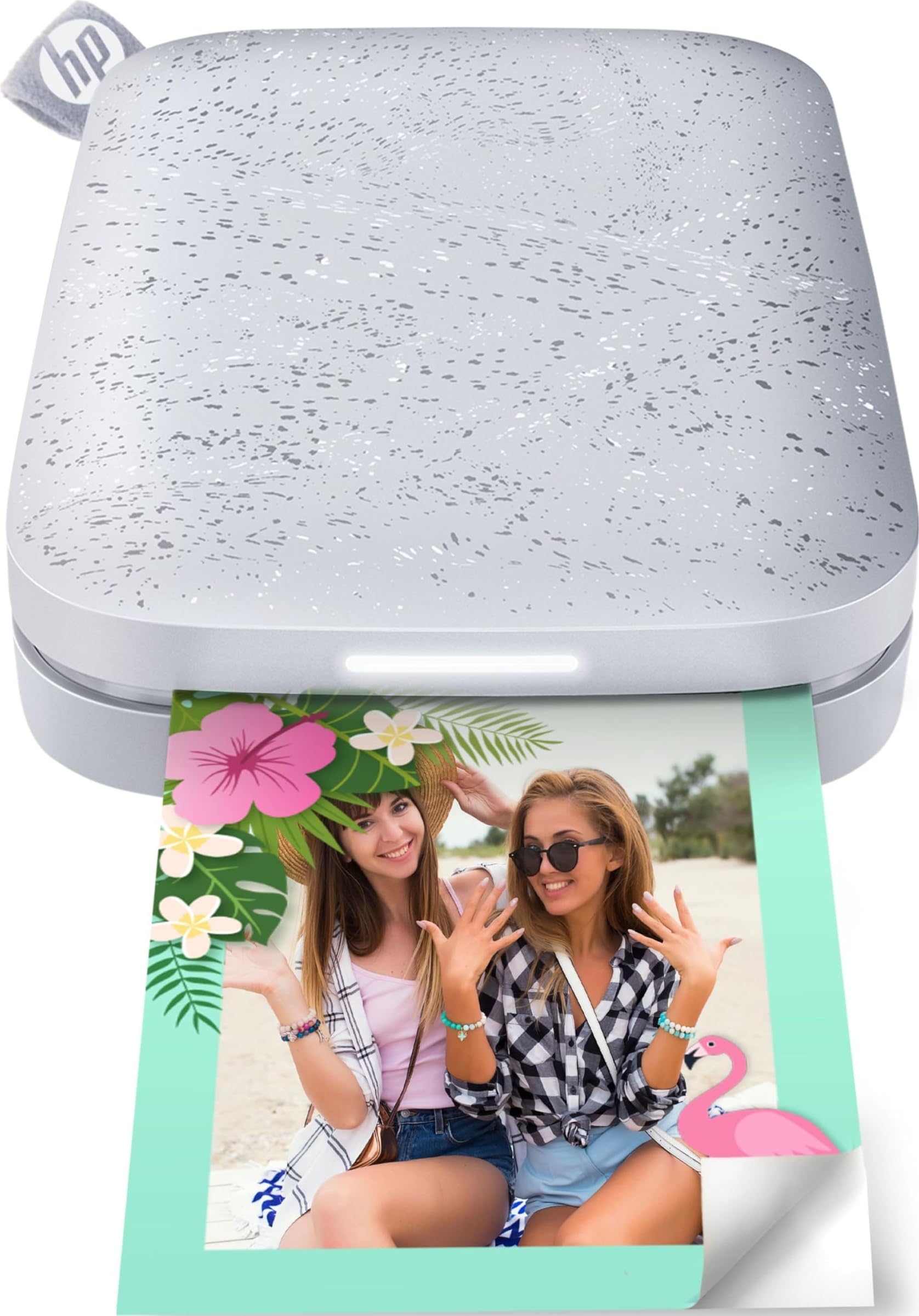
HP Sprocket 2nd Ed

91 /100
Studio Score High Confidence

Key details

Print Size
2x3 sticky-back
Technology
ZINK
Connectivity
Bluetooth 5.0
Check Price on Amazon

The HP Sprocket turns 2x3 ZINK prints into the easiest thing to share at a table. It does not try to replace the top pick's 4x6 dye-sub output; instead it leans into a pocket-sized sticky-back format. Bluetooth 5.0 pairs cleanly with multiple phones, and the peel-and-stick paper lets each print head straight to a planner page, locker door, or someone's hand. The 2x3 journaling option with the stronger color and app finish is a better fit for craft-focused users, while the Sprocket answers with a more group-friendly workflow.

This is a printer for teens, social groups, and travelers who want a physical print within a minute of taking the photo. The 2x3 size is a deliberate boundary: it is not a 4x6 frameable print, and color-critical photographers should look at a dye-sub model. Unit-to-unit consistency also varies, so a given printer may not last as long as the next one; buying from a seller with a straightforward return policy adds peace of mind.

The app-first workflow is where the Sprocket earns its keep. After a short charge, you pair through the HP Sprocket app, choose a photo, and send the print; the ZINK paper comes out dry with a sticky backing ready to use. Because there are no cartridges, the ongoing consumable is ZINK paper, and the rechargeable battery keeps the printer easy to pack for trips.

Pros

  • Setup is short: charge, pair, and print from the app without drivers.
  • Peel-and-stick 2x3 prints are ready for planners, lockers, and trip journals.
  • The full experience holds up well for casual snapshot printing.

Cons

  • Unit-to-unit consistency varies; some copies may have a shorter service life than the next one.
Our verdict

If your priority is a pocketable way to print sticky 2x3 memories in the moment, the Sprocket fits comfortably; color-critical or frame-ready prints belong with the top pick.

Check Latest Price
4

Best Dual-Size Print Flexibility

Liene Amber M110

89 /100
Studio Score Strong Evidence

Key details

Print Size
4x6 and 3x3
Technology
Dye sublimation
Connectivity
Bluetooth + USB
Check Price on Amazon

The Amber M110 is the dual-tray option among compact photo printers: one tray holds 4x6 glossy sheets and the other holds 3x3 sticker paper, so you can move from a frameable print to a planner sticker without a media swap. Thermal dye-sub technology gives both formats a laminated finish, and color accuracy holds up for skin tones and saturated event photos.

The starter bundle covers 60 4x6 sheets, 20 3x3 stickers, and two cartridges, which softens the premium-priced entry and lets you test both trays before buying more supplies. The footprint stays compact enough for a nightstand or craft cart, so a two-tray printer does not take over the space, and switching between photo and sticker output is quicker than loading paper between jobs.

This is the right fit for a home or small-event setup that wants keepsake 4x6 prints and 3x3 stickers from one device; scrapbookers and table hosts will use both trays more than buyers who print only one size. Phone-first users will settle into the app workflow, and the included USB cable gives laptop users a wired fallback.

Dye-sub prints exit dry, so there is no wet-ink smearing when filling an album or pressing stickers into a planner. That makes the dual-format output feel as tidy as a minilab order.

Pros

  • Twin paper trays let you switch from 4x6 photo to 3x3 sticker with no media swap.
  • Dye-sub prints have a laminated finish with accurate color for skin tones and event photos.
  • Starter kit includes 60 4x6 sheets, 20 3x3 stickers, and two cartridges.
  • Compact footprint suits a nightstand or craft cart without dominating the space.

Cons

  • Dual trays add bulk, so this is a desktop printer rather than a pocket companion.
  • Bluetooth pairing can be finicky, especially with laptops; a USB cable is the steadier wired route.
Our verdict

One printer can serve the 4x6 keepsake stack and the 3x3 sticker sheet without a second device.

Check Latest Price
5

Best Budget Travel Companion

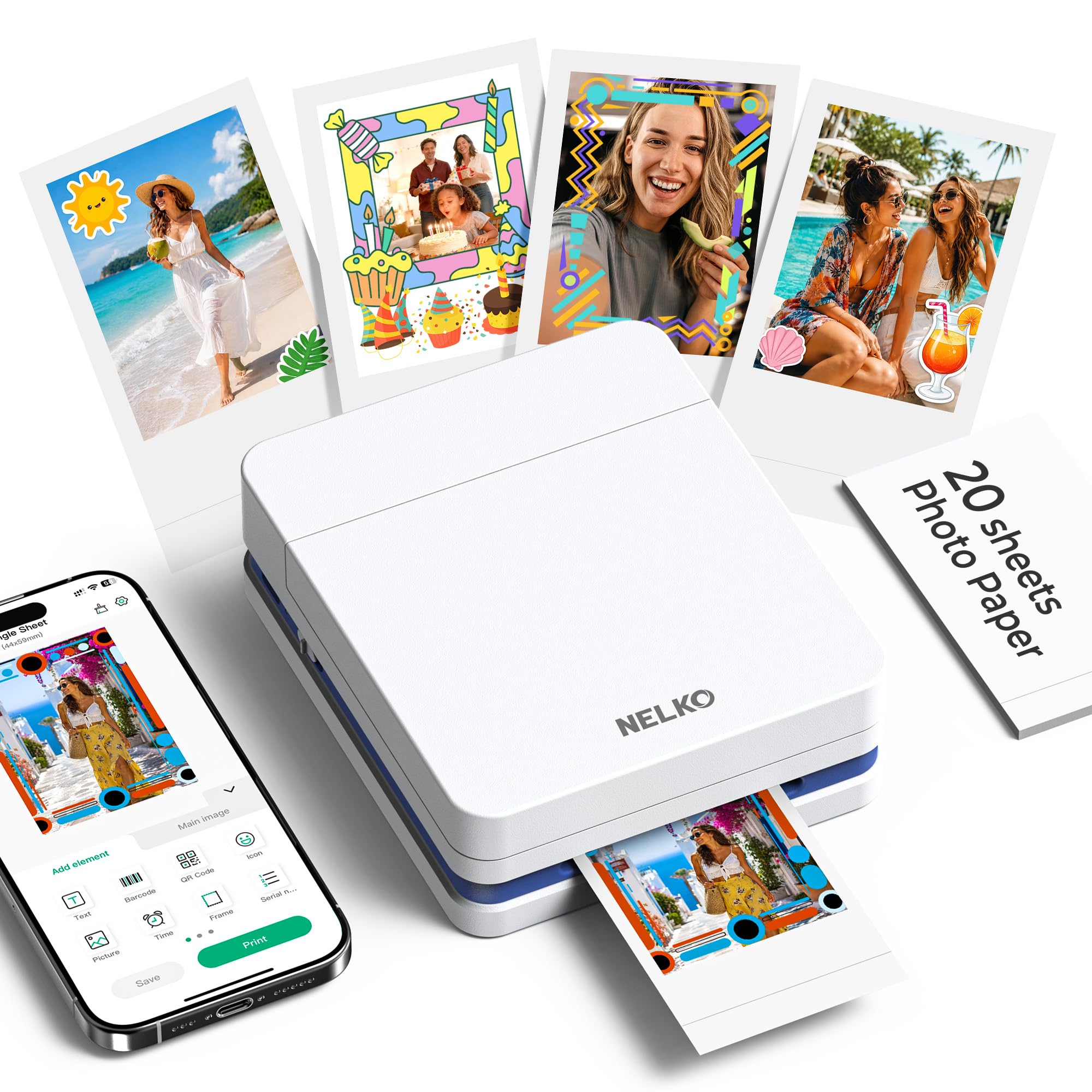
Nelko PP01

85 /100
Studio Score Strong Evidence

Key details

Print Size
2x3 sticky-back
Technology
Inkjet
Connectivity
Bluetooth
Check Price on Amazon

The Nelko PP01 is an ultra-portable 2x3 inkjet sticker printer that makes quality-for-size its strongest pitch. It uses a tiny inkjet engine instead of the zero-ink paper found on the pocket ZINK model in this set, which gives it an edge in crisp text and color saturation for small prints.

At 600 dpi, captions and fine details stay legible in a format where most budget printers go soft. Bluetooth pairs quickly from a phone, and the printer itself is light enough to carry alongside a travel journal or school planner. The included cartridge and 20 sheets cover the first batch without extra setup cost.

This is for travelers, students, journalers, scrapbookers, and DIY crafters who want peel-and-stick prints without stepping up to a larger machine. The inkjet finish lacks the lamination of dye-sub, so anyone who needs that protective coating will want the premium 2x3 sticker model in this lineup instead.

The format boundary is simple: it is a 2x3 sticky-only printer, not a general photo printer. Within that size, it prints with more clarity than the price suggests.

๐Ÿ’ก Keep the bundled 20 sheets for test prints; once you settle on the color settings, stocking up on 2x3 paper and cartridges keeps the workflow smooth.

Pros

  • Print quality is strong for the tiny size, with crisp text and saturated colors in small journal photos.
  • Compact frame is easy to slip into a bag, travel case, or planner cover.
  • Bluetooth pairing is quick for phone-first printing, so there is no cable or card reader to manage.
  • Entry-level price makes it a low-risk first mini printer for casual use.

Cons

  • No 4x6 full-size output, so larger snapshots are outside the scope.
  • Bluetooth-only connection, with no USB or card-slot fallback.
Our verdict

For anyone who lives in the 2x3 sticker format, the Nelko PP01 is a low-cost way to get sharp little prints without hauling a full-size printer.

Check Latest Price
6

Premium Sticker Prints

Liene Pearl N200 Pro

88 /100
Studio Score Strong Evidence

Key details

Print Size
2x3 sticky-back
Technology
Dye sublimation
Connectivity
Bluetooth
Check Price on Amazon

Liene Pearl N200 Pro pairs dye-sub color with a 2x3 sticker format, giving pocket-print fans the best color accuracy among sticker models. The phone app drives the whole workflow: Bluetooth pairing can be inconsistent, and there is no PC or laptop support. That combination makes it a specialized travel-and-party sticker printer rather than a general snapshot machine, which is why broader 4x6 picks rank higher for typical shoppers. If your collection is built around journals, planners, and sticky-back sharing, this delivers premium color in a genuinely portable size.

Pros

  • Dye-sub sticker prints carry richer, more accurate color than typical 2x3 ZINK output.
  • Low per-print cost keeps sticker-heavy party sessions affordable.
  • Compact body packs easily for travel and events.

Cons

  • No PC or laptop connectivity
  • 2x3 sticker output only, so 4x6 prints need a different machine.
Our verdict

If your printing stays phone-based and 2x3 sticky prints are the goal, the Pearl N200 Pro is a color-first choice. Choose a 4x6 dye-sub model for frameable output.

Check Latest Price
7

NFC Convenience

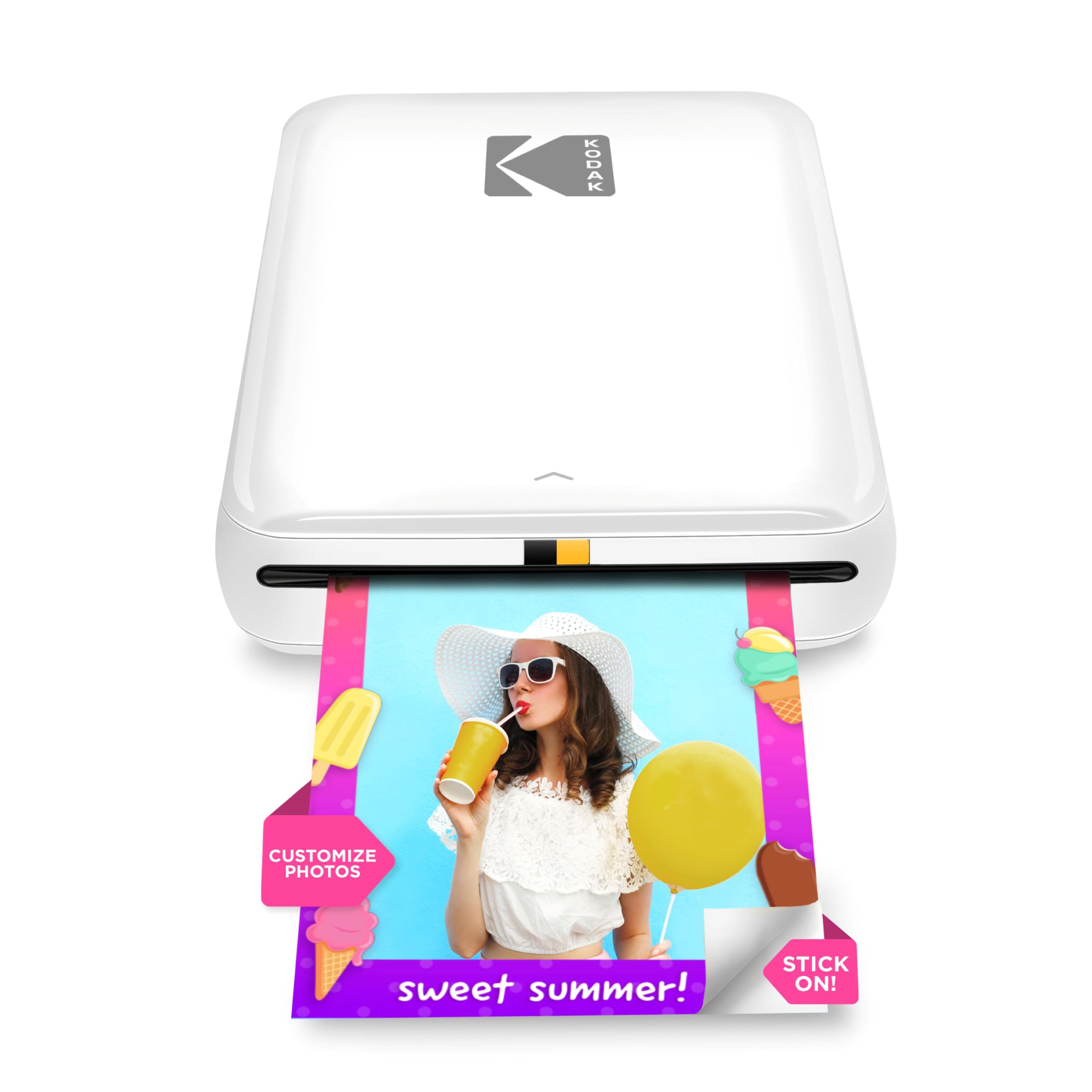
Kodak Step 2x3

89 /100
Studio Score Strong Evidence

Key details

Print Size
2x3
Technology
ZINK
Connectivity
Bluetooth + NFC
Check Price on Amazon

Bluetooth and NFC tap-to-pair give the Kodak Step a faster multi-phone setup than a typical pocket ZINK printer, and the sticky-back 2x3 output suits planners, journals, and casual sharing. The zero-ink ZINK system keeps supplies simple: just paper, no cartridges. As with other ZINK models, color can drift from the phone screen to the print, so this is not the tool for color-critical work. It also stops at 2x3, which puts it out of contention for 4x6 keepsakes. Compared with a credit-card-size 4PASS dye-sub model, the Step's prints are softer and more prone to tint shifts. For quick, casual snapshots that end up on a fridge or in a journal, those limits are easy to absorb.

Pros

  • NFC tap-to-pair lets a second phone connect without digging through Bluetooth menus.
  • Peel-and-stick 2x3 prints drop straight into planners and journals.
  • Cartridge-free ZINK paper keeps the supply chain simple: just paper and a charged battery.

Cons

  • Color can drift from the on-screen preview, so prints may come out warmer, cooler, or darker than expected.
  • Output maxes out at 2x3, so frame-ready 4x6 photos require a different printer.
Our verdict

For casual 2x3 sticky prints where fast phone pairing beats color accuracy, the Kodak Step fits in a bag and delivers on the spot.

Check Latest Price
8

Credit-Card Prints

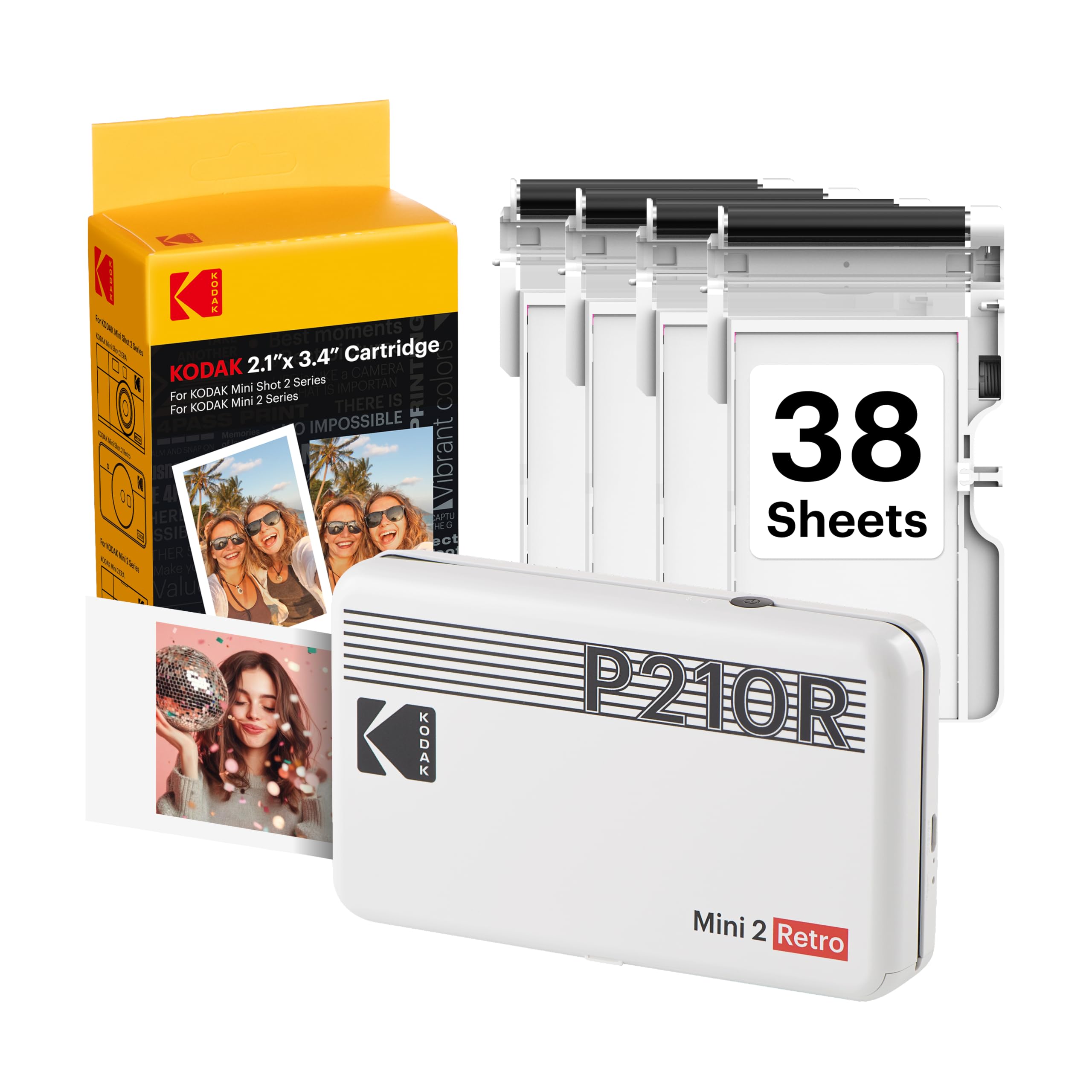
Kodak Mini 2 Retro

84 /100
Studio Score Strong Evidence

Key details

Print Size
2.1x3.4 inches
Technology
4PASS dye-sub
Connectivity
Bluetooth
Check Price on Amazon

The Mini 2 Retro packs a 4PASS dye-sub engine into a compact retro shell, producing credit-card-size prints with a protective laminated finish. That coating sheds water and fingerprints, which makes it a different tool from the ZINK sticky-back model in this set.

Cartridge jams can waste a ribbon and photo-paper set, and Bluetooth pairing sometimes needs a retry before the phone connects. That makes it a tool for occasional snapshot sessions rather than high-volume printing; the pocketable size and laminated finish keep it attractive for on-the-go keepsakes.

Pros

  • Credit-card-size prints come out laminated, with water and fingerprint resistance.
  • Powering on and printing is simple for occasional use.

Cons

  • Some prints can look blurry or grainy on photos with fine detail.
  • A unit can stop printing after a limited amount of use, so durability varies between individual printers.
Our verdict

Pick the Mini 2 Retro when laminated credit-card-size snapshots matter and printing stays occasional; the 4x6 top pick in this set is the better route for regular volume.

Check Latest Price

How to Choose

Print Size: 2x3 vs 4x6

Choose output size first because the format is not flexible. A 2x3 printer cannot print 4x6; tray, ribbon, and print head are built around one size. Most buyer regret traces back to this split: stick a 2x3 print in a journal, but put a 4x6 in a frame.

Dye-Sub vs ZINK

Dye-sublimation embeds dye into a laminated layer, giving water-resistant, neutral-tone prints. ZINK zero-ink paper holds dye crystals inside the sheet and reveals them with heat; no ribbon, but the color layer is thinner and prone to warm or blue casts. For craft output either works; for portraits, dye-sub holds up better.

Connectivity and Apps

Every portable printer uses a phone app, so connection stability is part of print quality. Bluetooth pairs directly but can drop when other devices interfere; Wi-Fi hotspot modes are steadier for large files but need the printer's own network. Pick the style you will tolerate at your desk or on the road.

Paper and Cartridge Costs

The purchase price is a fraction of the long-term cost. Dye-sub ribbon cartridges and paper packs are paired, and a jam can waste both. ZINK avoids ribbons but still carries a per-sheet cost that surprises first-time buyers. Compare starter-bundle contents to gauge the real per-print price.

Portability and Power

Pocket-size 2x3 printers run on rechargeable batteries and print about 25 photos per charge. 4x6 dye-sub units are desktop devices that need AC power unless an optional battery pack is added. A full-day shoot needs more than a single charge, so match power to where you actually print.

Frequently Asked Questions