12 Best Microphone for iPhone in 2026: USB-C vs Lightning Made Simple

Find the right wireless mic for your iPhone's connector, whether you shoot interviews, vlogs, or travel content.

Most 'iPhone compatible' microphones fail before you record a single word. The reason is the port on your phone, not the mic itself. Lightning iPhones need a receiver that speaks Lightning, and USB-C iPhones need one that speaks USB-C. A kit that includes one adapter often leaves the other half of iPhone owners without sound.

This guide sorts out the connector confusion and then focuses on what actually matters once audio gets into your phone: wireless stability, battery longevity, noise handling, and whether you need a backup recording inside the transmitter. Interviewers and vloggers can avoid lost takes with internal recording, while casual creators can save money by skipping it.

The trade-off in this category is simple. A tiny, featherweight mic is easier to wear but has a shorter battery and fewer backup options. A bulkier kit with a charging case and internal storage is more forgiving during long shoots. Match the system to your phone's port and your production style, and the rest of the decision becomes much clearer.

1

Best Overall

Hollyland Lark M2

95 /100
Studio Score High Confidence

Key details

Battery Life
40h with case
Wireless Range
300m
Connector Support
Lightning, USB-C, camera
Internal Recording
None
Check Price on Amazon

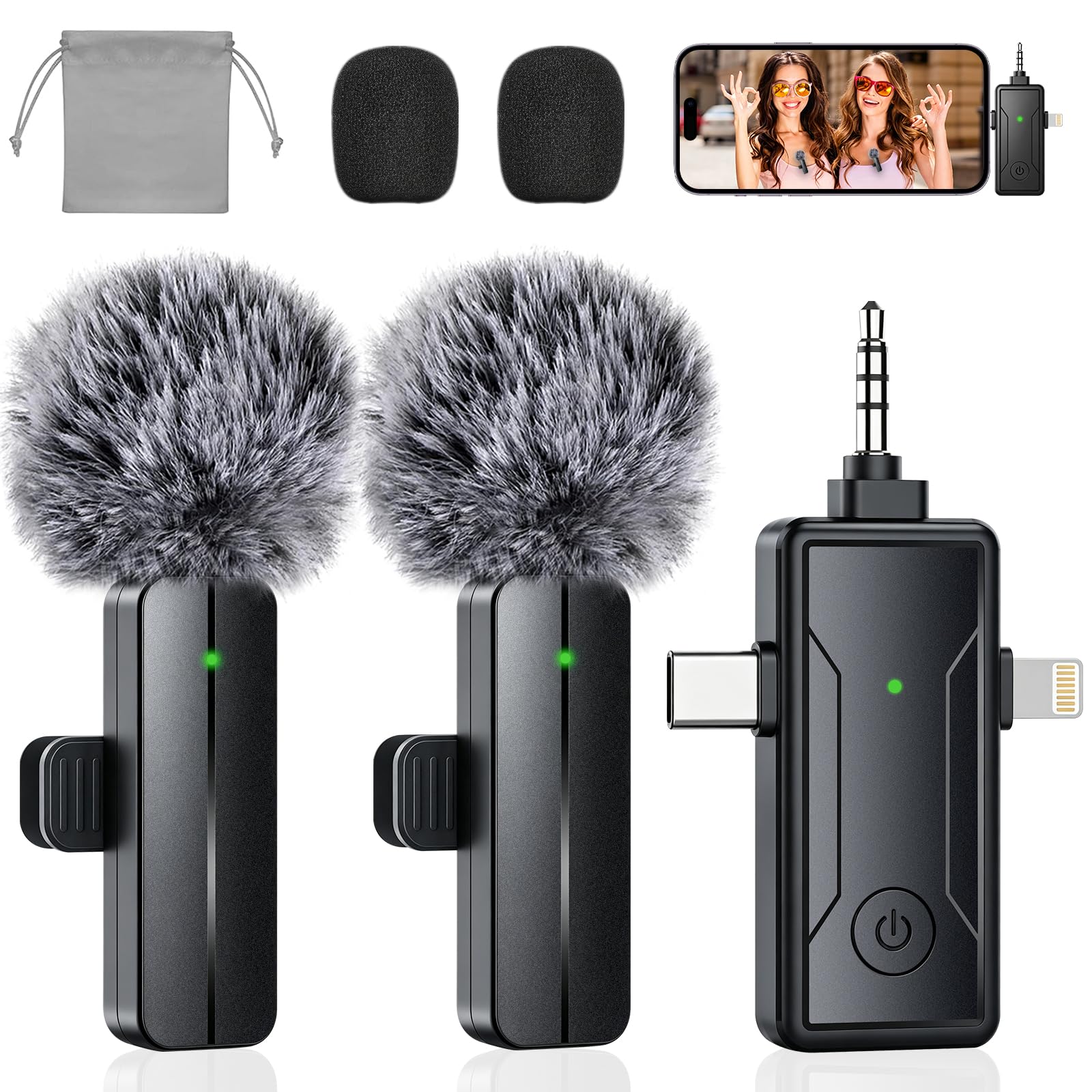
The Lark M2's three-receiver design removes the connector guessing game from mobile audio. The box includes Lightning, USB-C, and camera receivers, so the same two transmitters work with older iPhones, current Android phones, and mirrorless cameras without extra adapters. Audio quality holds up at 48kHz/24-bit with a 70dB signal-to-noise ratio; voices stay crisp and background noise stays low. Mono/stereo switching and one-touch noise cancellation cover the two recording setups interviewers actually use. This is the rare kit in this price class that doesn't force a port choice up front.

The transmitters arrive pre-paired, so setup is close to plug-and-play. The 300m line-of-sight range leaves room to roam on outdoor shoots, and the charging case holds the whole kit in one pocket-ready package. The three receivers are small enough to leave on the mics or stash in a pocket.

This kit suits iPhone-first creators who also record on Android or cameras and want one package that follows them across devices. The tradeoff is wireless-only capture: no internal recording backup, so a dropped signal means the take is gone. Creators who need a safety-net recorder should look elsewhere; anyone who can live with wireless-only gets a single kit for every port.

Pros

  • Three receivers cover Lightning, USB-C, and camera inputs, so one kit handles any iPhone and a mirrorless camera.
  • Audio stays clean at 48kHz/24-bit with minimal background noise; voices hold up in interviews.
  • Transmitters are pre-paired and the receiver is recognized immediately, so setup takes minutes.

Cons

  • Buyers who want a large physical receiver with an OLED control panel won't find that here; the receivers are compact and pocket-friendly.
  • The 40-hour battery case trails the 48-hour case on the main USB-C-only alternative in this set.
Our verdict

For creators who need one wireless kit that moves between an iPhone, Android, and a camera, the M2 is the complete answer in this price range. It covers every port a mobile creator is likely to encounter.

Check Latest Price
2

Best USB-C iPhone / DJI Ecosystem Value

DJI Mic Mini

95 /100
Studio Score High Confidence

Key details

Battery Life
48h with case
Wireless Range
400m
Connector Support
USB-C, Bluetooth
Internal Recording
None
Check Price on Amazon

Ten-gram transmitters make this the easiest wireless kit to forget on a collar, and the charging case stretches runtime to 48 hours. Audio is clear and loud, and two-level noise cancellation keeps wind and background hiss under control. Pairing is fast with USB-C iPhones and DJI cameras via OsmoAudio.

This is the right kit for USB-C iPhone owners and DJI ecosystem shooters who want featherweight mics and long battery life. Older iPhone users with Lightning connectors need a separate adapter, and creators who require internal recording backup should look at the 32-bit float model instead.

Pros

  • Clear, loud audio for interviews and vlogs, with effective background noise control.
  • 10-gram transmitters are easy to forget on a collar.
  • Charging case stretches battery life to a full 48 hours.

Cons

  • Pairing with non-DJI devices can be inconsistent; OsmoAudio offers a direct connection.
Our verdict

For USB-C iPhone creators, the DJI Mic Mini pairs directly with OsmoAudio devices and keeps transmitters light enough to forget.

Check Latest Price
3

Best for Backup Recording

DJI Mic 2

93 /100
Studio Score High Confidence

Key details

Battery Life
18h with case
Wireless Range
250m
Connector Support
Lightning, USB-C
Internal Recording
32-bit float
Check Price on Amazon

For iPhone-led interviews, each transmitter records 32-bit float internally, so a clipped or dropped wireless signal can be recovered from the transmitter's storage. The included USB-C and Lightning adapters make it plug-and-play with current and older iPhones, and the charging case stretches runtime across a full day of shooting.

Creators who cannot afford to lose a take are the right audience. Bluetooth pairing can be finicky, and the premium price is hard to justify without needing backup recording; iPhone-first shooters who don't need that safety net can save money with the slimmer option in this set.

Pros

  • Solid, clear voice capture for interviews and long-form videos.
  • Plug-and-play with included USB-C and Lightning adapters.
  • Charging case extends runtime to a full day of shooting.

Cons

  • In breezy outdoor conditions, noise cancellation and wind dampening can underwhelm
Our verdict

The 32-bit float backup makes this the kit to carry when a take cannot be repeated.

Check Latest Price
4

Best Plug-And-Play for USB-C iPhones

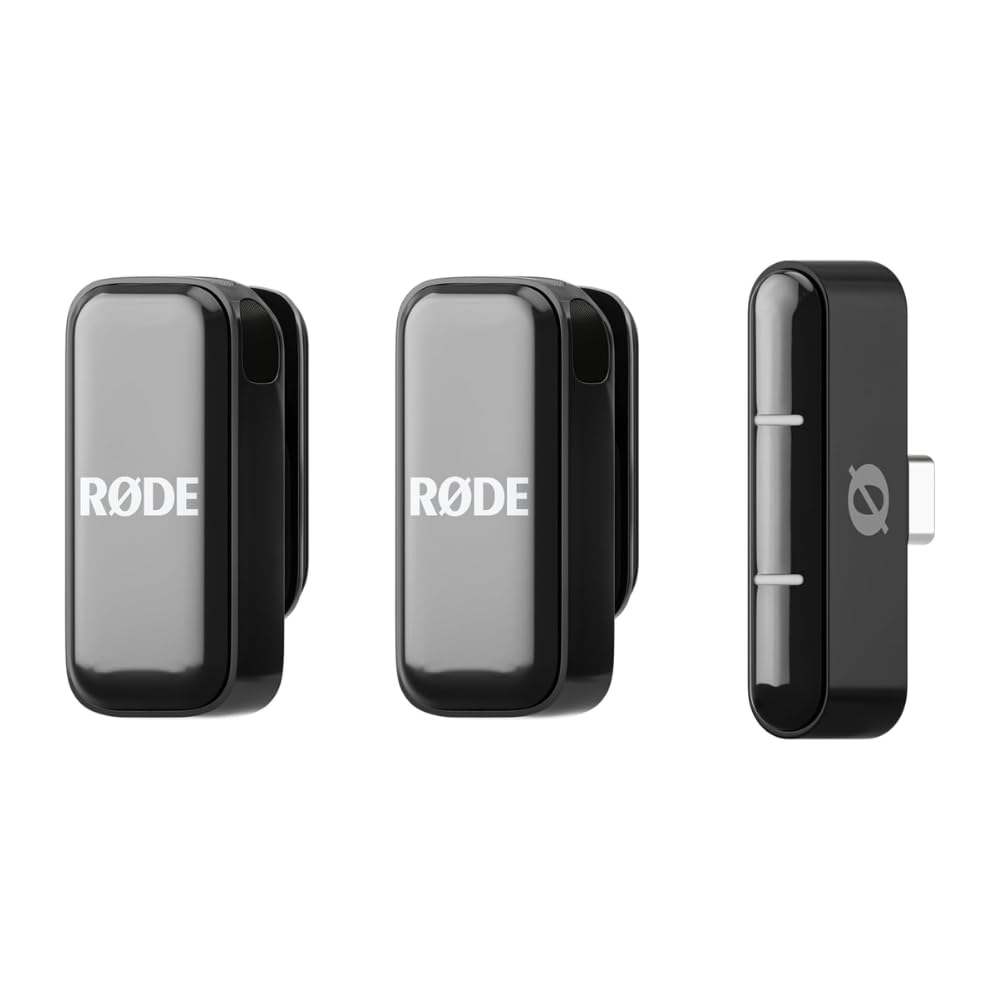
RØDE Wireless Micro

90 /100
Studio Score High Confidence

Key details

Battery Life
18h with case
Wireless Range
Connector Support
USB-C only
Internal Recording
None
Check Price on Amazon

The RØDE Wireless Micro is the simplest wireless audio setup for current USB-C iPhones: the receiver plugs into the phone and both transmitters pair without an app, cables, or Bluetooth menus. Voice quality matches more expensive lapel systems, and automatic gain keeps levels in line as you move between quiet and loud settings.

This is a USB-C-only workflow: Lightning iPhone owners and camera shooters should look at the universal receiver kits in this roundup. There is no Lightning receiver, no internal recording, and no camera output, so current iPhone users who never leave the phone gain the simplest possible wireless mic for everyday vlogging and mobile journalism.

Pros

  • Plugs into the USB-C port on current iPhones and records immediately
  • Voice capture stays clear enough to rival pricier wireless lapel systems in normal mobile shooting.
  • Compact charging case extends runtime to a full day of mobile work without adding bulk.

Cons

  • Occasional static or echo can surface, so a short test before an important recording is worth the time.
Our verdict

For USB-C iPhone creators who want the least setup between thought and recording, this wireless mic is the one to grab.

Check Latest Price
5

Best Budget Kit with Internal Recording

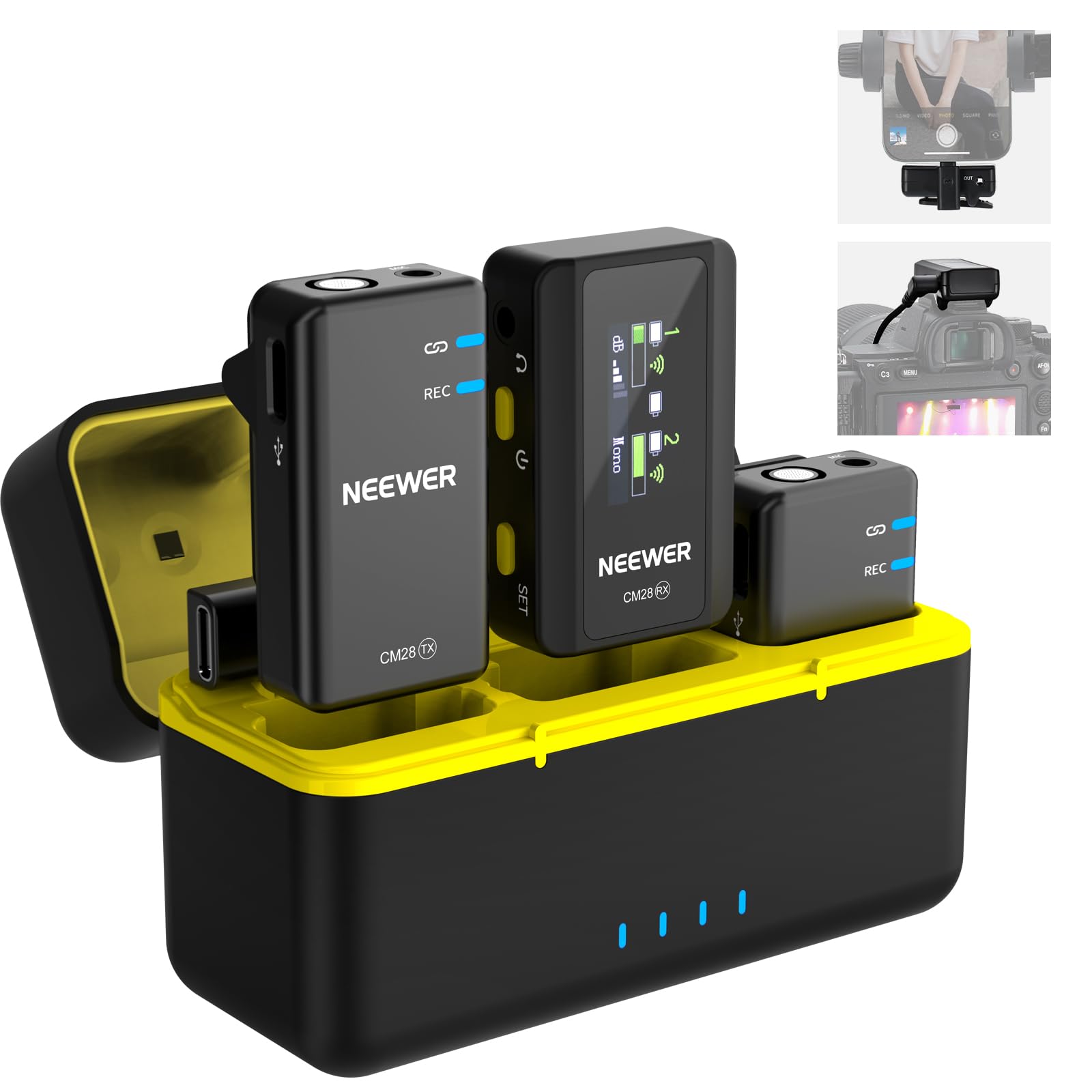
NEEWER CM28

91 /100
Studio Score High Confidence

Key details

Battery Life
9h TX, 8h RX
Wireless Range
200m
Connector Support
USB-C, camera
Internal Recording
4GB per TX
Check Price on Amazon

The NEEWER CM28 adds 4GB of WAV backup recording per transmitter — a safety net rarely found in this price range. If the wireless link drops or the receiver picks up interference, the take still survives on the transmitter. That places it ahead of most phone-first kits in this class, which treat the wireless signal as the only copy.

Budget-conscious vloggers and interviewers using an iPhone or Android get two mics, a charging case, and 9-hour transmitters; anyone needing advanced app control should look elsewhere. The accessory adapters and receiver are the delicate link, and some units may have charging or power-on issues, so this is best for lighter shoots rather than daily hard use.

💡 Store the receiver and adapters in the charging case between shoots; a soft pouch adds extra protection when traveling.

Pros

  • Each transmitter records 4GB of WAV backup audio, so a lost wireless link doesn't lose the take.
  • Clear voice capture for iPhone, Android, and mirrorless cameras from one compact kit.
  • Long battery life with a case that tops up both mics and receiver between sessions.

Cons

  • Accessory adapters and receiver are the delicate link; occasional units may have charging or power-on issues.
Our verdict

Right for entry-level creators who want two wireless mics, a charging case, and recording backup; not the kit for heavy daily field use.

Check Latest Price
6

Best App Control & Voice Presets

MAONO Wave T5

90 /100
Studio Score High Confidence

Key details

Battery Life
30h with case
Wireless Range
300m
Connector Support
USB-C only
Internal Recording
None
Check Price on Amazon

The Wave T5 lets you adjust noise cancellation, choose one of four voice presets, and monitor levels directly in the MAONO app, so a voiceover or interview can be shaped before you start editing. Unlike the simpler no-app USB-C receiver in this set, this kit adds tuning control while keeping the same direct-connect form factor. Capture runs at 48kHz/24-bit, with clear high-fidelity sound for vlogs, podcasts, and interviews.

This is for USB-C iPhone 15/16/17 creators who want app-controlled audio without moving to a multi-receiver universal kit. It is not a Lightning option, and older iPhone owners should look at kits with a Lightning receiver. Receiver or charging-case issues can occur in individual units; the value still holds for creators who buy from a retailer with a simple exchange policy.

Pros

  • App-based noise cancellation and four voice presets let you shape tone before touching post-production.
  • Clear 48kHz/24-bit capture handles voiceovers, interviews, and vlogging without extra gear.
  • USB-C receiver plugs straight into iPhone 15/16/17 with no pairing needed.

Cons

  • Charging case battery can be depleted on arrival, making the first session shorter than expected.
  • Receiver units can become unresponsive, leaving you unable to record until it is replaced.
Our verdict

The Wave T5 fits creators who want app-adjustable sound and voice presets from a compact receiver, rather than a bare plug-and-play setup.

Check Latest Price
7

First-Time Creators

Mini Mic Pro

88 /100
Studio Score Strong Evidence

Key details

Battery Life
6h per charge
Wireless Range
Connector Support
Lightning, USB-C
Internal Recording
None
Check Price on Amazon

The Mini Mic Pro bundles two transmitters with USB-C and Lightning adapters at an entry-level price, giving first-time iPhone creators a low-cost way to try dual-mic recording. Audio clarity and charging behavior can vary between units, and Android compatibility is not guaranteed, so it suits casual social video rather than paid projects.

Pros

  • Two transmitters with USB-C and Lightning adapters make this a low-cost entry point for dual-mic phone recording.
  • Built-in noise reduction cleans up background chatter for casual phone recordings.

Cons

  • In paid interview settings, audio can sound choppy or muffled on certain units.
Our verdict

For first-time iPhone creators on a tight budget, this dual-mic kit suits casual social video, provided you check audio quality on your own phone before any paid work.

Check Latest Price
8

Budget USB-C Creators

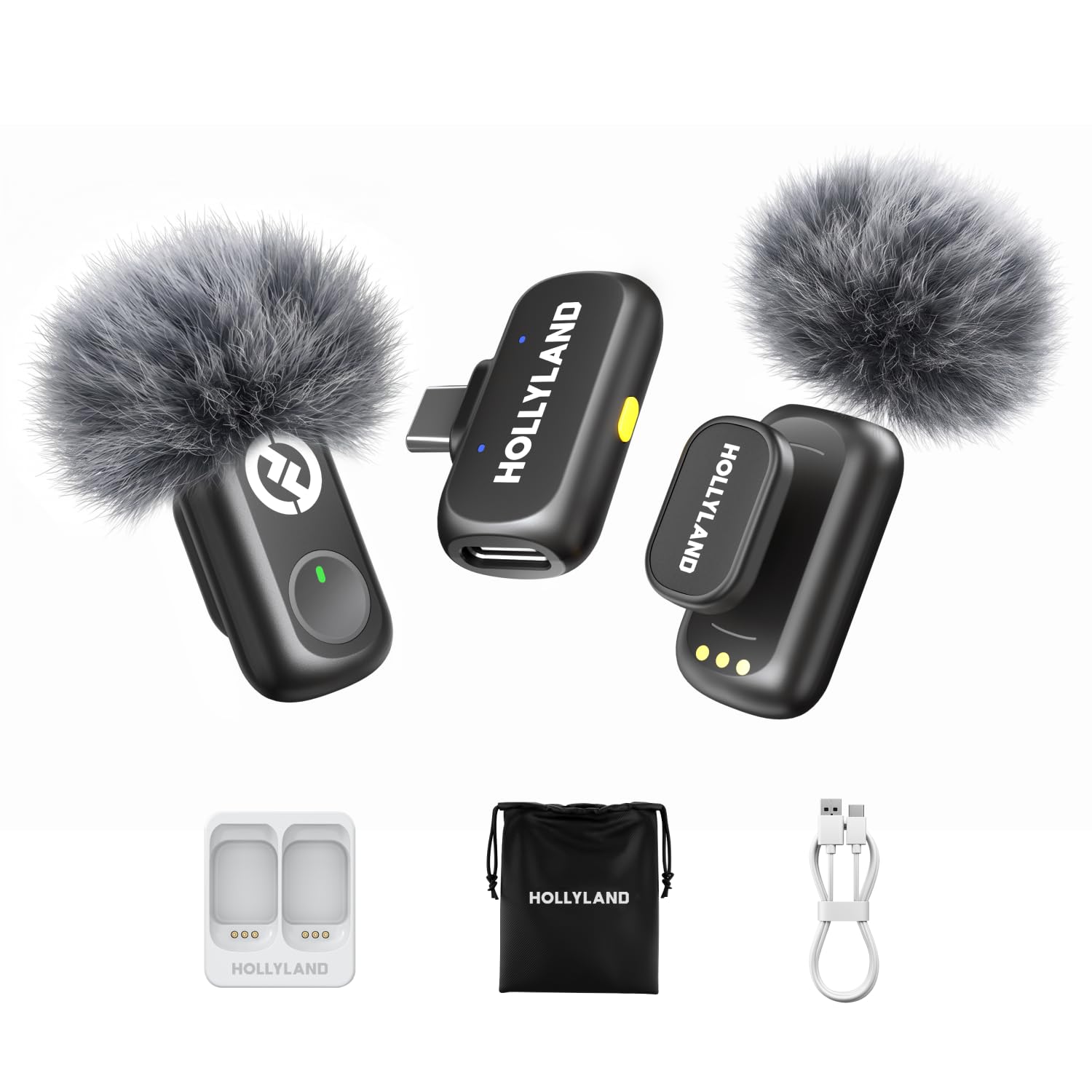
Hollyland Lark A1

88 /100
Studio Score Strong Evidence

Key details

Battery Life
54h with case
Wireless Range
200m
Connector Support
USB-C only
Internal Recording
None
Check Price on Amazon

Hollyland build quality, magnetic 8g clips, and a 54-hour charging case anchor this budget wireless kit for USB-C phone vloggers. The receiver is USB-C only, so Lightning iPhones are out, and USB-C pairing problems can occur on individual units. It is not the universal three-receiver kit; that belongs to the Lark M2.

Pros

  • 48kHz/24-bit capture delivers crisp voice and the 8g clips sit lightly on fabric.
  • Three-level noise cancellation tames room tone and street ambience.

Cons

  • Charging case can leave some units without power when needed.
Our verdict

Choose this when your iPhone has USB-C and you don't need Lightning or camera output; for mixed-device setups, the universal kit is the better match.

Check Latest Price
9

iPhone Budget Kit

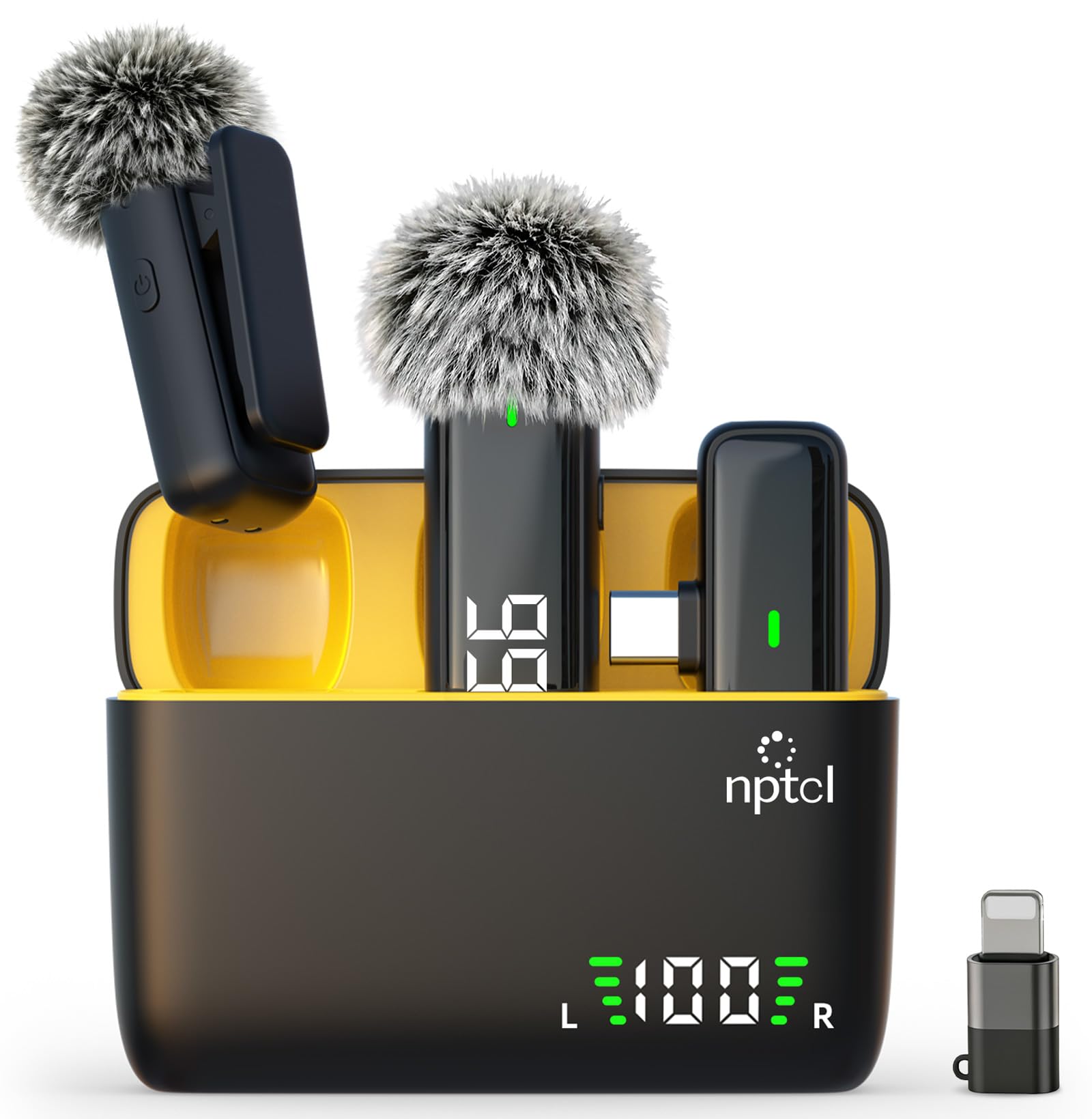
NPTCL Wireless Lav

89 /100
Studio Score Strong Evidence

Key details

Battery Life
24h with case
Wireless Range
21m
Connector Support
Lightning, USB-C
Internal Recording
None
Check Price on Amazon

For iPhone vloggers and interviewers, this dual-mic kit captures clean voice, pairs instantly, and comes with a charging case and Lightning/USB-C adapters. It is not a pro noise-cancellation tool: in loud venues audio can sound static or muffled, and Android compatibility is not guaranteed on every device. Stronger case than cheaper alternatives, but top-tier kits handle noise more consistently.

Pros

  • Clear, clean voice capture for vlogs, interviews, and talking-head videos.
  • iPhone users get instant pairing with either Lightning or USB-C connections.

Cons

  • Noise cancellation can sound static or muffled in loud venues; performance varies between units.
Our verdict

If your recording happens mostly in quiet or controlled spaces, this dual-mic charging-case kit gets you clean iPhone audio without overspending.

Check Latest Price
10

Ultra-Budget Dual-Mic

GoorDik J3 Wireless Lav

87 /100
Studio Score Strong Evidence

Key details

Battery Life
6-12h per TX
Wireless Range
30m
Connector Support
Lightning, USB-C
Internal Recording
None
Check Price on Amazon

Two transmitters, a pocket receiver, and Lightning plus USB-C adapters make this the least expensive way to try wireless lav recording on an iPhone. Sound quality is clean for casual video posts, and setup is plug-and-play. Battery runtime can fall short of the 6-12 hour claim, and some units lose connection after extended use, so it trails more consistent kits.

Pros

  • Delivers clean voice capture for casual phone video.
  • Ships with Lightning, USB-C, and USB-A adapters for broad phone compatibility.

Cons

  • Battery runtime can fall short of the 6-12 hour claim.
Our verdict

For casual iPhone creators who want to test wireless lav audio before committing to a more consistent kit, this low-cost dual-mic setup fits.

Check Latest Price
11

Multi-Device Budget

PGDLOF 3-in-1 Wireless Mic

88 /100
Studio Score Strong Evidence

Key details

Battery Life
7h per TX
Wireless Range
21m
Connector Support
Lightning, USB-C, camera
Internal Recording
None
Check Price on Amazon

One 3-in-1 receiver carries USB-C, Lightning, and 3.5mm outputs, so the same two mics move between a current iPhone, an older iPhone, and a camera. Voice pickup stays clear for interviews and on-the-go video, and setup is fast. The lack of a charging case and occasional pairing hiccups on newer iPhones are why it doesn't rank higher.

Pros

  • One 3-in-1 receiver covers USB-C, Lightning, and 3.5mm camera inputs, so the same two mics move between devices.
  • Clear voice pickup for interviews and web content, with a setup fast enough to use on the go.

Cons

  • Foam windscreen can make voices sound muffled when it sits too far over the mic tip.
Our verdict

This is the budget kit for creators who want one receiver that moves between iPhone, Android, and camera work.

Check Latest Price
12

Budget Interviews

Bulatry 2-Pack Wireless Lav

87 /100
Studio Score Strong Evidence

Key details

Battery Life
6h per TX
Wireless Range
20m
Connector Support
Lightning, USB-C
Internal Recording
None
Check Price on Amazon

Two transmitters, multiple recording modes, and real-time monitoring make this a very affordable dual-mic kit for iPhone interviews. Voice capture is clear for the price. Noise cancellation is limited outdoors, and occasional pairing problems can stop a unit from connecting — enough to keep this below the runner-ups for demanding outdoor shoots.

Pros

  • Two transmitters with multiple recording modes and real-time monitoring at an entry-level price.
  • Clear voice capture for interview and vlog use at this price.

Cons

  • Audio quality can vary between units, so a quick test recording is worth doing.
Our verdict

A useful starting point for casual two-person interviewers who want a low-cost way to test wireless mics before investing more.

Check Latest Price

How to Choose

Connector Support

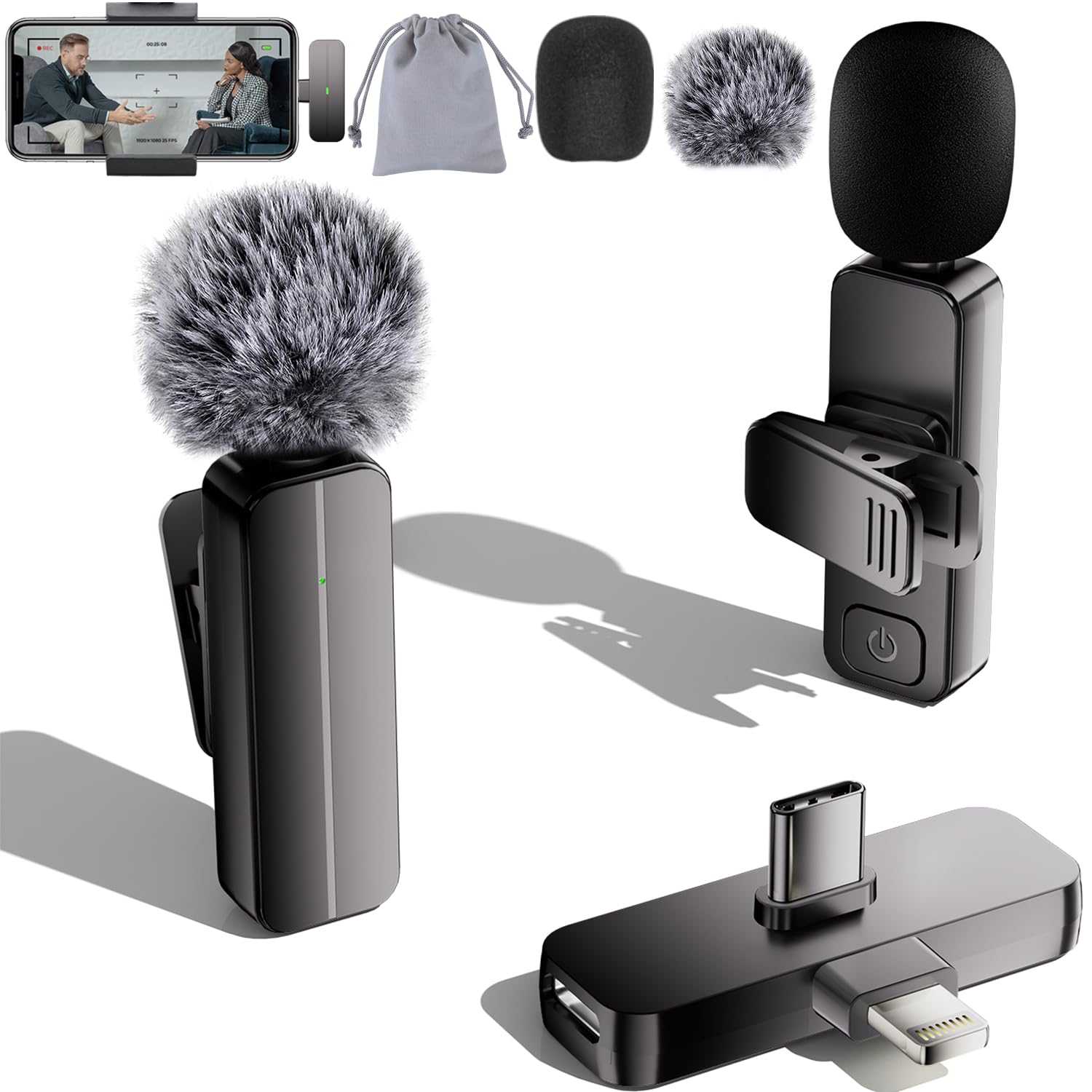
iPhone models with a Lightning port need a receiver that outputs Lightning or ships with a Lightning adapter. Current USB-C iPhone models need a USB-C receiver. The receiver is the bridge between the microphone and the phone's internal audio hardware, so a mismatched connector produces no signal even when the mics pair successfully.

Kits that include both Lightning and USB-C receivers cost a little more but remove the risk of buying a microphone that will not work with your current phone or your next one. If you also shoot with a mirrorless camera, a kit with a 3.5mm or USB-C camera receiver extends the same transmitters across both devices.

Battery Life

A charging case turns a microphone system from a single-shoot tool into an all-day travel kit. Transmitters that last 6 to 10 hours on their own sound adequate, but a full day of interviews, retakes, and travel drain them quickly. The charging case is the hidden factor that separates a system you can leave in a bag for a week from one you need to top up every night.

Battery chemistry also matters: transmitters with tiny batteries degrade faster after repeated charge cycles, so a model with a larger cell and a case will hold its runtime better after a year of regular use.

Wireless Range

Manufacturers advertise range figures from 70 feet to over 1,300 feet, but those numbers assume a clear line of sight. In practice, the body blocks a signal whenever the transmitter is behind the subject, and crowded venues create interference even at close distances.

A stable 200m system usually performs better in real interviews than a system that claims 400m but drops the connection when the subject turns their back. Look for dual-antenna or diversity receivers if you often record in busy public spaces.

Audio Quality and Noise Cancellation

Audio quality starts with the transmitter's microphone capsule and the receiver's analog-to-digital converter. Most modern kits capture clean voice at 48kHz/24-bit, enough for YouTube, podcasts, and broadcast work. The bigger variable is noise cancellation: a one-click digital noise filter reduces room tone but can make voices sound hollow in wind.

Kits with multiple noise-cancellation levels let you pick between a natural voice and aggressive background suppression. For outdoor shoots, a physical windscreen often matters more than any digital processing.

Internal Recording

Internal recording stores a backup audio file on each transmitter. If the wireless signal drops or the receiver clips, you can recover the take from the transmitter's memory. This feature is meaningful for interviews and paid work where a lost sentence ruins the edit.

Budget kits with internal recording usually store uncompressed WAV files on 4GB of storage, while premium kits add 32-bit float recording that prevents clipped audio. If you only record casual vlogs, internal recording adds cost and setup friction you may never need.

Frequently Asked Questions